

Free Ride Intervals in TrainerDay
Free Ride Intervals
Free Ride Intervals in TrainerDay offer a flexible workout option that allows you to extend your training session as needed. ONLY ZWO files support free ride for importing directly into Zwift. If you want to do free ride in our app use slope mode intervals which are essentially the same as free ride because you control your power target with cadence and gearing.
Creating Free Ride Intervals
To create a Free Ride Interval, follow these steps:
- Access the Workout Editor: Open the TrainerDay app and navigate to the workout editor.
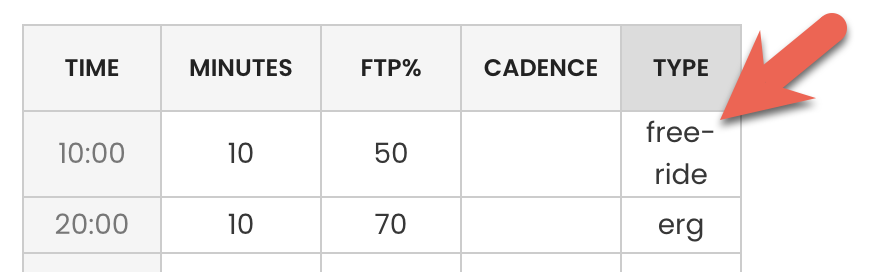
- Add a Free Ride Interval: In the interval type, enter "fr" or "free-ride" to designate the interval as a Free Ride Interval.
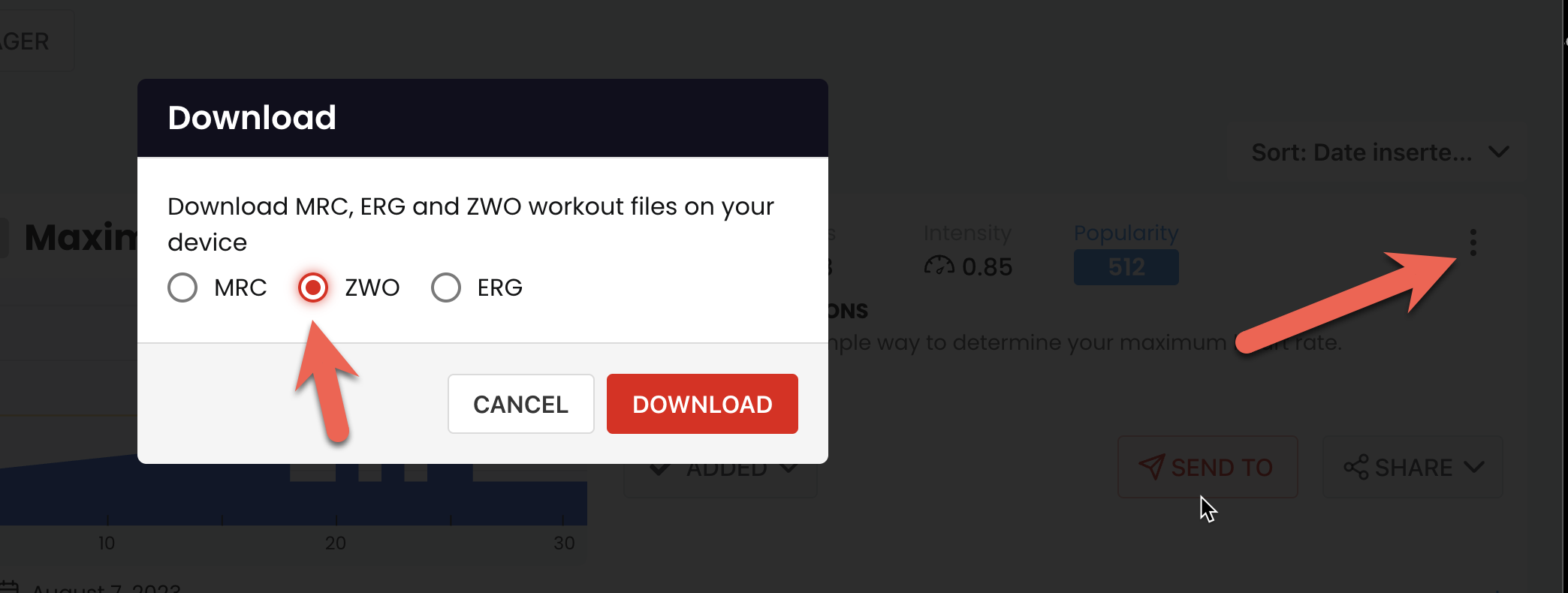
- Download ZWO
- Copy the files to your zwift folder on your computer (google/chatGPT to find where) or sending to intervlasICU should work as well although we have not tested that.