Training Plan Options
Your plan, your way
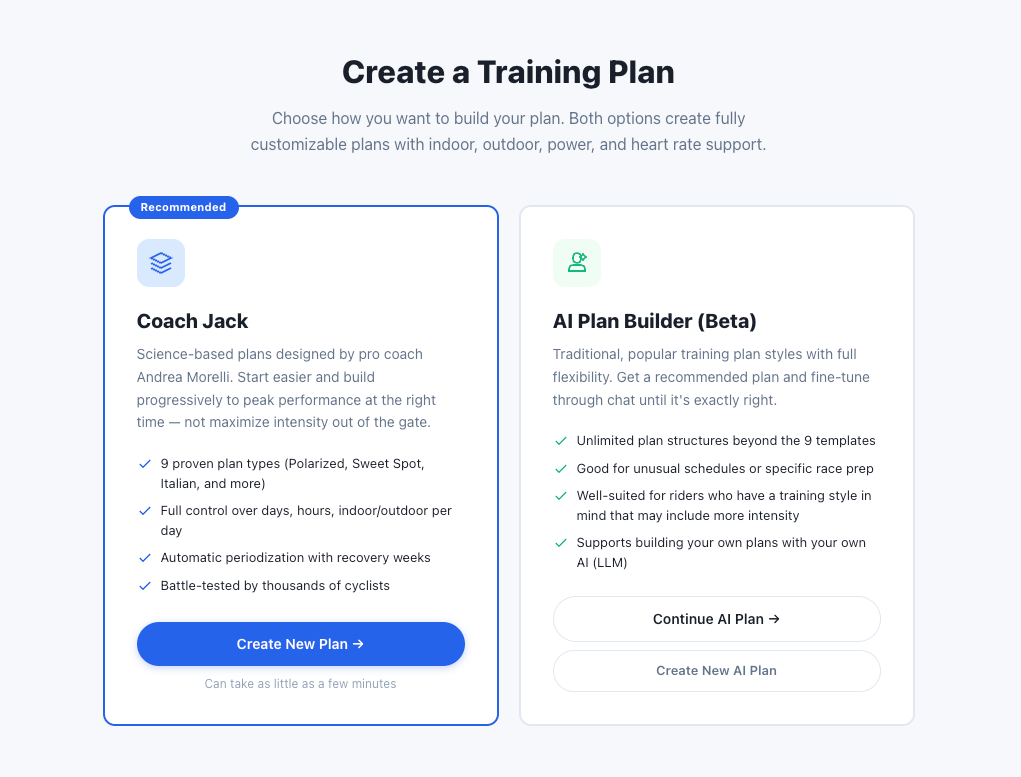
Five ways to land a training plan in TrainerDay. Pick whichever matches how much you want to think about it — from answer-a-questionnaire to build-it-from-scratch.
Every option drops onto the same calendar, and from there today's workout rides the same way everywhere — web, mobile, or desktop.
Coach Jack
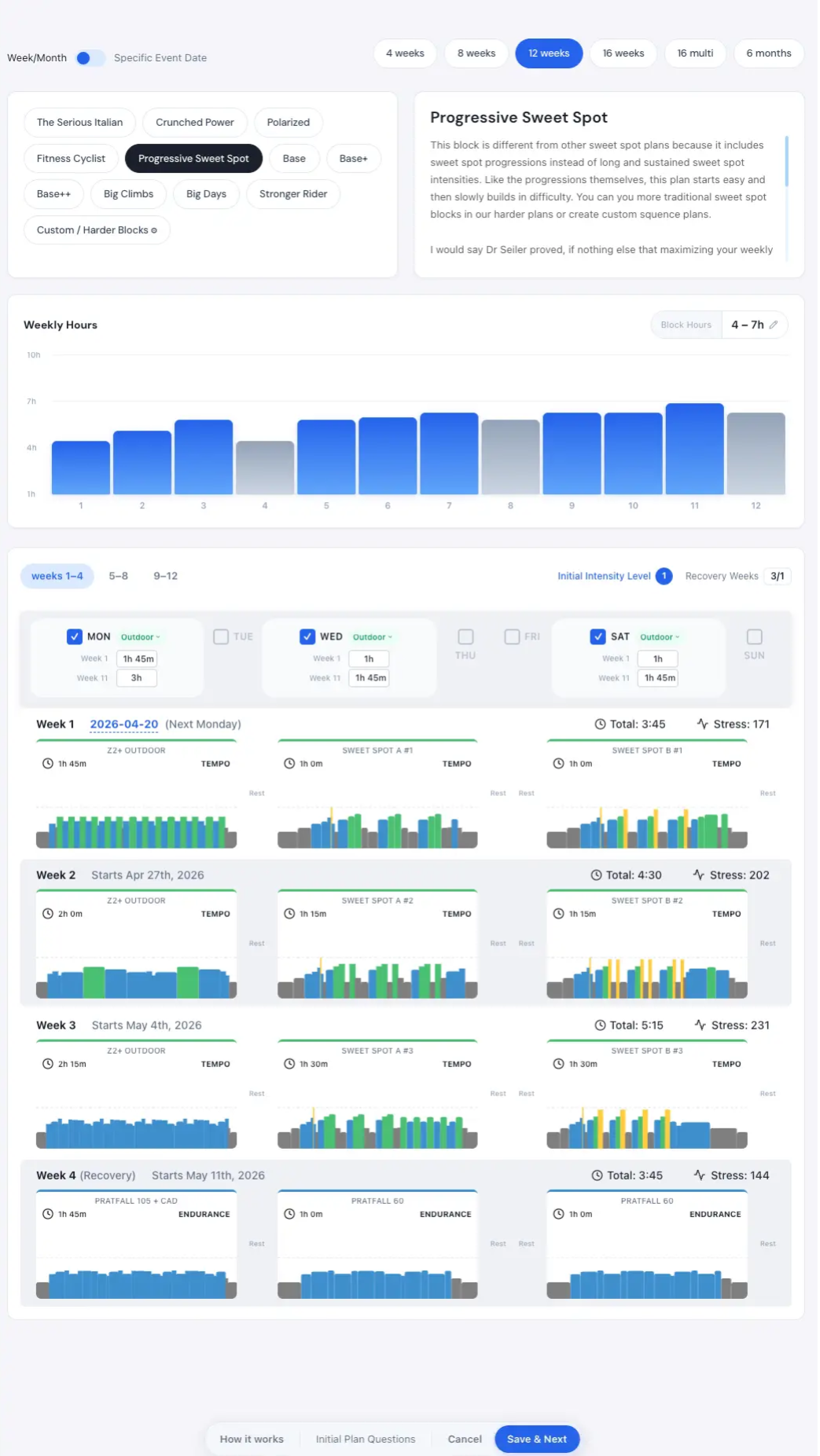
Designed by scientist and pro coach Andrea Morelli. Perfect for beginners and pros alike. Answer a short questionnaire — goal, event date, weekly hours, preferred intensity — and Coach Jack builds you a phase-structured plan — Foundation / Build / Sharpen / Race. Edit any phase, swap any workout, regenerate until the shape is right. Free to try.
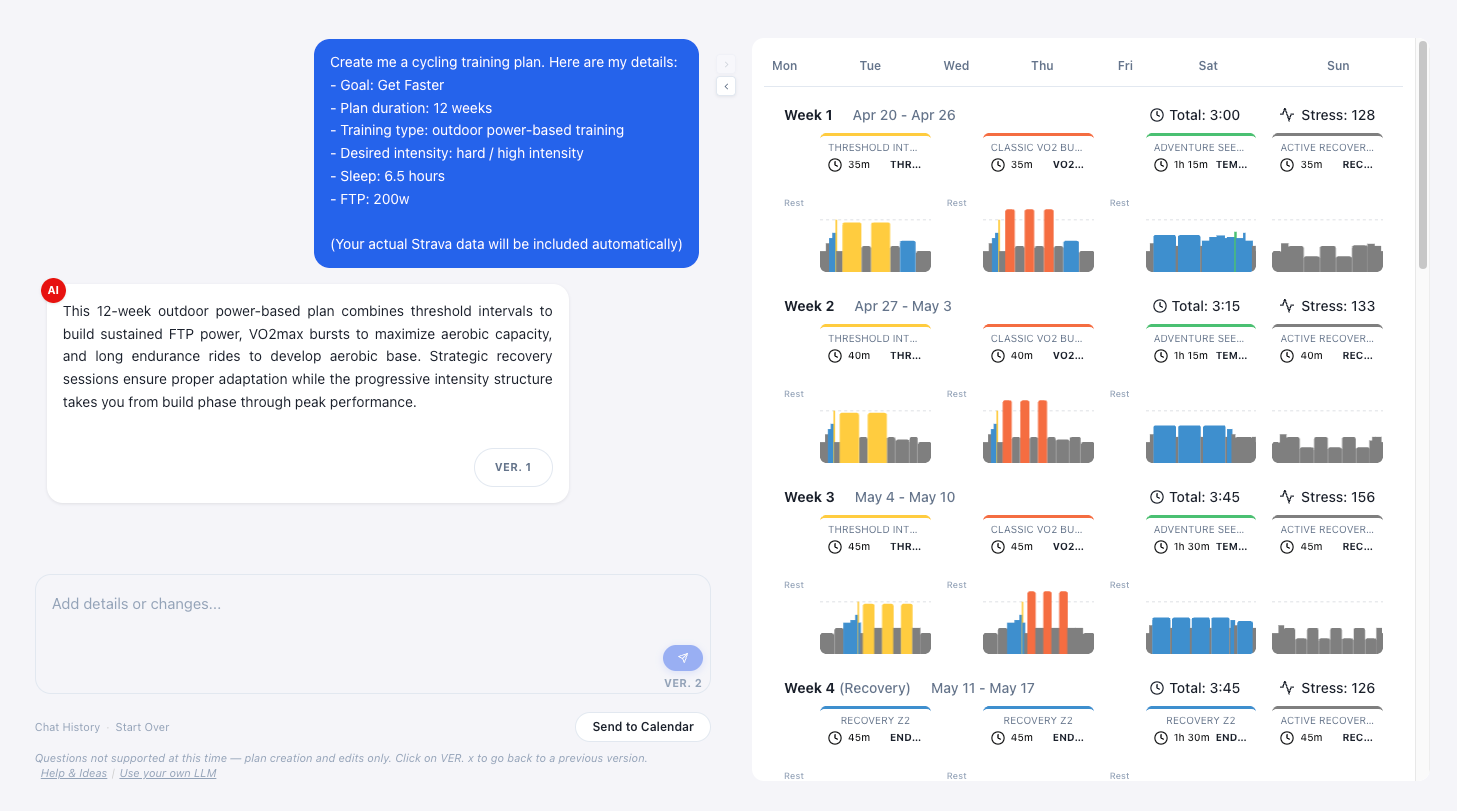
AI Plan Builder
For when you want to shape the plan yourself. Describe what you want in your own words and the AI builds it around your inputs — with guardrails so the output stays training-sound, not the kind of thing an unconstrained chatbot hands you. Best when you already know what you want and want the flexibility to ask for it.
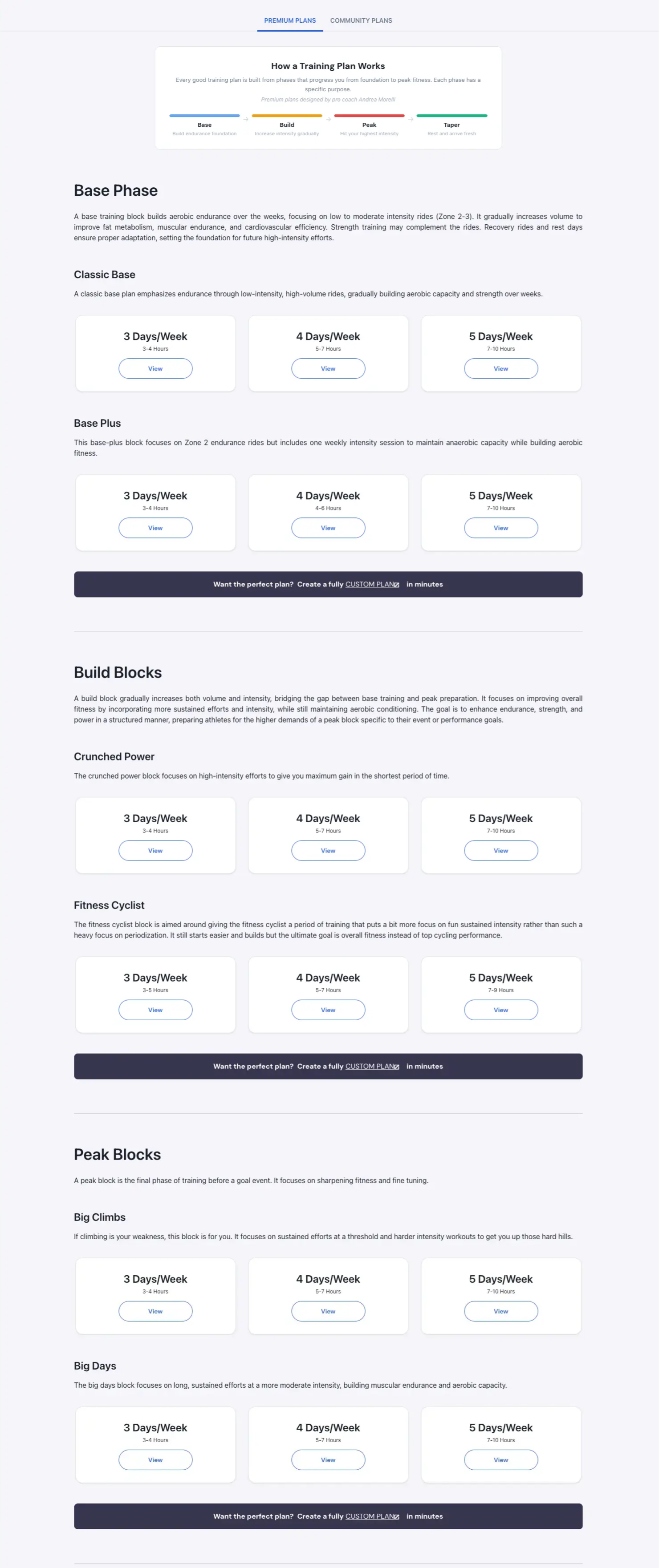
Premium Plans
Prebuilt plans from the Coach Jack Pro builder. We suggest using the builder directly — you'll get a plan tuned to your exact answers — but if you're browsing the library and find one that fits, it's a quick way to get started.
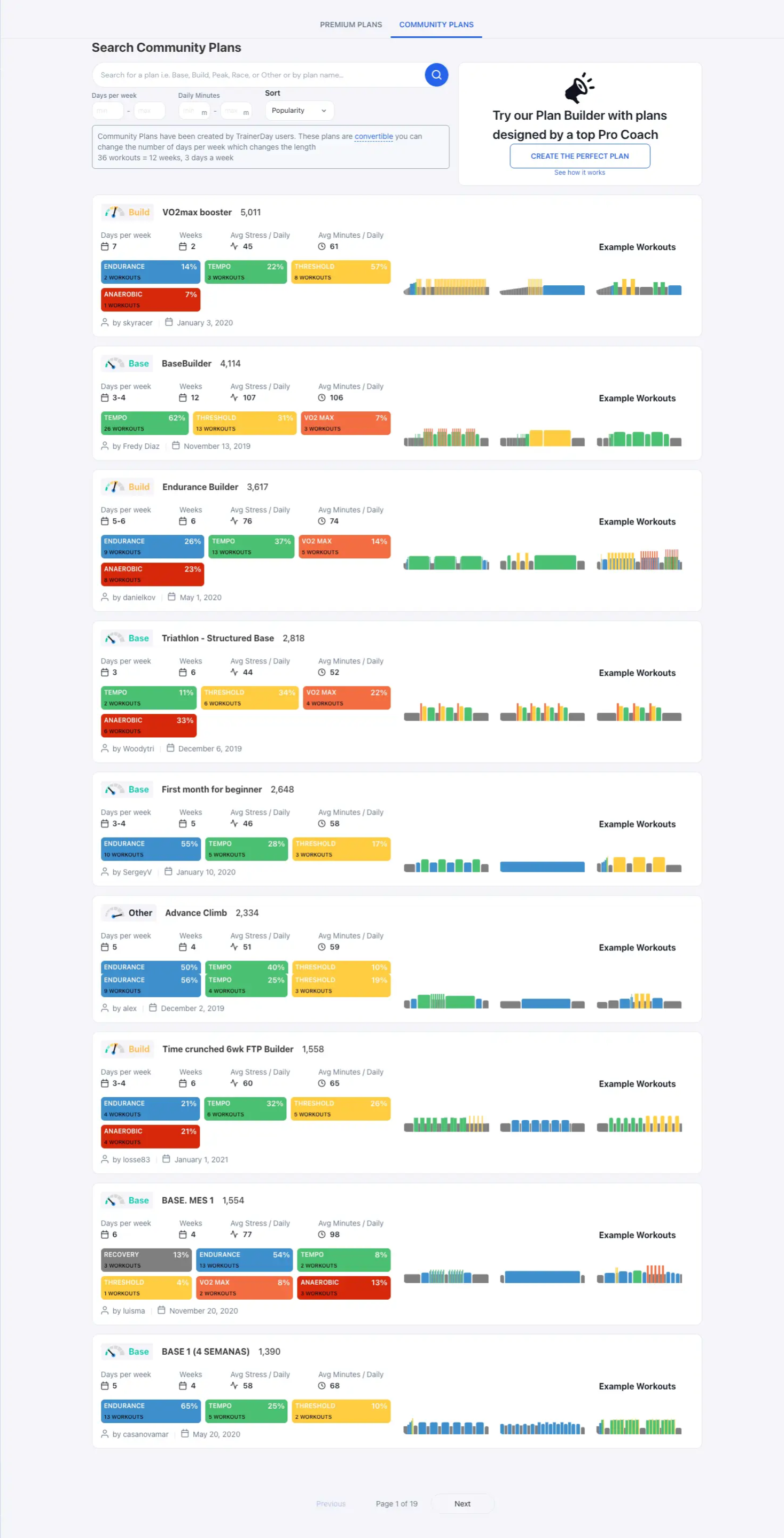
Community Plans (Free)
Plans other riders have built and shared — searchable by duration, hours per week, event type. Free.
Build your own
Start from an empty plan. Go to My Plans to find Create a plan, then drop workouts and custom blocks in yourself. Coach Jack's Custom Block editor lets you structure periodized weeks without the auto-generated scaffolding — full control, still structured.
Once it's on your calendar
Whichever path you pick, today's workout shows up the same way everywhere — in the Today tab and the Planned view, on the web app, mobile, and desktop. Ride it, swap it, skip ahead, merge two together — see Dynamic Workouts for the mid-ride toolkit.