
Tymewear breathing
Connect a Tymewear VitalPro sensor directly and put your breathing rate and minute ventilation on a tile. Each shows its zone on a coloured scale, and you set your own zones in Settings → Expert mode.

Desktop app · Expert mode
The TrainerDay desktop app reads sensors most training apps leave out: Tymewear breathing and CORE body temperature, each with its own zones, next to your power and heart rate. Expert mode also shows your W′ balance as you ride.
Tymewear and CORE support arrived in November 2026 (desktop 2.7.1) and riders are testing it now.
Connect a Tymewear VitalPro sensor directly and put your breathing rate and minute ventilation on a tile. Each shows its zone on a coloured scale, and you set your own zones in Settings → Expert mode.
Connect a CORE sensor directly and see your core temperature and heat strain while you ride, with temperature zones you can set yourself.
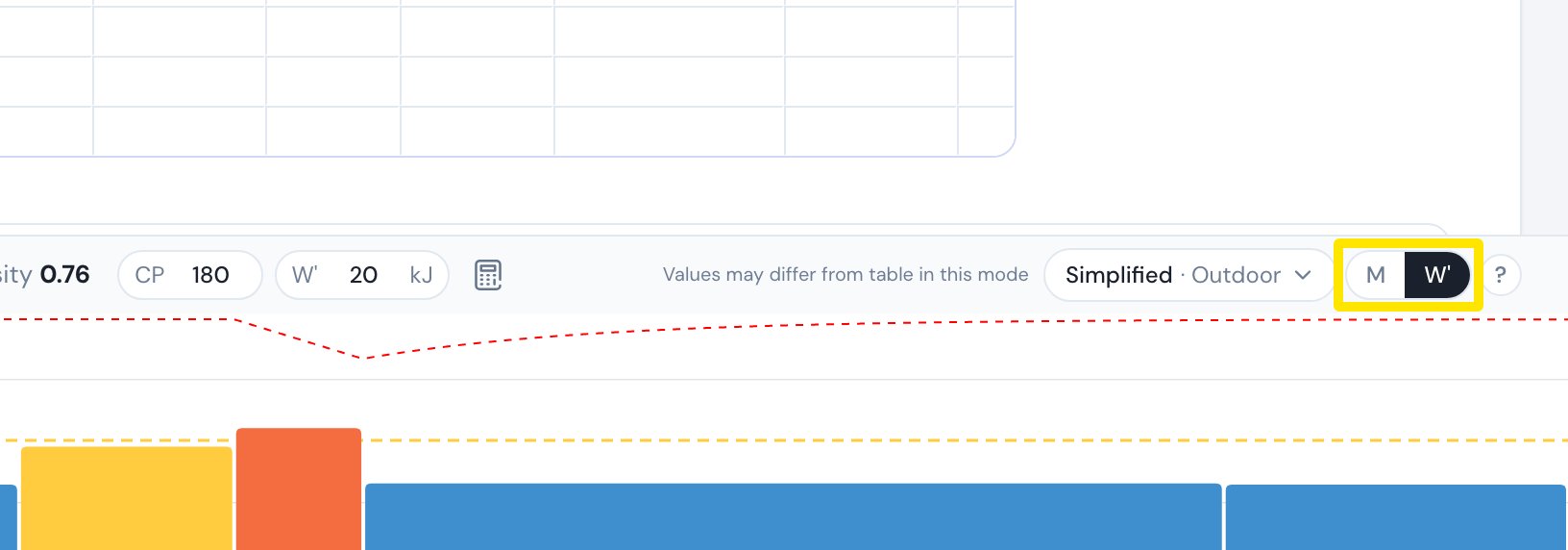
Expert mode shows your W′ balance line on the workout and a live W′ readout while you ride: how much of your anaerobic capacity above critical power is left. Try other CP and W′ values on a workout, and work yours out from two all-out efforts.
Choose what each tile on the training screen shows in Settings → Expert mode → Field editor, and tap a tile to flip it.
TrainerDay reads devices through the Open Fitness Protocol (OFP), an open-source library under the Apache 2.0 licence. A new sensor is added by describing its data, and every app that uses OFP can read it too. Have a sensor you want to see in TrainerDay? Tell us on the forum.
The desktop app for Mac, Windows and Linux. Connect the sensor in Devices, turn on Expert mode in Settings, and put the numbers you want on the training screen.
No. Both sensors connect to the TrainerDay desktop app directly over Bluetooth.
It is new: support arrived in November 2026 and riders are testing it. If a number looks wrong, tell us on the forum and we will fix it.
Probably. Sensors are added through the Open Fitness Protocol by describing the data they send. Post the sensor on the TrainerDay forum.
We build in the open: new features are announced and discussed on the TrainerDay forum first.