
Mac, Windows and Linux
Apple Silicon and Intel Macs, Windows, and Linux: a .deb for Ubuntu, Debian and Mint, or an AppImage for other distributions.

Desktop app
The TrainerDay desktop app puts your workout on the big screen and connects to your trainer over Bluetooth or ANT+.
Apple Silicon and Intel Macs, Windows, and Linux: a .deb for Ubuntu, Debian and Mint, or an AppImage for other distributions.
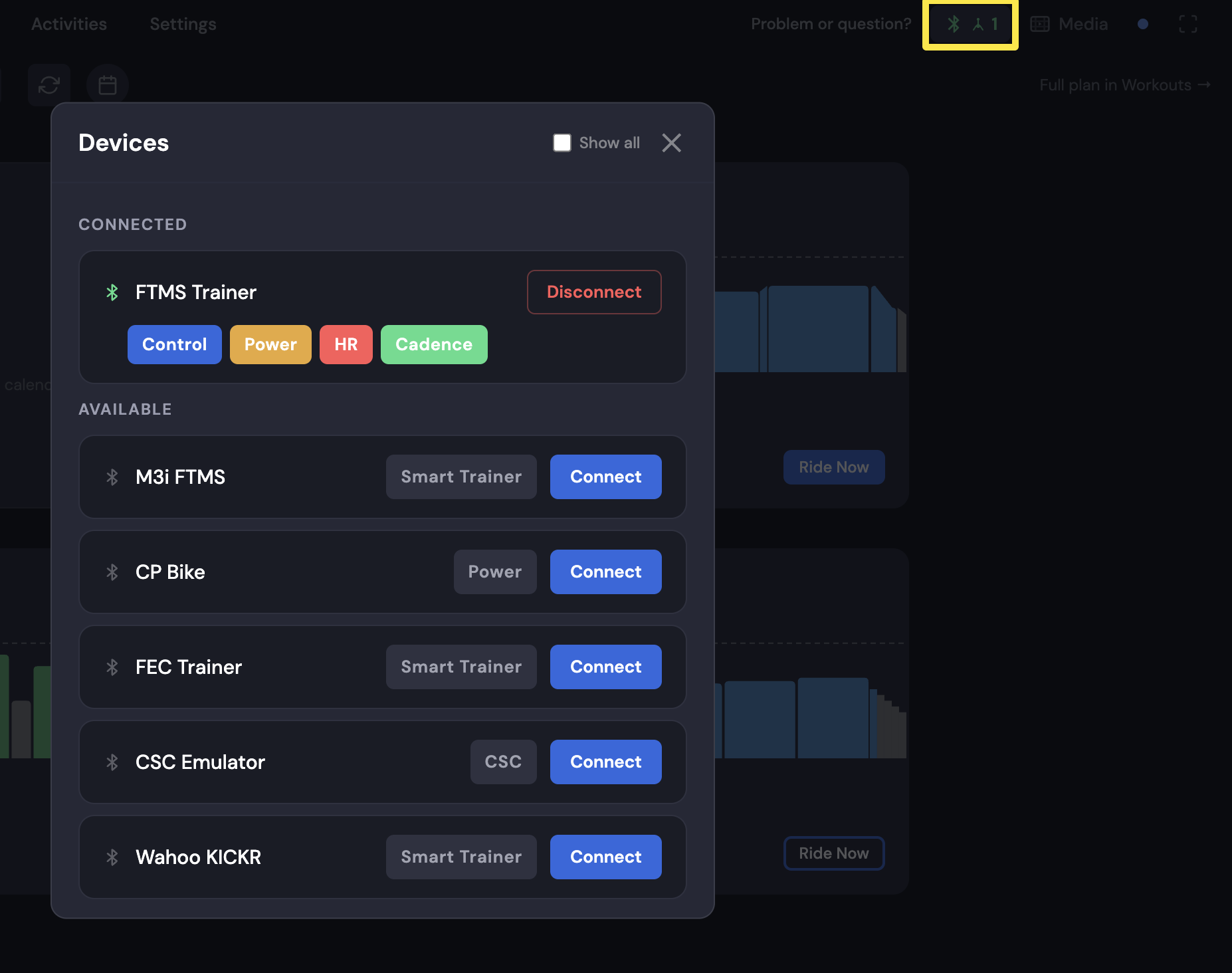
Connect smart trainers, power meters and heart rate monitors over Bluetooth, or over ANT+ with a USB stick on Mac and Windows. The Keiser M3i connects directly, with no bridge.
Watch YouTube, Netflix or Plex full screen and keep a small bar on top with your target, next interval, power, cadence and the workout chart. Press O or use the button at the top right of the training screen.
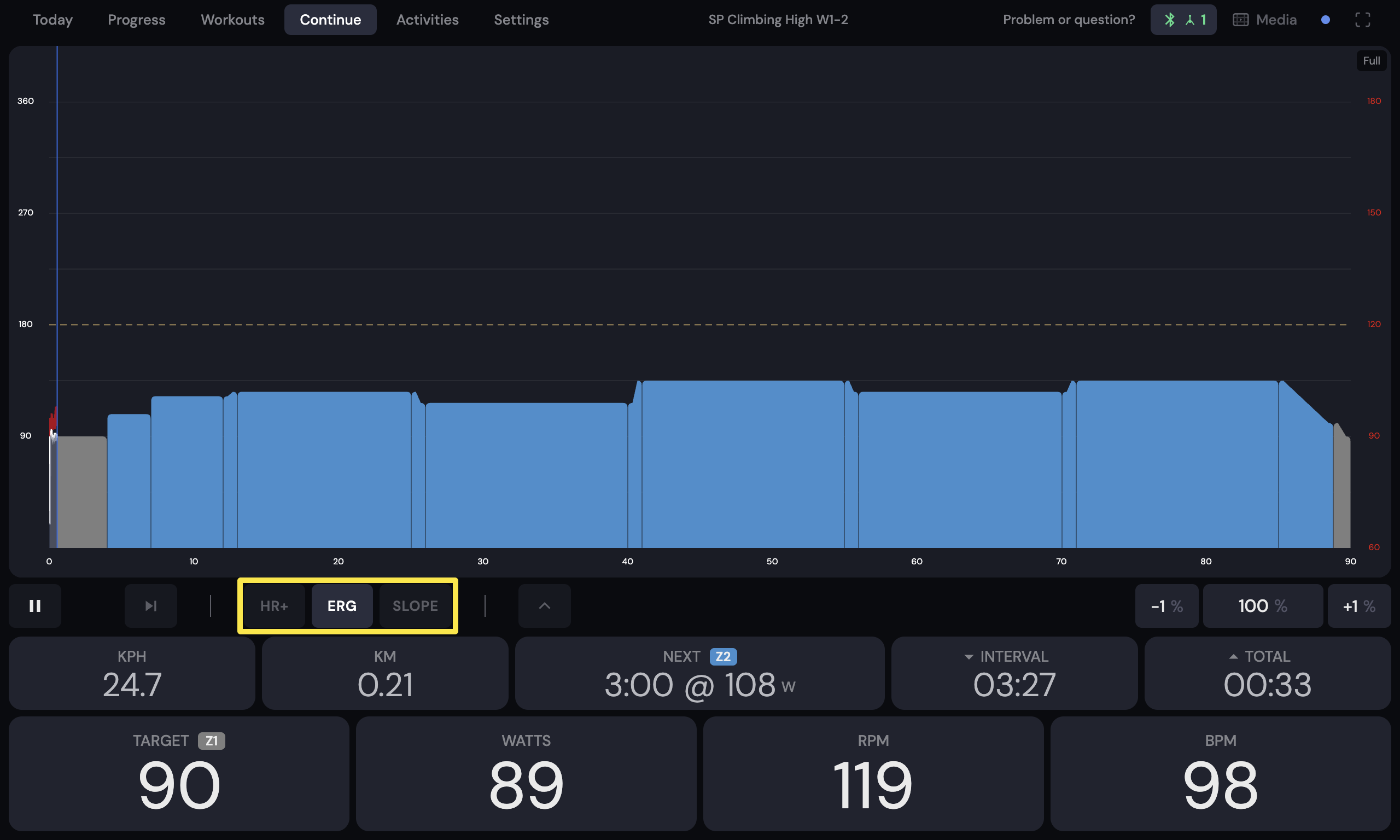
Press ← to ride the previous and the current interval again, or click an interval on the chart and choose Repeat.
Make the workout harder or easier, change mode, pause and skip intervals with a Zwift Click. No extra controller app is needed if the Click has never been paired with Zwift.
Row on a Concept2 with a PM5, with pace per 500 m, stroke rate and metres, or run on a smart treadmill that TrainerDay controls.
W′ balance in real time, your own training screen, and breathing and core temperature sensors.
Yes, with the .deb install. The AppImage finds no Bluetooth devices, and the Linux app runs on x64 only.
Mac and Windows, with a USB ANT+ stick. On Windows, install the WinUSB driver with Zadig first.
No, TrainerDay has no virtual shifting. A Zwift Click makes the workout harder or easier, changes mode, pauses and skips intervals.
We build in the open: new features are announced and discussed on the TrainerDay forum first.