

How do I use a Zwift Click controller with TrainerDay?
Use a Zwift Click in the TrainerDay desktop app during a ride to shift up and down, change mode, start or stop, and skip intervals.
- In the desktop app, open the Today tab and click Ride Now on a workout.
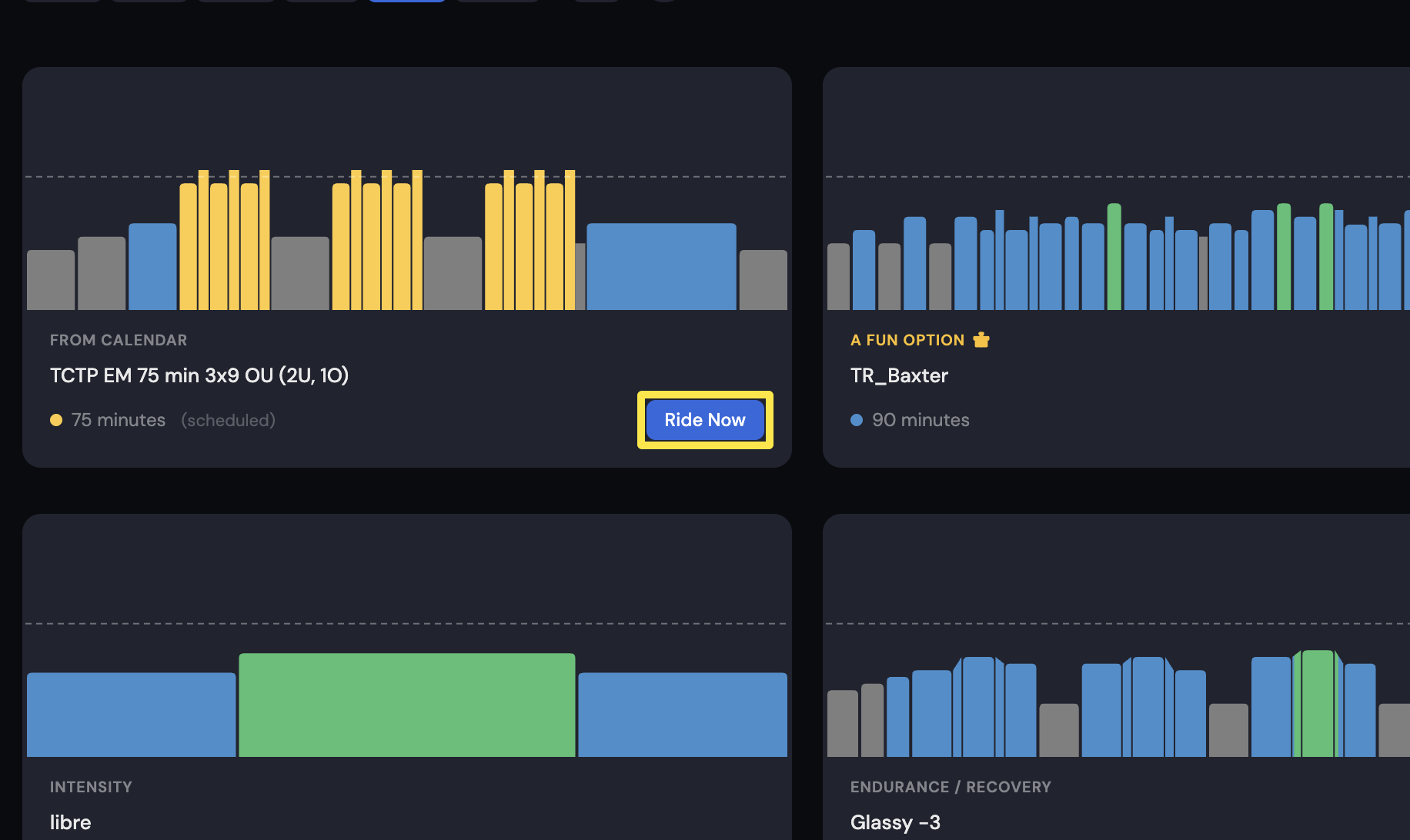 Where: Desktop app · Today tab
- On the workout screen, press the Click button marked + to shift up. Press the minus (or B) button to shift down.
- If your controller has these buttons, A changes the mode (HR+, ERG, SLOPE), Y starts or stops the ride, and Z skips the interval.
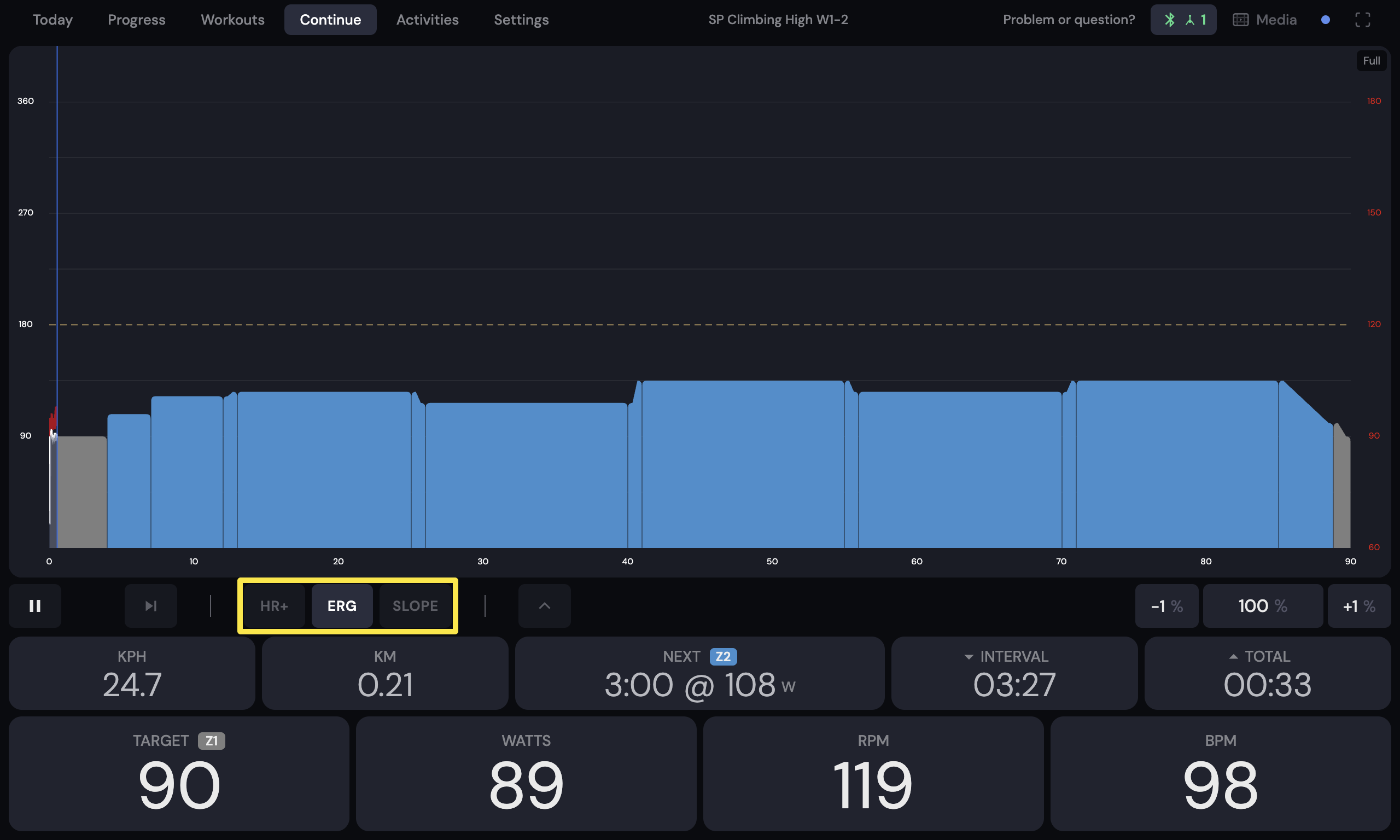 Where: Desktop app · the workout screen during a ride (Today tab → Ride Now)
Good to know: The Click works in TrainerDay on its own, without a third-party controller app, only if it has never been paired to Zwift.
Works on: Desktop app only.