

How do I change gears on the Zwift Ride in TrainerDay?
TrainerDay has no virtual shifting, so the Zwift Ride's gear buttons do nothing in TrainerDay; to make the ride harder or easier, use the mode and -1 % / +1 % buttons on the workout screen instead.
- In the desktop app, open the Today tab and click Ride Now on a workout.
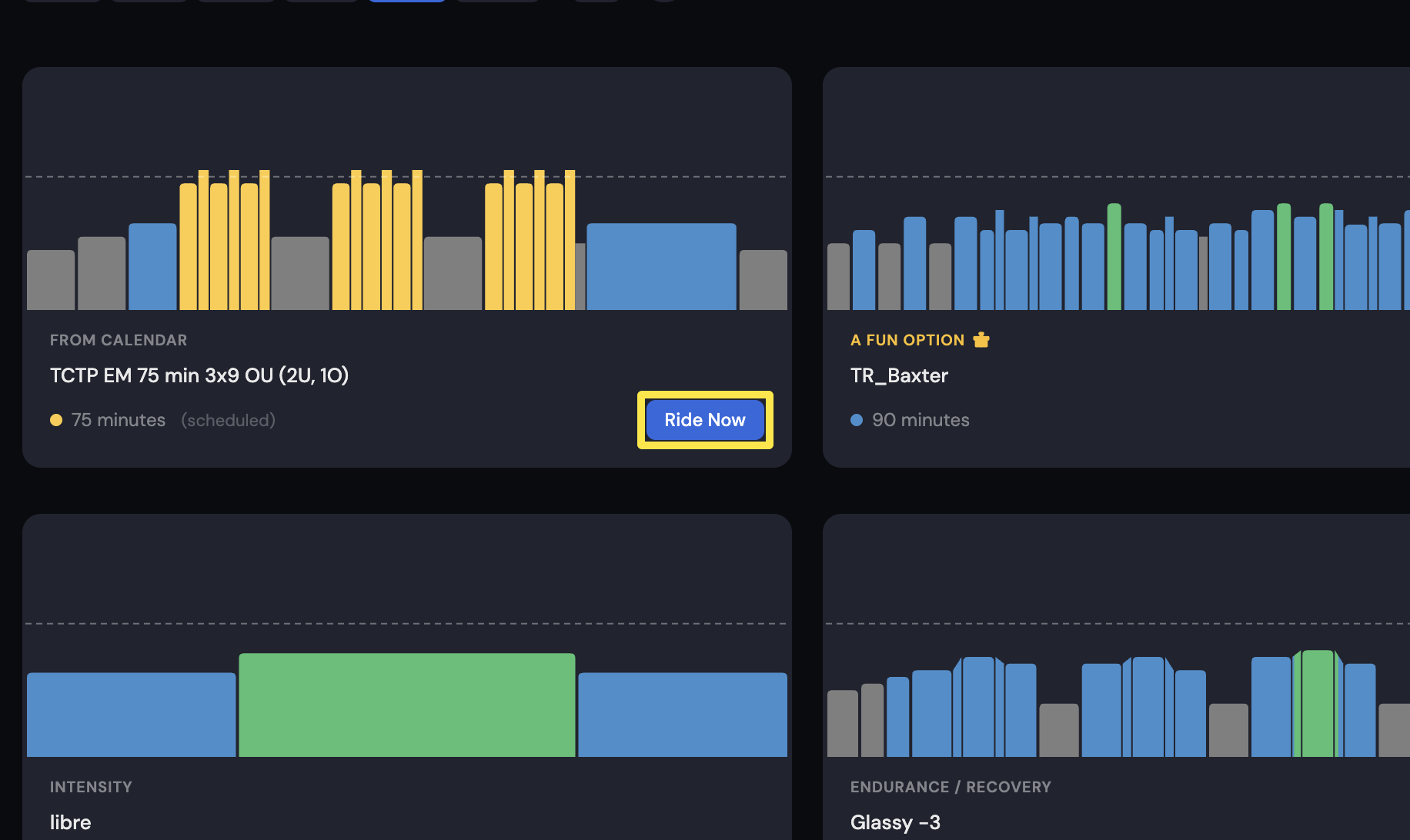 Where: Desktop app · Today tab
- On the workout screen, pick ERG to hold target watts or SLOPE to ride a slope. Pick HR+ to ride to a heart rate target.
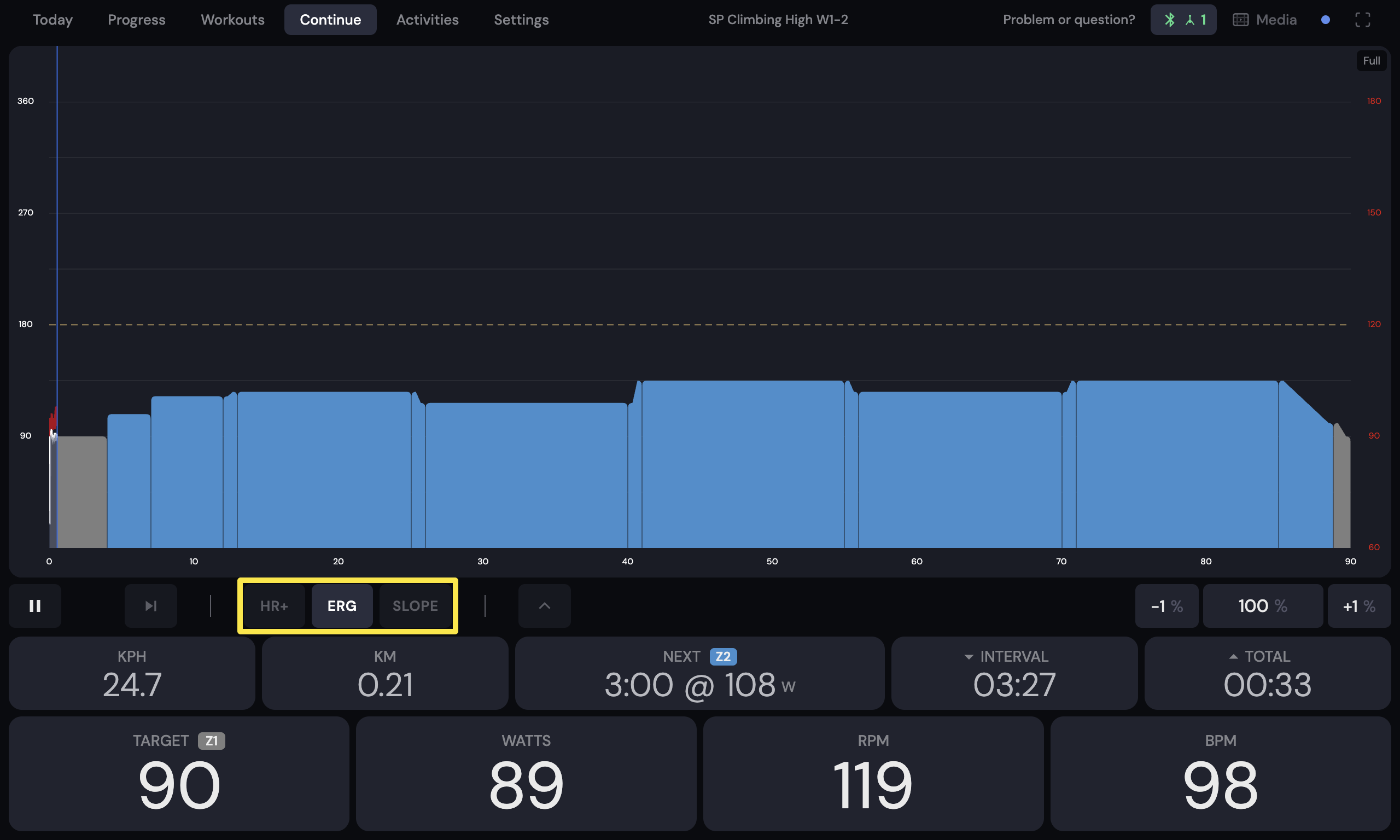 Where: Desktop app · the workout screen during a ride (Today tab → Ride Now)
- Use -1 % and +1 % to make it easier or harder. In SLOPE, they change the slope.
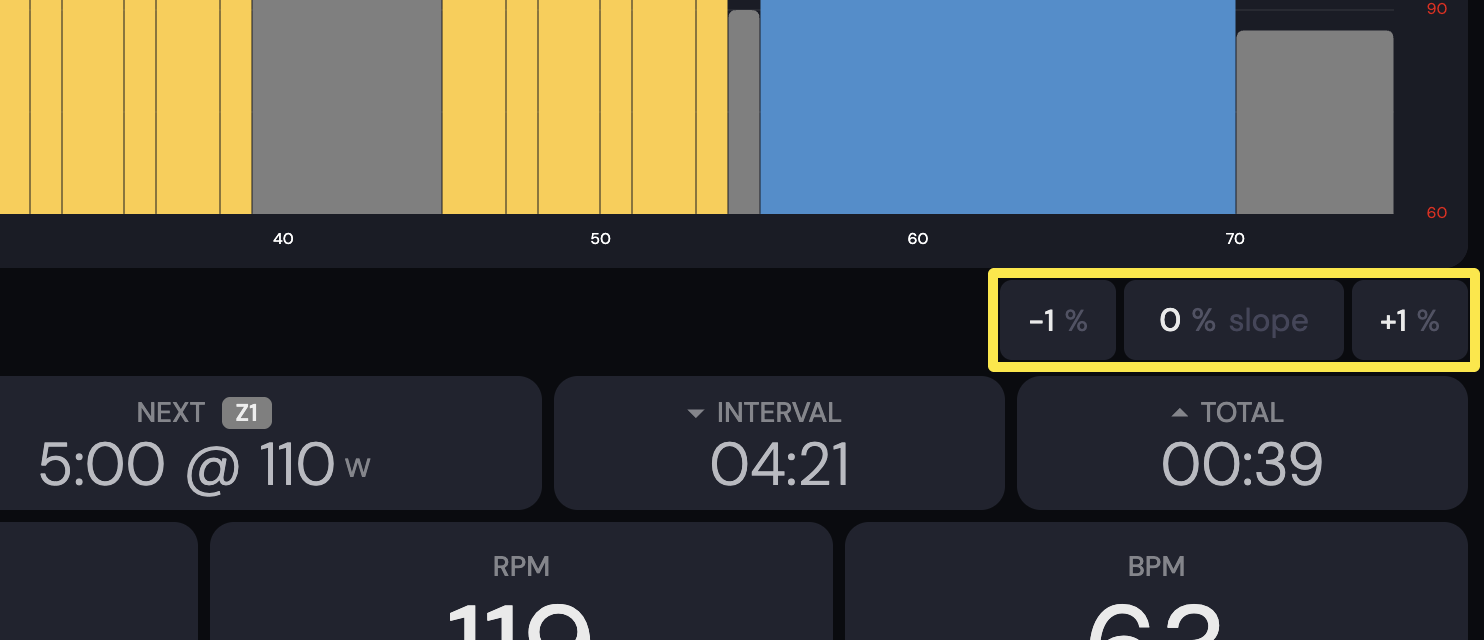 Where: Desktop app · the workout screen during a ride (Today tab → Ride Now)
Good to know: The Zwift Ride's shifter buttons do not shift gears in TrainerDay, on phone or desktop. Buttons on the desktop app's workout screen work only from a Zwift Click v2: + harder, − or B easier, A switches ERG → Slope → HR+, Y play/pause, Z skips the interval.
Works on: Zwift Click v2 buttons work on desktop (Mac, Windows) only. The mobile app and the website have no Zwift controller support.