

Why won't my trainer connect to TrainerDay after using another app?
Your trainer won't connect because only one app or device can control a trainer, and the other app (even in the background) or a bike computer still holds it; close it completely, then reconnect the trainer in TrainerDay's Devices screen.
- Close the Wahoo, Stages, Tacx or other app completely, on this phone and on any computer or tablet. An app in the background still holds the trainer. Also close any Garmin or Wahoo bike computer connected to the trainer.
- Pedal for a few seconds to wake the trainer. If it still does not show up, unplug it for 10 seconds and plug it back in.
- In the TrainerDay mobile app, open the Settings tab and tap Add Devices.
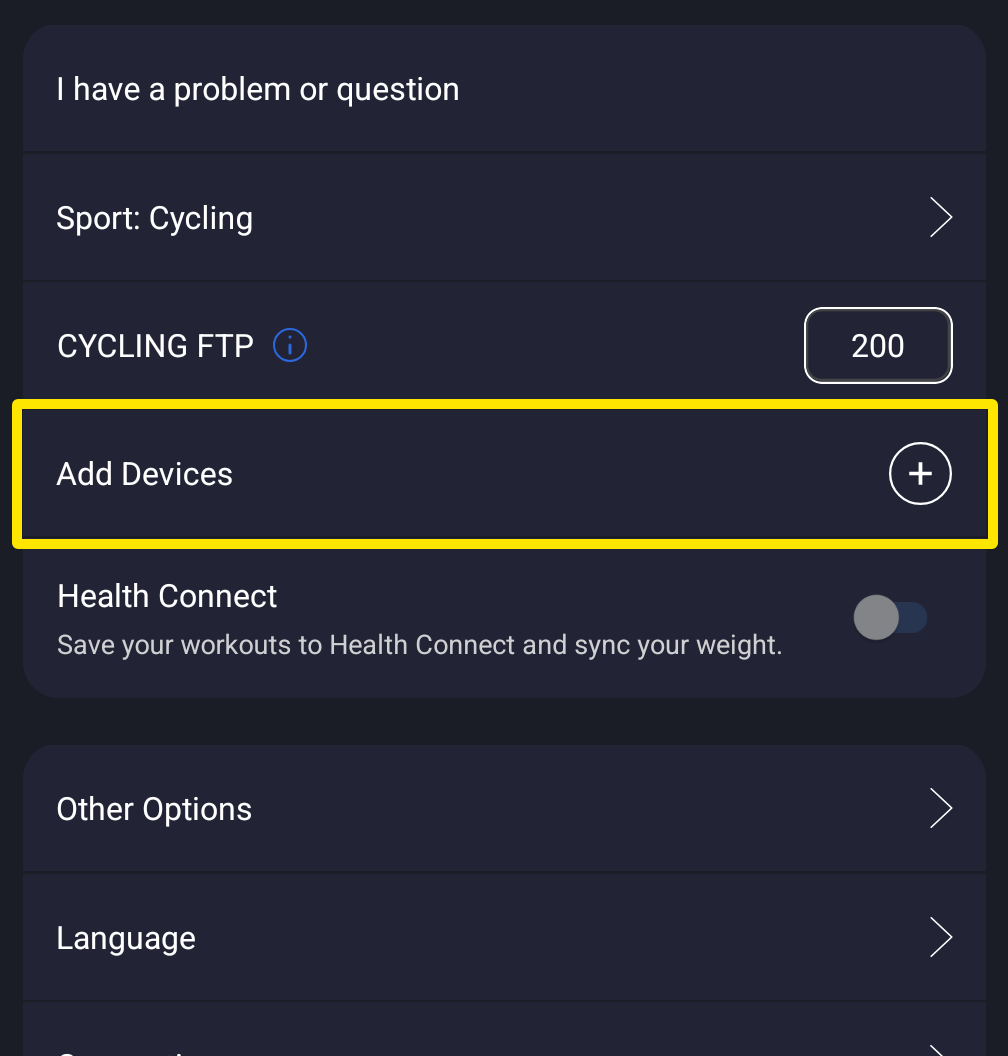 Where: Mobile app · Settings tab
- On the Devices screen, tap + next to your trainer under Available, and check that its card has Control on.
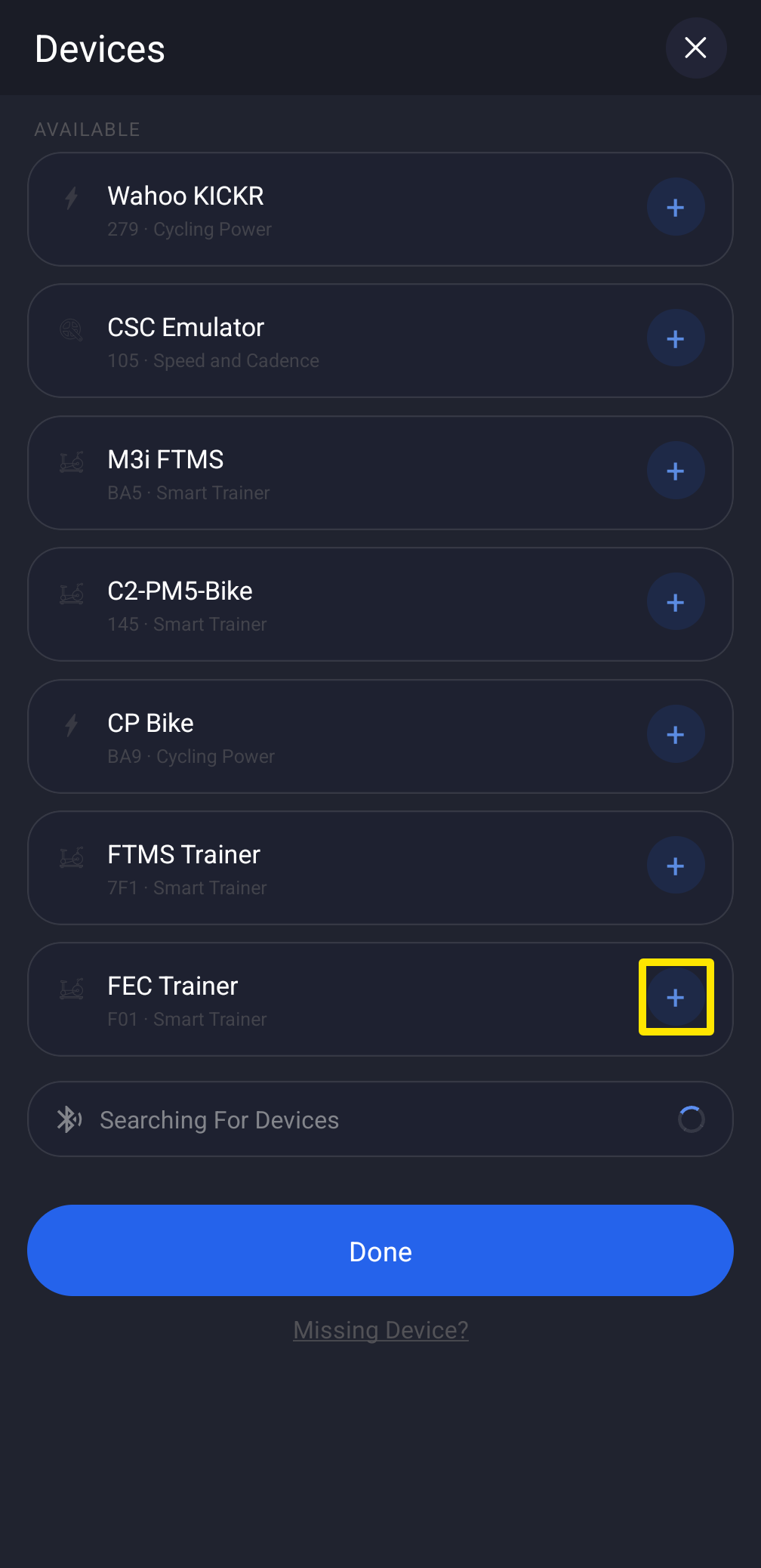 Where: Mobile app · Settings tab → Add Devices
- Still stuck? On the same screen, tap Missing Device? for guided steps.
Good to know: In the desktop app, click the Bluetooth / ANT+ button at the top right, then Connect next to the trainer; for help, use Not connecting? on its row.
Works on: mobile app and desktop app, not the website.