

How do I use the same trainer from a second phone?
To use the same trainer from a second phone, disconnect it on the first phone in Settings → Add Devices (or close TrainerDay there), then connect it on the second phone from the same place, because a trainer talks to only one app at a time.
- On the first phone, open the TrainerDay app and go to the Settings tab, then tap Add Devices.
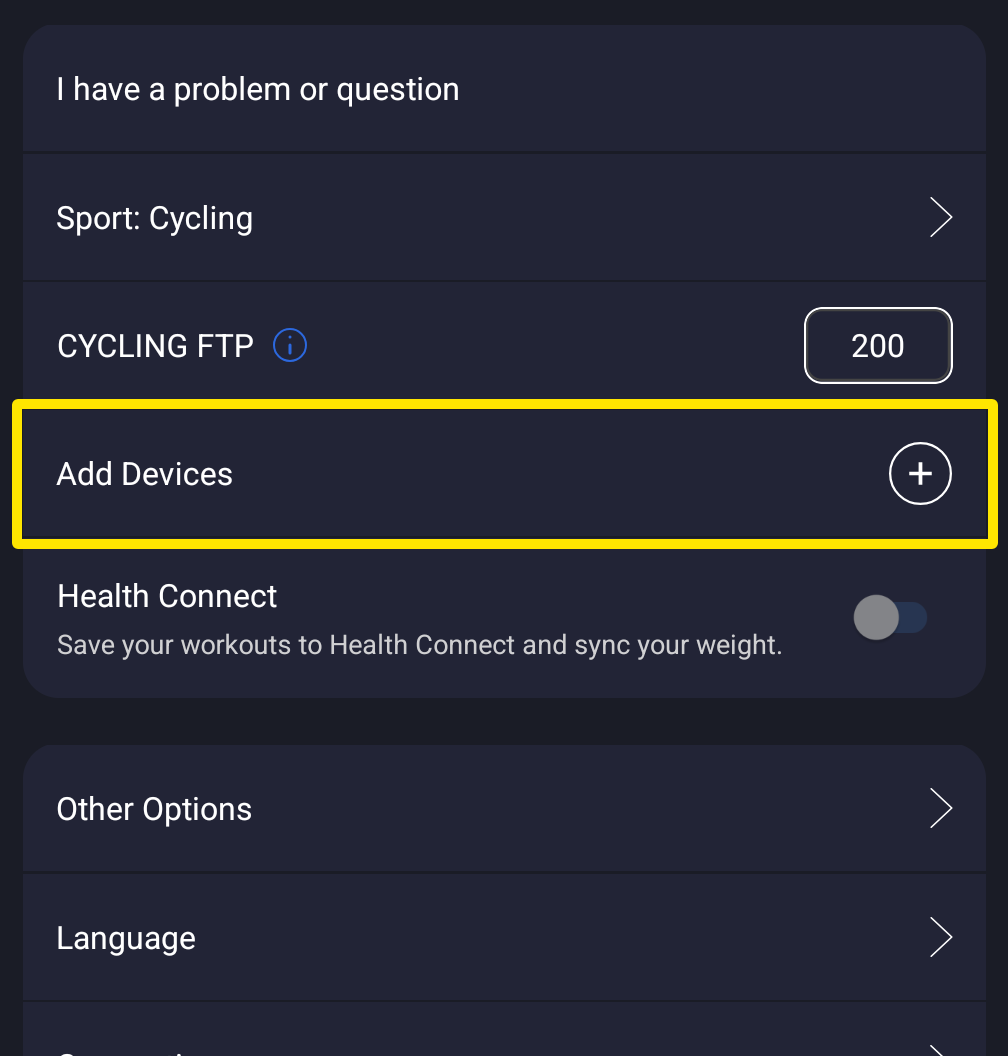 Where: Mobile app · Settings tab
- Tap − on the trainer's card to disconnect it. Or close the TrainerDay app completely.
- On the second phone, open TrainerDay, go to the Settings tab and tap Add Devices.
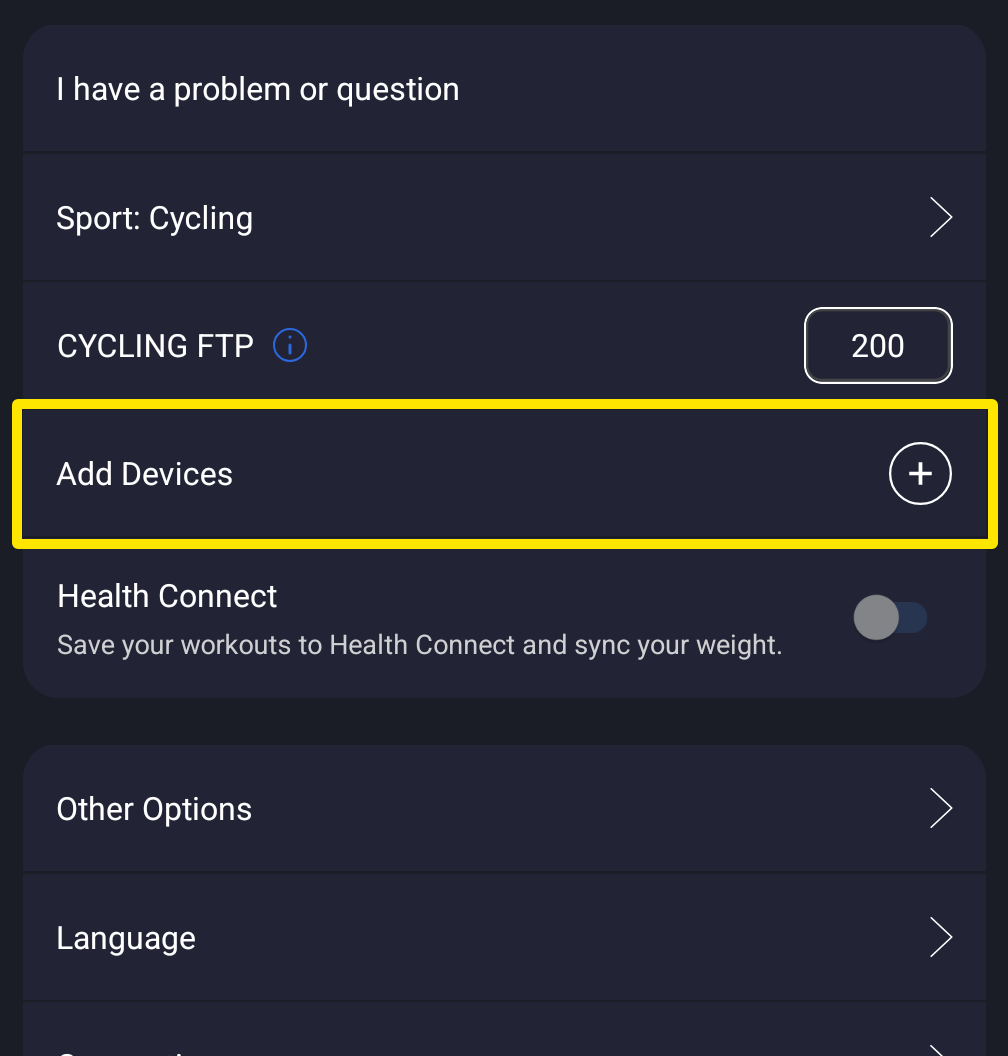 Where: Mobile app · Settings tab
- Tap + next to the trainer to connect it.
Good to know: A trainer talks to one app at a time, so only one phone or computer can hold it. On the desktop app, use the top-bar Bluetooth/ANT+ button → Devices → Disconnect to free it.