

Can I control my trainer from the desktop app while it's connected to my phone?
No: the desktop app cannot control a trainer that is connected to your phone, so connect the trainer in the desktop app's Devices window instead, then run the workout there.
Most riders want to connect the trainer to the desktop app and use the phone as a remote: see How do I use my phone as a remote control for the desktop app?
- If the trainer is connected on your phone, disconnect it there first. Then open the desktop app and click the Bluetooth/ANT+ button in the top bar to open Devices.
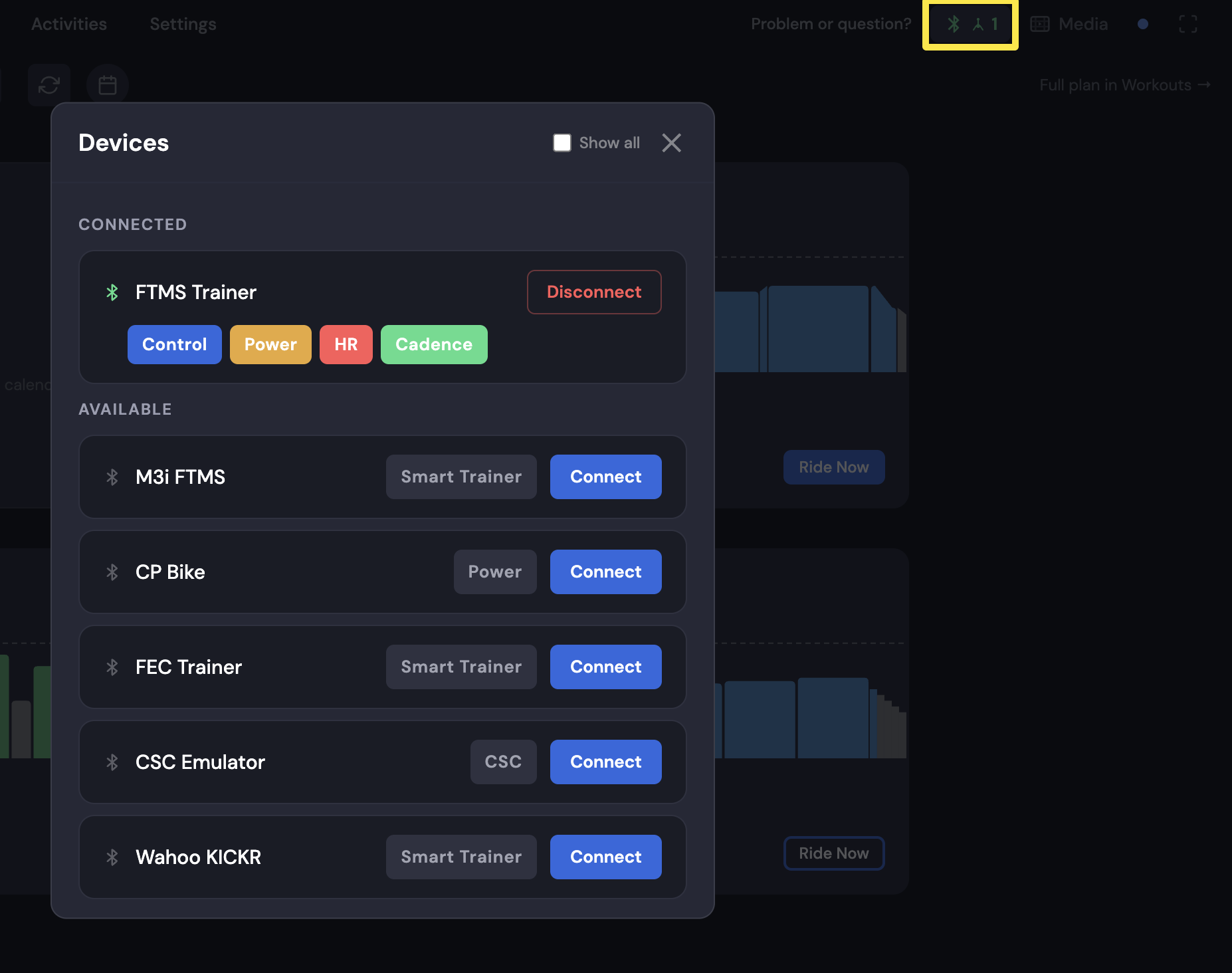 Where: Desktop app · Today tab → Bluetooth/ANT+ button in the top bar
- Click Connect next to your trainer.
 Where: Desktop app · Today tab → Devices
- Close Devices. On the Today tab, click Ride Now on a workout to start it in the desktop app.
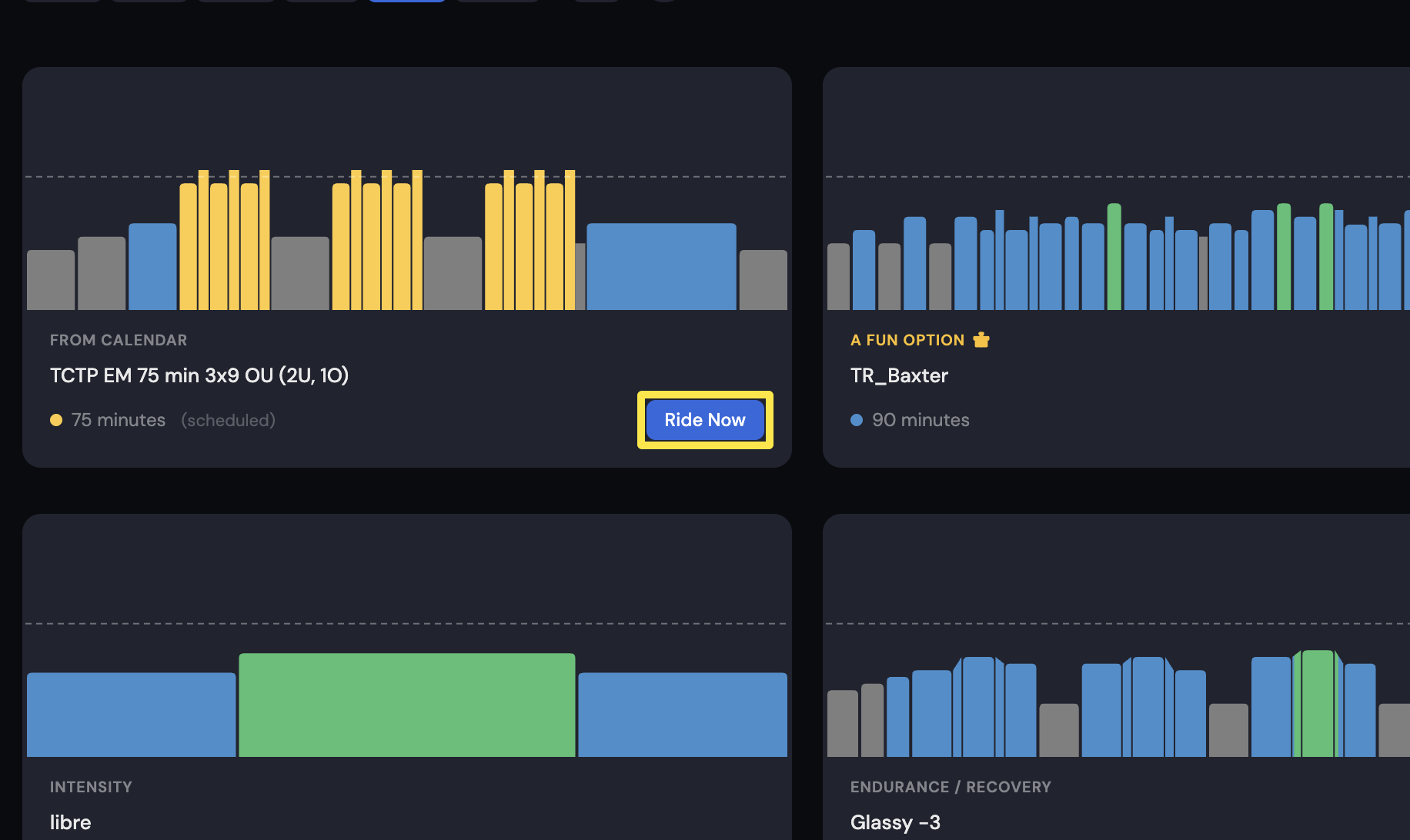 Where: Desktop app · Today tab
Good to know: The phone can still help as a remote over the internet. Both apps must be online and signed in to the same account, and the phone drops its own Bluetooth devices while Remote Control is open.
Works on: Windows and Mac apps. The website has no remote.