

How do I connect a bike through a bridge app like QZ?
Set up QZ to connect to your bike, then add the QZ device in the TrainerDay mobile app under Settings → Add Devices, where it appears as a Bluetooth trainer.
- On the phone, tablet or computer running QZ, connect QZ to your bike using QZ's own setup. QZ is a separate app, not made by TrainerDay. QZ then broadcasts your bike as a Bluetooth trainer.
- Close Zwift and any other app that could hold the QZ connection. Only one app can connect at a time.
- In the TrainerDay mobile app, open the Settings tab and tap Add Devices.
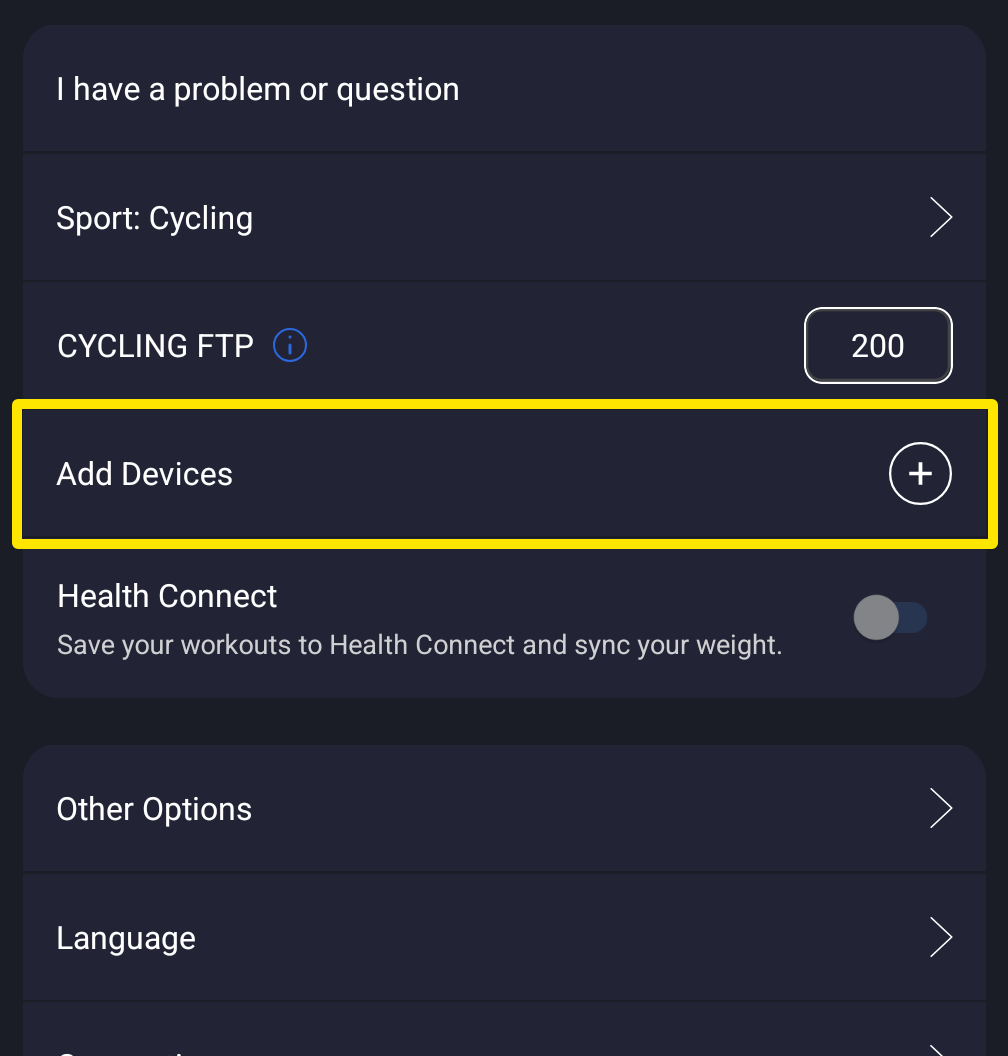 Where: Mobile app · Settings tab
- Find the QZ device under Available and tap +.
- On the QZ device's card, check that Control, Power and Cadence are on. Tap + on any that is off.
Good to know: TrainerDay has no network (socket) link to QZ. QZ connects over Bluetooth only, or ANT+ in the desktop app.
Works on: Mobile app. Desktop app: click the Bluetooth / ANT+ button at the top right of the window, then Connect next to the QZ device. The website cannot connect devices.