

Coach Jack - Ride Feel
Coach Jack workouts are designed with 4 parts: warm-up, main work, secondary work and cool down. "Ride Feel" lets you adjust how hard those workouts feel.
Where to find it:
- Website → My Plans → your Coach Jack plan → Edit Plan → Ride Feel · open it
Mobile app: not available (it rides what the plan puts on My Calendar)
Desktop app: not available (it rides what the plan puts on My Calendar)
Often the secondary work is the longest part of the workout, especially when starting a new plan. The main work is there to drive specific adaptations. The secondary work is there to build training fatigue and aerobic capacity. Some people want harder workouts, and some want easier-feeling workouts. Ride Feel lets you adjust the main stress (TSS) of the workout without affecting the main work adaptations.
How to use it
- On the website, in the left sidebar under Training Plans, click My Plans. Open your Coach Jack plan and click Edit Plan. The Coach Jack plan builder opens.
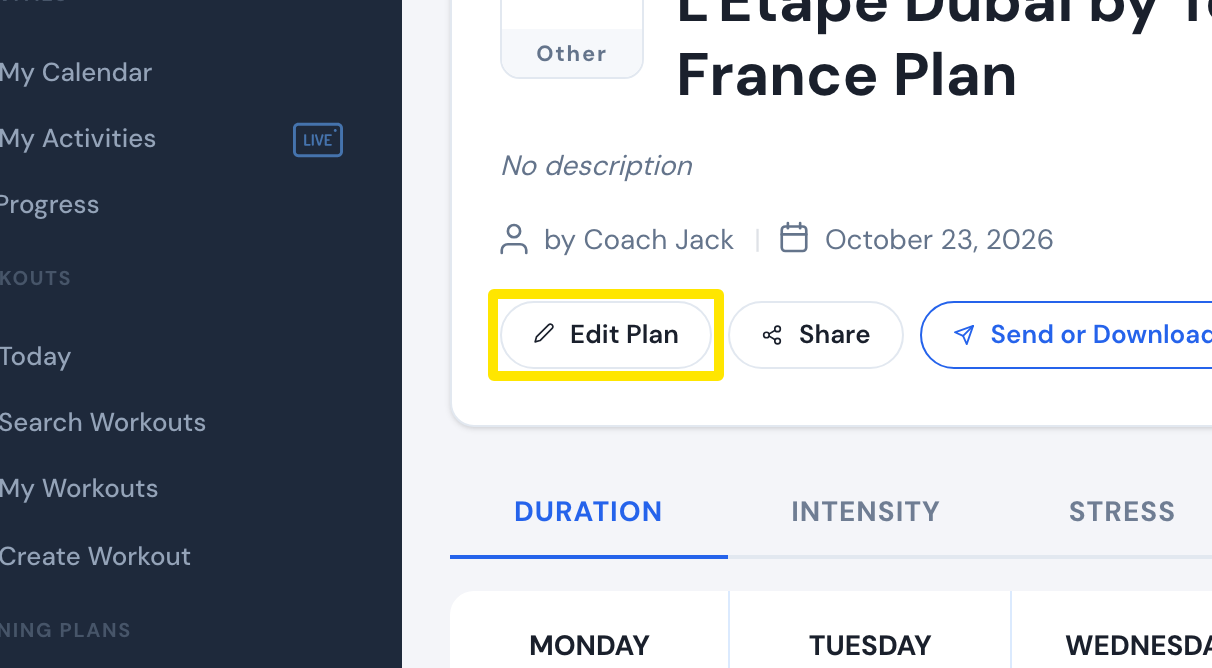 Where: Website · a plan's page (My Plans → View plan)
- Above the plan's calendar, click Ride Feel.
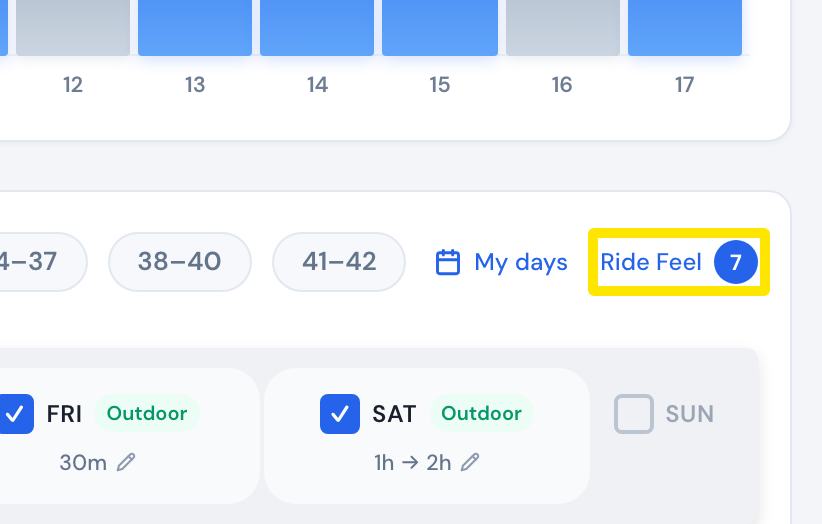 Where: Website · Coach Jack plan builder
- Move Starting Interval Intensity Level for this Phase down for easier or up for harder. Pick an easier or harder ride feel option, then click Save.
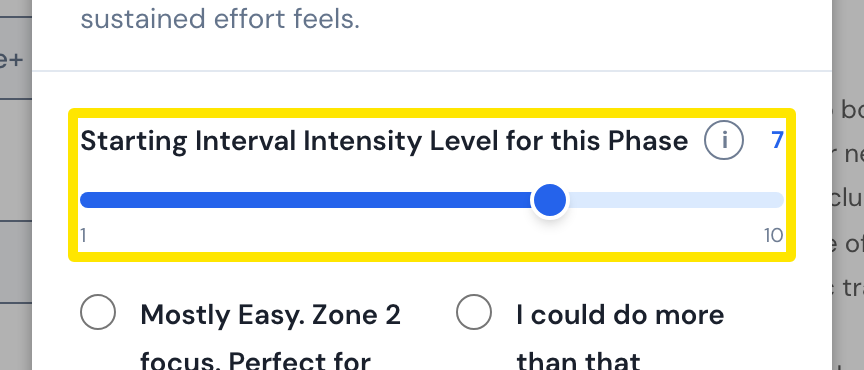 Where: Website · Coach Jack plan builder → Ride Feel
- Click Save & Next, then Sync with My Calendar. Syncing replaces the plan's workouts from today on.
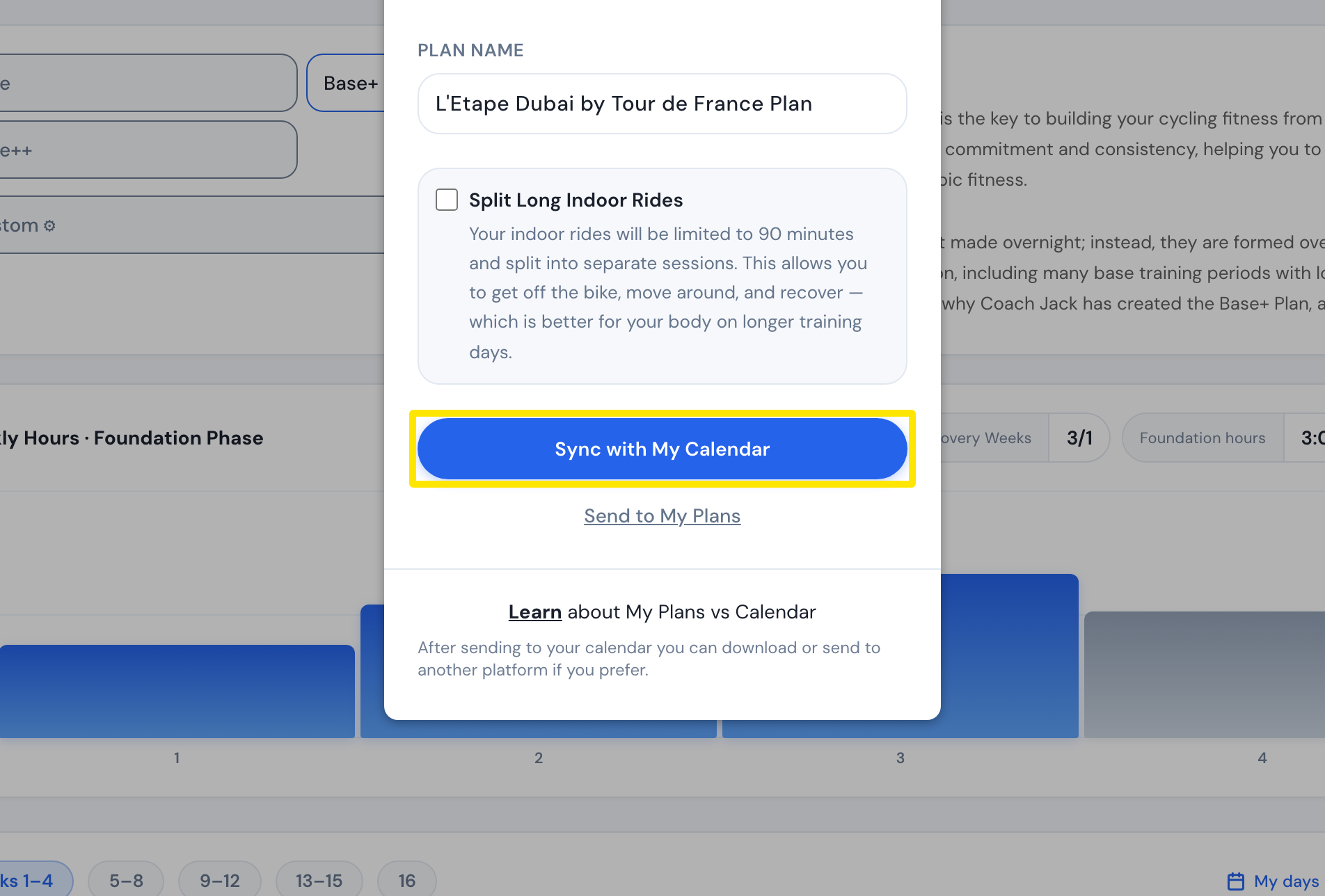 Where: Website · Coach Jack plan builder
Long rides: With Ride Feel, a long ride starts 5% above the Endurance target. The harder options can push it up to 80%. Longer rides are pulled back down, but never below 65%.
For a bigger change than Ride Feel gives you, pick another phase type in the box at the top of the builder. The Harder group gives you more. You can also use Custom ⚙ to choose your own sequences and intensities.