

How do I open Coach Jack?
Open Coach Jack on the TrainerDay website from Plan Builders in the left sidebar, then start a plan from the Coach Jack card.
- On the TrainerDay website, in the left sidebar under Training Plans, click Plan Builders (app.trainerday.com/coach-jack).
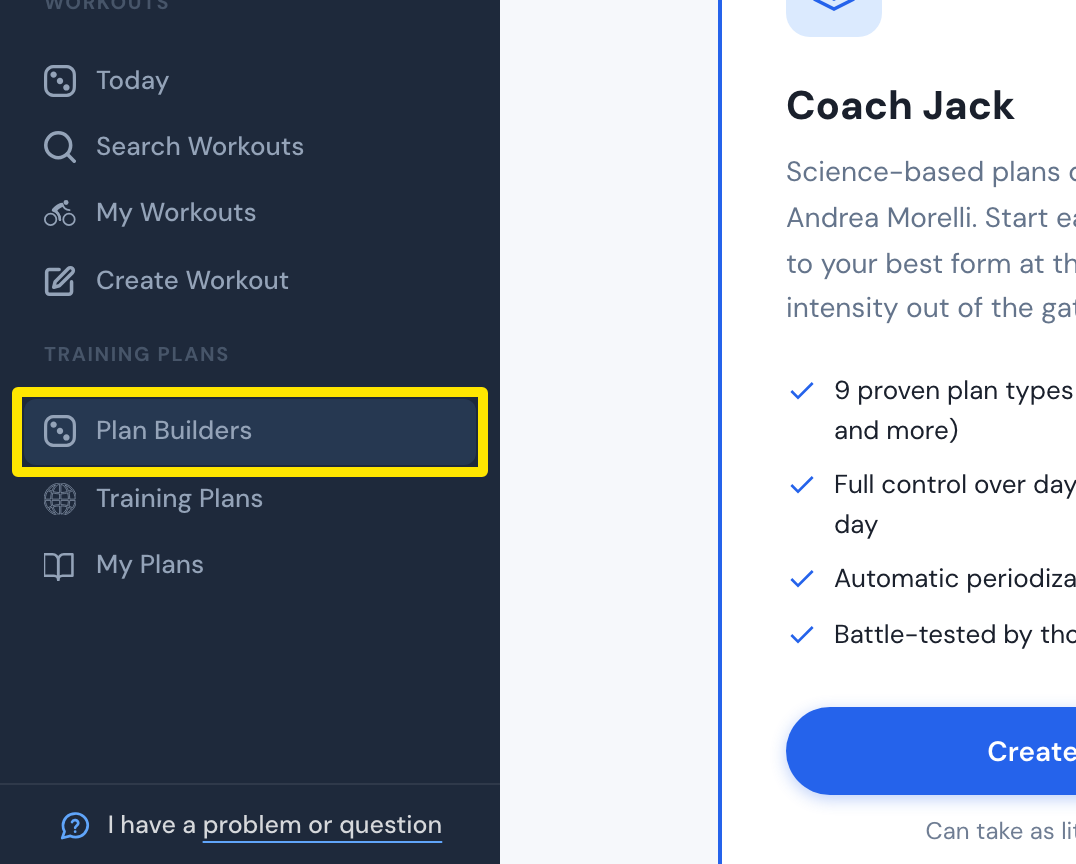 Where: Website · Plan Builders · open it
- On the Coach Jack card, click Start with Coach Jack →. If you have already built a plan, the button reads Create New Plan →, as shown here.
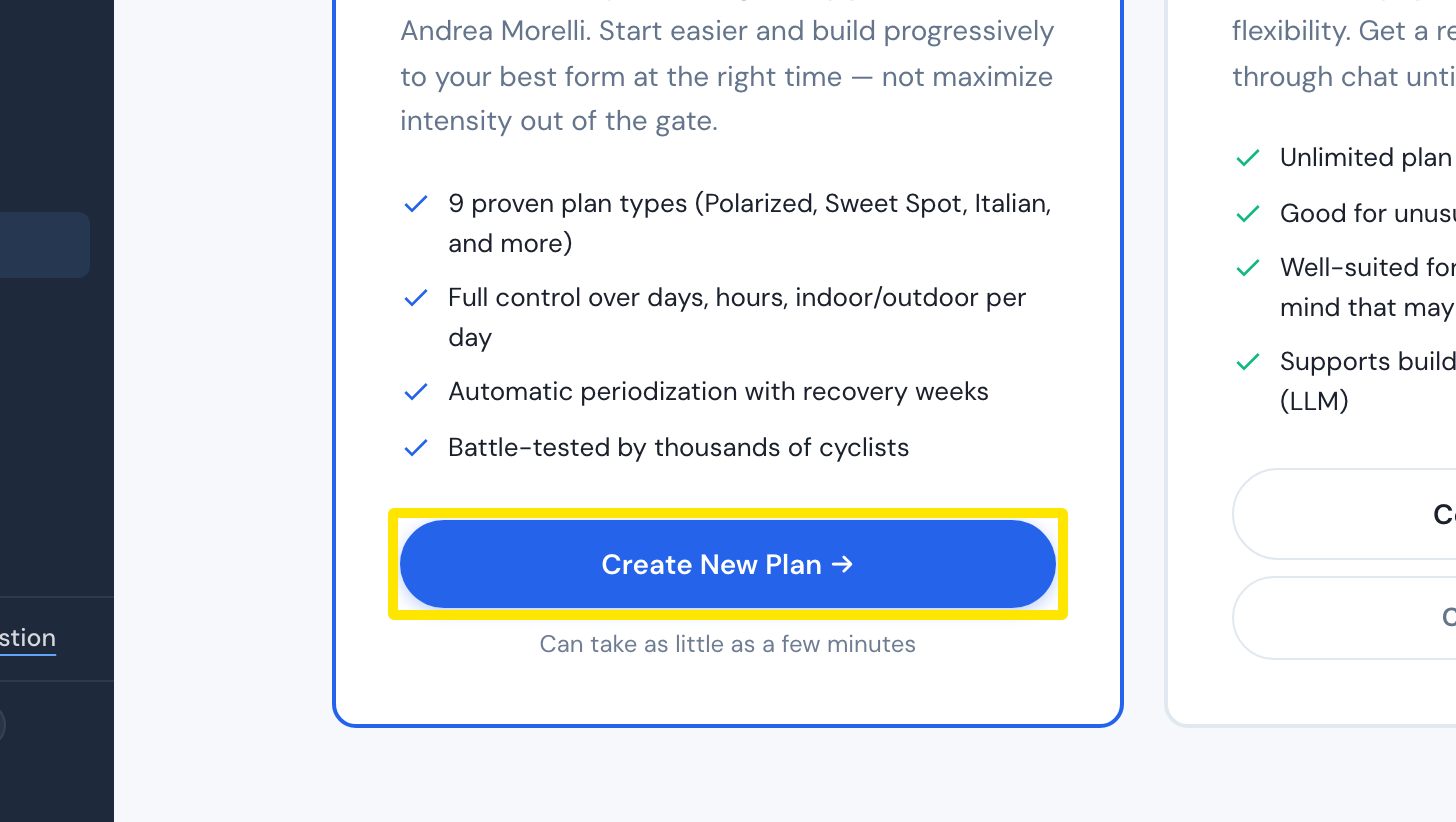 Where: Website · Plan Builders · open it
Works on: Website only. The mobile and desktop apps have no plan builder.