

How do I set my training days and weekly hours in a Coach Jack plan?
On the TrainerDay website, open Coach Jack from Plan Builders, answer the weekly hours and days questions, then fine-tune each day's minutes and mark your days in the plan builder.
- On the website, in the left sidebar under Training Plans, click Plan Builders (app.trainerday.com/coach-jack).
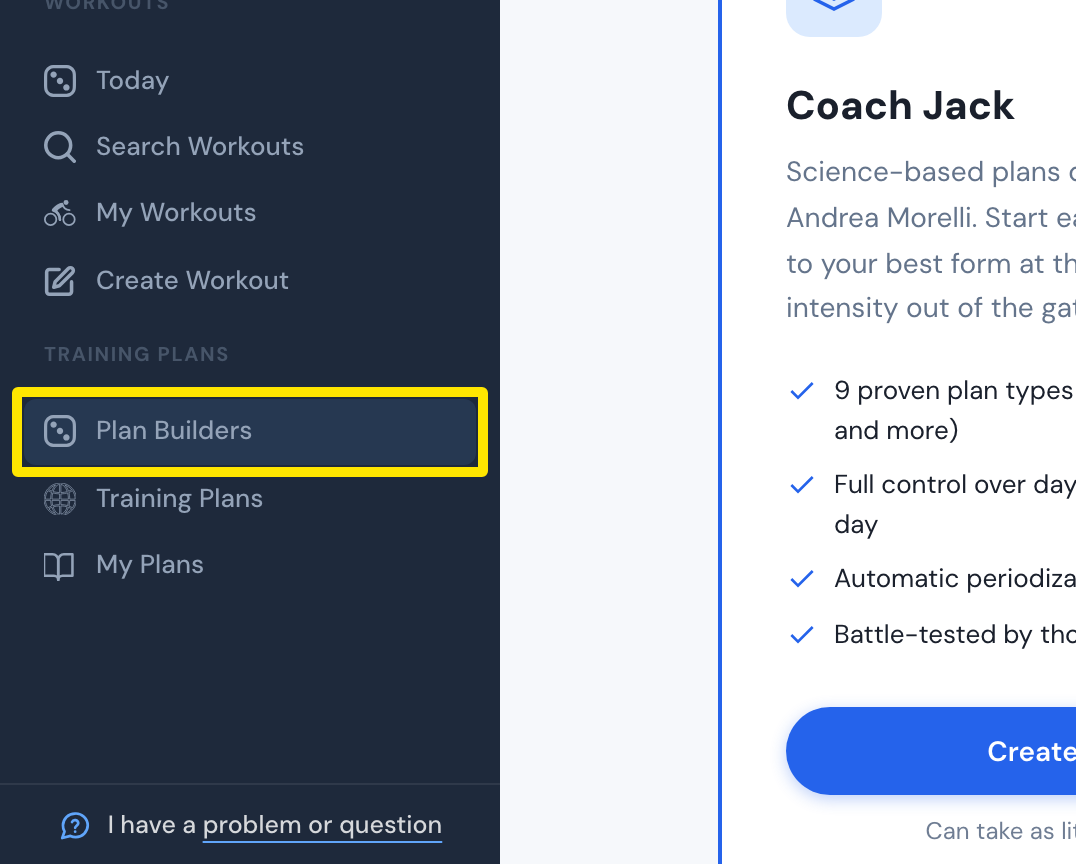 Where: Website · Plan Builders · open it
- On the Coach Jack card, click Start with Coach Jack → (it reads Create New Plan → once you have built a plan).
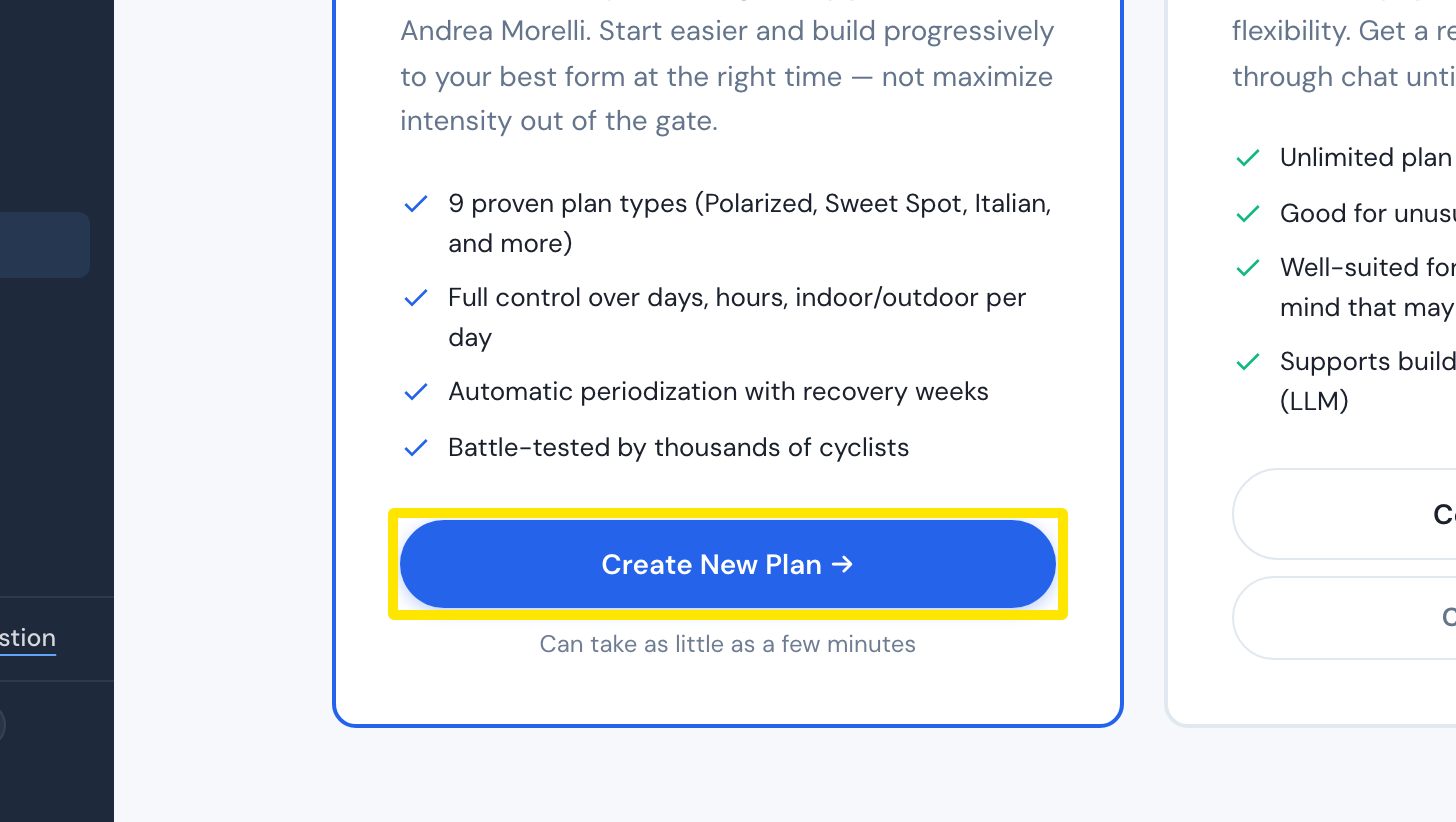 Where: Website · Plan Builders · open it
- Answer How many hours a week will you start with (next week)?, How many hours a week do you want to be training by the end of the plan? and How many days a week can you train at most? The :00 / :30 switch adds half an hour. Click Build My Plan →.
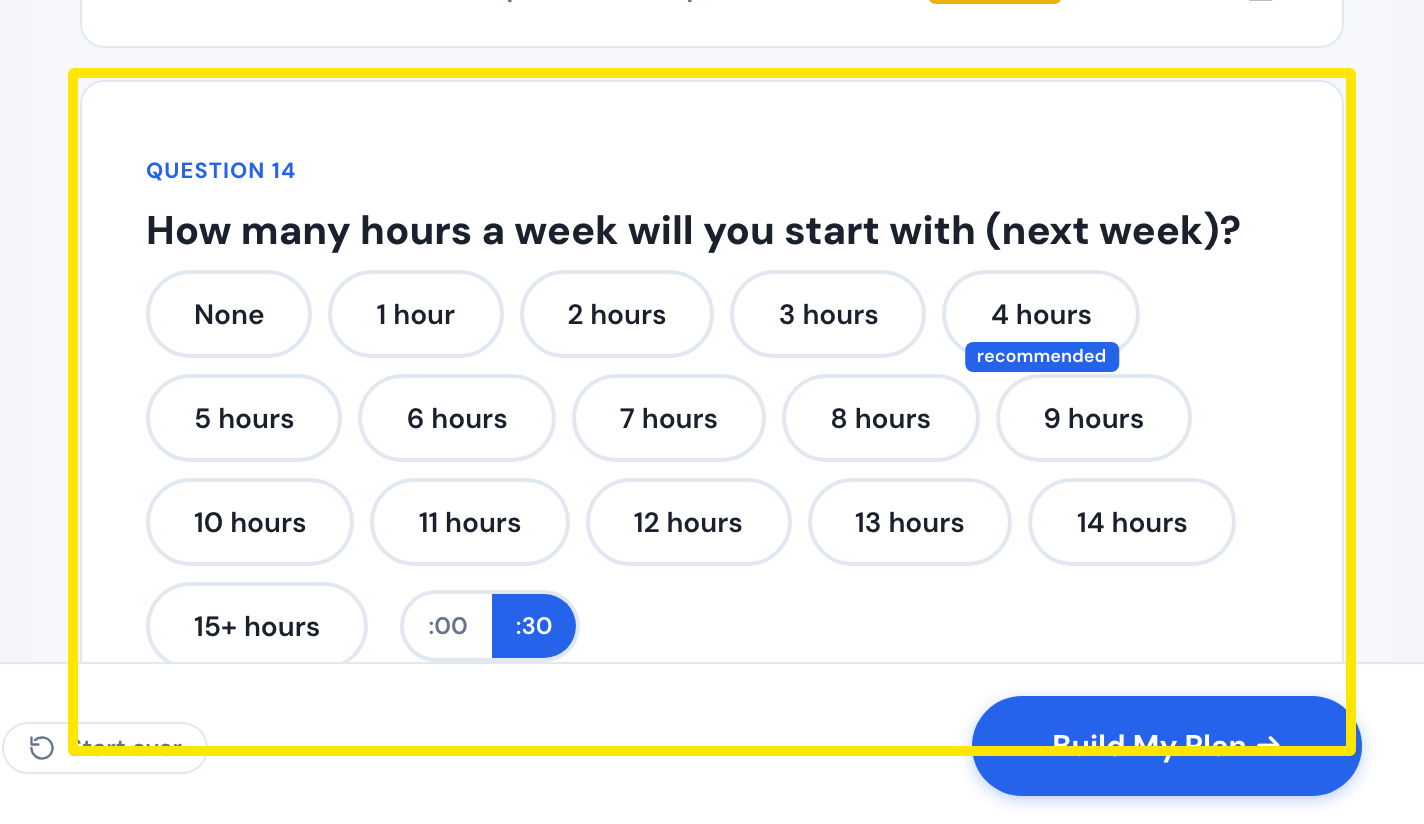 Where: Website · Coach Jack questionnaire
- In the plan, click the hours under a day to open Fine-tune the days. Set the day's minutes for Week 1 and the last week, or lock the day at one duration.
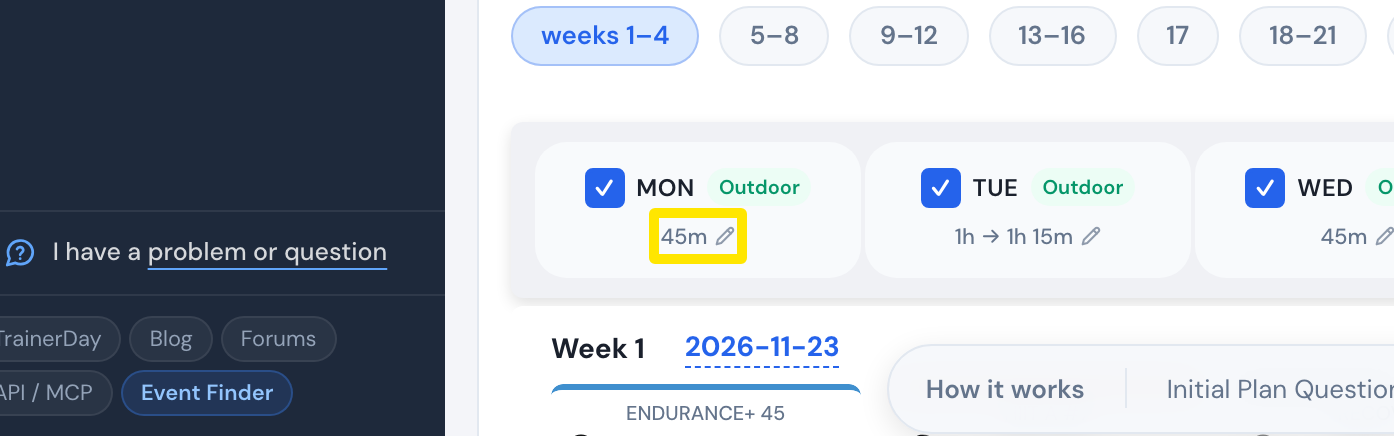 Where: Website · Coach Jack plan builder
- Click My days to make a day Off (a rest day), Main or Extra.
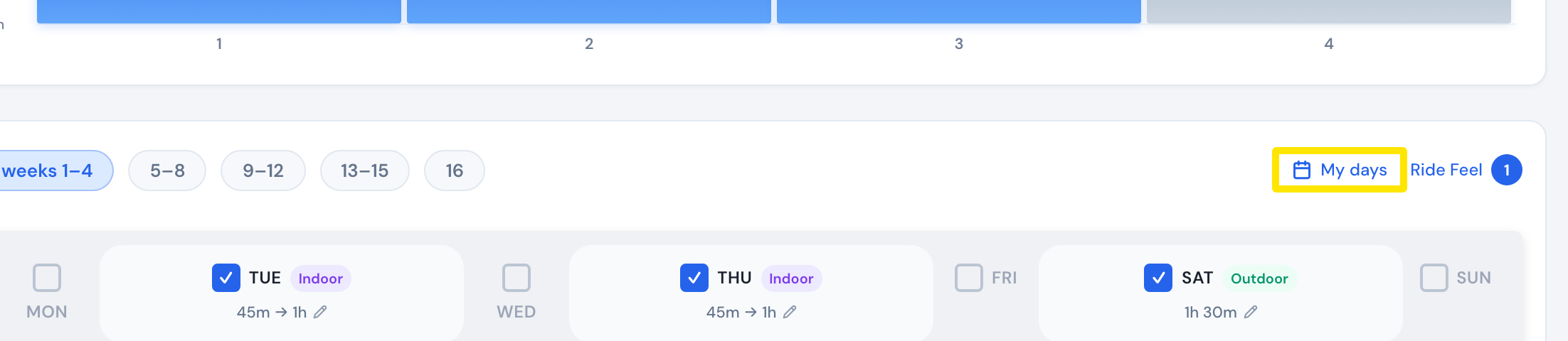 Where: Website · Coach Jack plan builder
- Click Save & Next to save the plan.
Good to know: Your long ride goes on the day with the most hours. Use Lock weekly hours to keep your weekly total when you add or remove days.
Works on: Website only.