

How do I change the weekly riding hours in my Coach Jack plan?
Change your Coach Jack plan's weekly hours on the TrainerDay website: open the plan in the Coach Jack builder, set Start Hours and End Hours with the phase's hours button, then sync the plan to your calendar.
- On the TrainerDay website, go to the left sidebar. Under Training Plans, click My Plans, then open your Coach Jack plan.
- On the plan page, click Edit Plan. The Coach Jack builder opens with your plan.
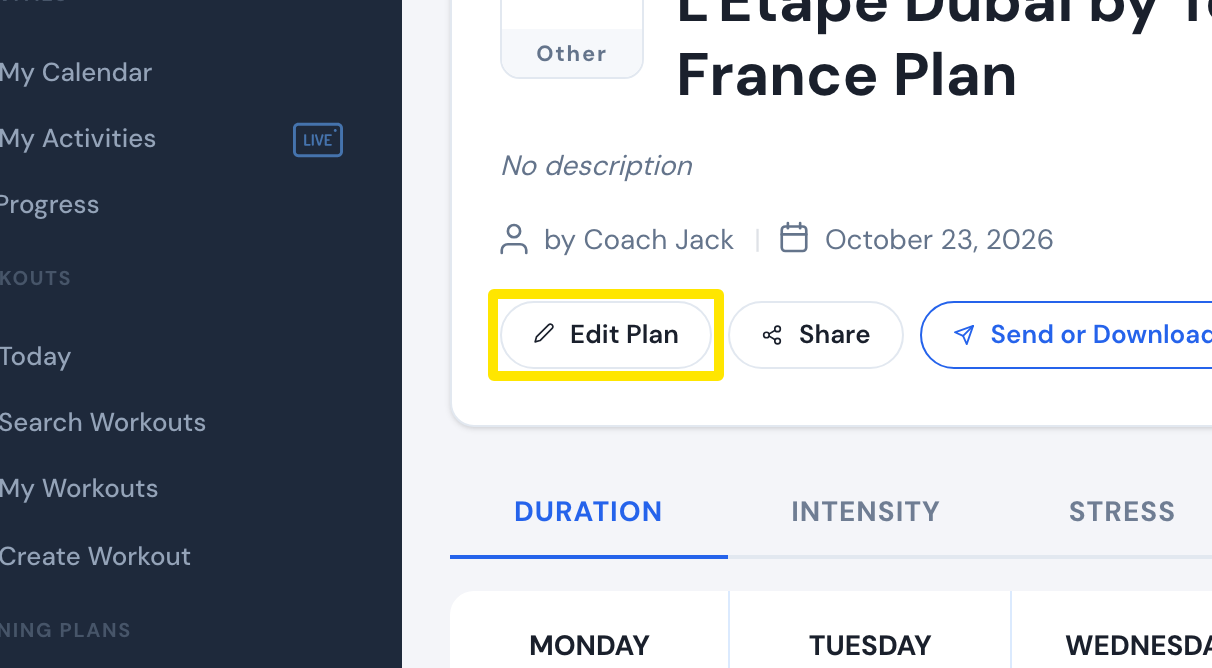 Where: Website · a plan's page (My Plans → View plan)
- In the builder, click the phase's hours button above the weekly hours chart. Each phase has its own button, named after the phase, for example Base hours. Change Start Hours and End Hours. Weekly time ramps from the start value to the end value through the phase.
- Click Save & Next. In the window that opens, click Sync with My Calendar.
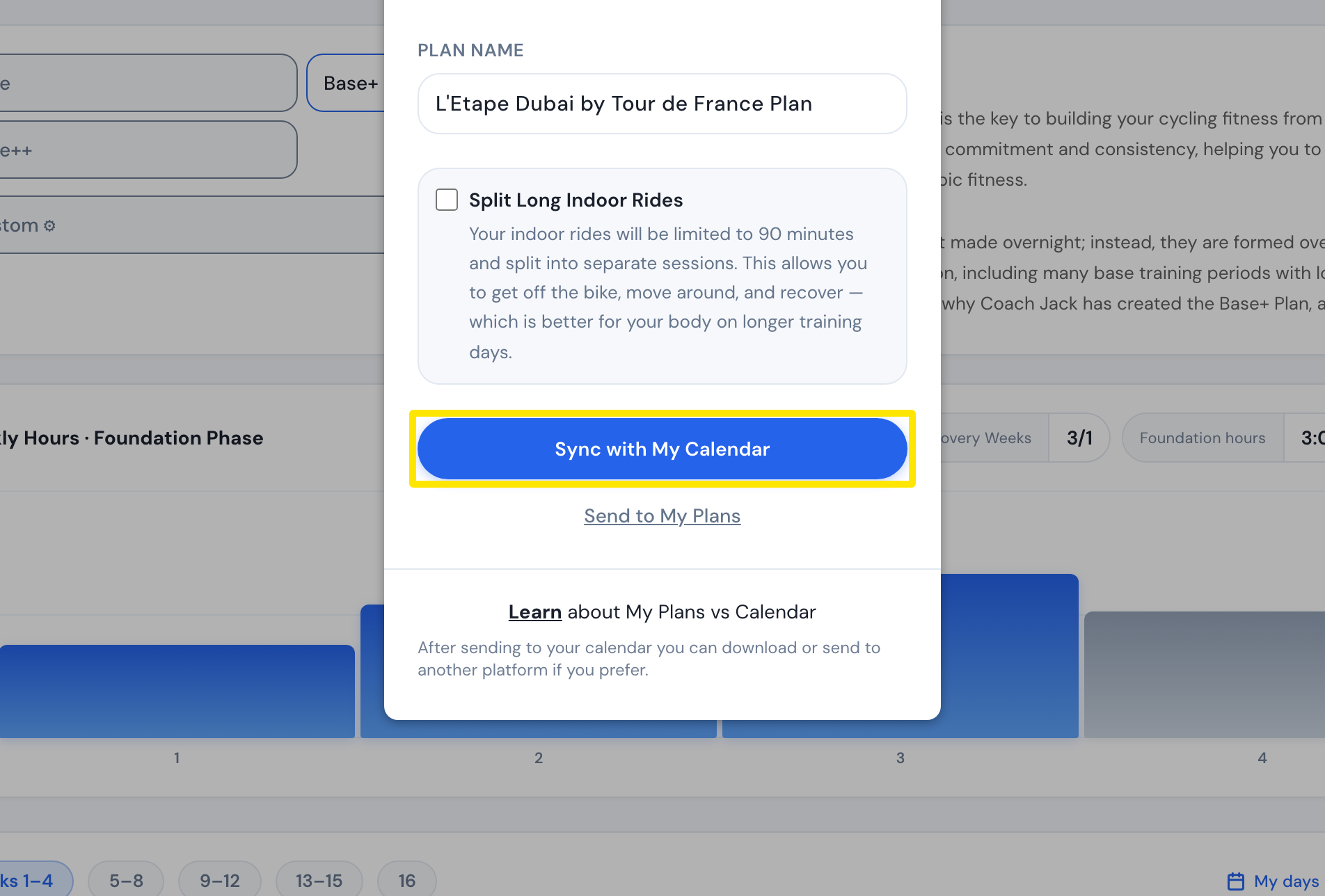 Where: Website · Coach Jack builder → window after Save & Next
Good to know: Syncing removes the plan's workouts from your calendar and adds them again from the changed plan.
Works on: website only. The mobile app can't edit Coach Jack plans.