

How do I keep my plan's workouts matched to my current FTP?
Your plan's workouts already follow your FTP because their targets are stored as % of FTP, so you only need to keep your cycling FTP current on the website under Account, then Profile.
- Nothing to change in the plan itself. Plan workout targets are stored as % of FTP, so their watts follow your current FTP. Coach Jack plans do not adjust day to day or weekly.
- Keep your FTP current. On the website, in the left sidebar click Account, then Profile (app.trainerday.com/account/profile). This opens the Sports, Zones, FTPs screen. On the Cycling tab, change Functional Threshold Power and save.
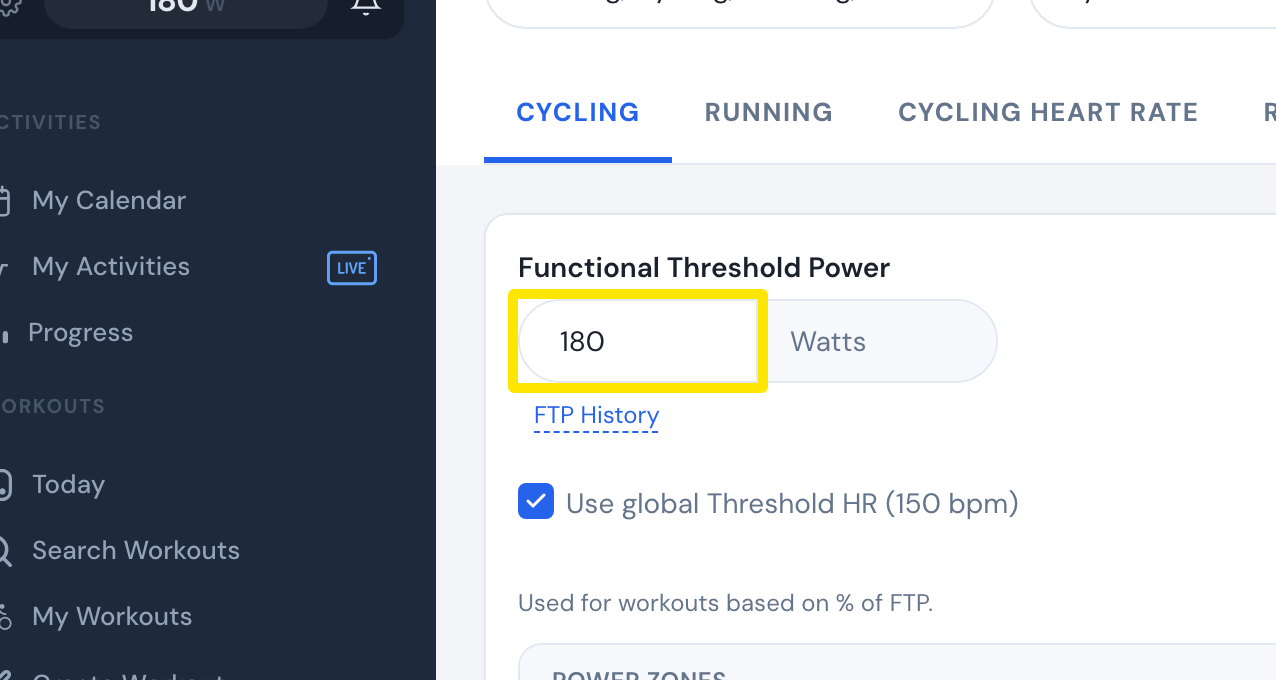 Where: Website · Sports, Zones, FTPs · open it
- If Garmin calendar sync is on, a window asks whether to update the workouts already synced to Garmin. Say yes so they get the new watts too.
- To see your past FTP changes, click the FTP History link under the FTP box.
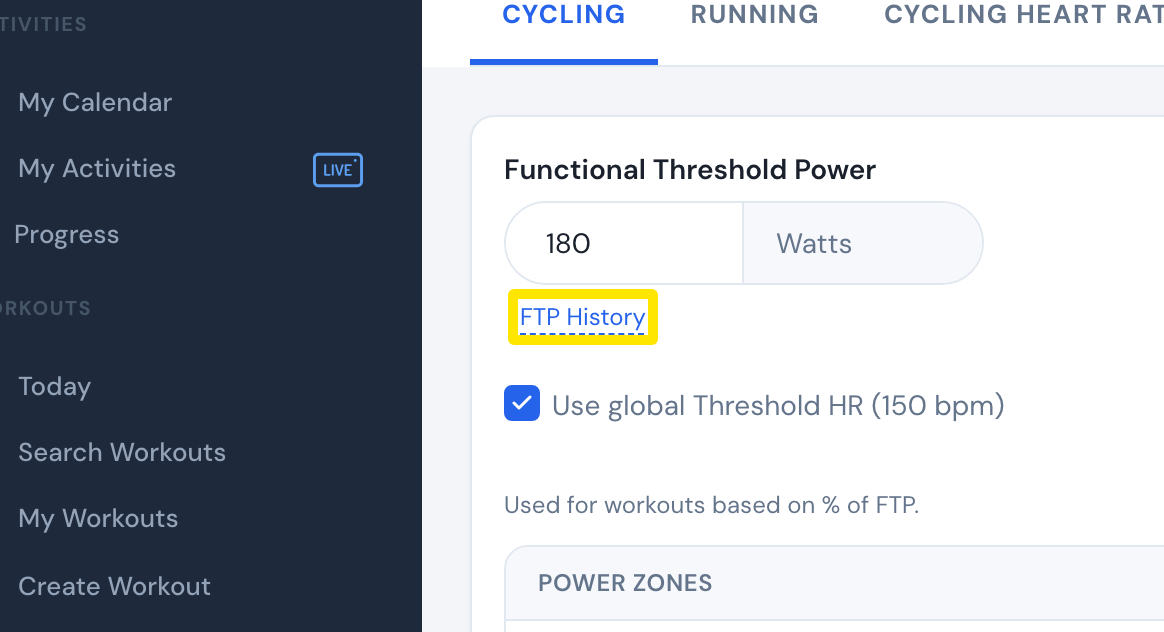 Where: Website · Sports, Zones, FTPs · open it
Good to know: If you have never set your own FTP, TrainerDay sets it from your rides. Once you set it yourself, only you change it. Plans do not add ramp tests, but you can do one any time.
Works on: Website; mobile app (Settings tab, the FTP setting under the sport); desktop app (Settings, Thresholds).