

How do I change my FTP?
Change your FTP on the TrainerDay website under Account, then Profile, on the Cycling tab of the Sports, Zones, FTPs screen. Type the new value and save, and your workout watts follow the new FTP.
- On the website, open Account, then Profile (app.trainerday.com/account/profile). The Sports, Zones, FTPs screen opens. Click the Cycling tab, type your new value in Functional Threshold Power and save.
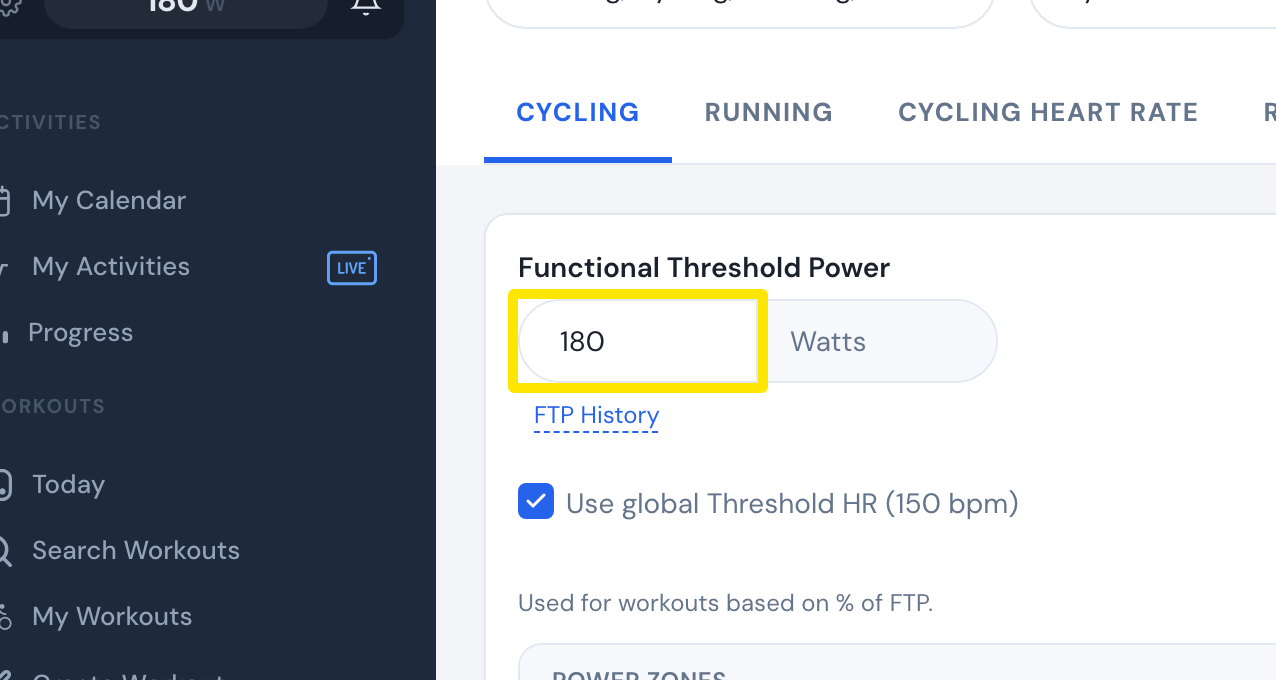 Where: Website · Account → Profile (Sports, Zones, FTPs, Cycling tab) · open it
- If Garmin calendar sync is on, a window asks whether to update your synced Garmin workouts. Choose your answer.
Good to know: Setting your own FTP stops automatic FTP updates from your ride data.
Works on: website. In the mobile app, open the Settings tab and tap FTP under the sport. In the desktop app, open Settings, then Thresholds.