

How do I see my FTP test history?
Open FTP History from the Fitness card menu on the Progress page to see every FTP with its date and source.
- On the TrainerDay website, click Progress in the left sidebar (app.trainerday.com/analytics).
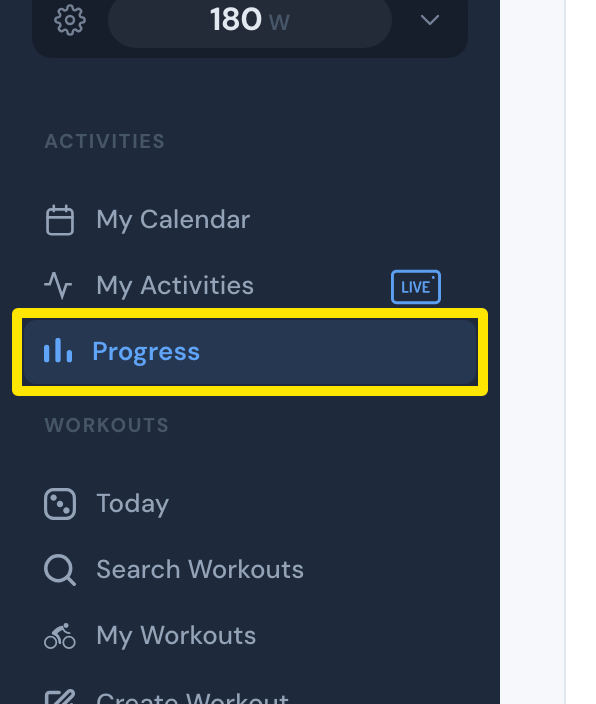 Where: Website · Progress · open it
- On the Fitness card, open the three-dots menu and click FTP History.
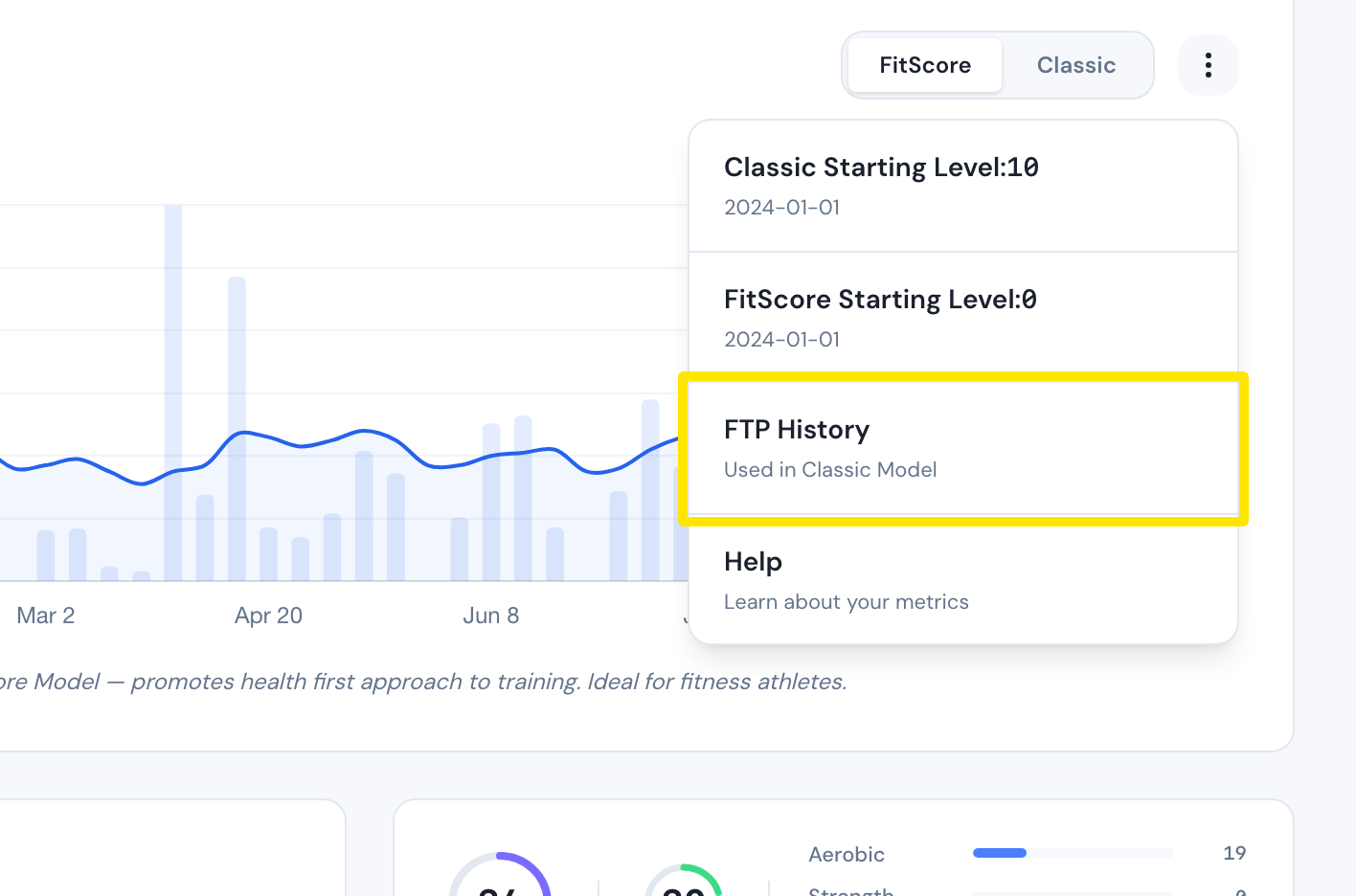 Where: Website · Progress · open it
- FTP History lists every FTP with its date and source. Use Add Entry, Edit and Delete to change it.
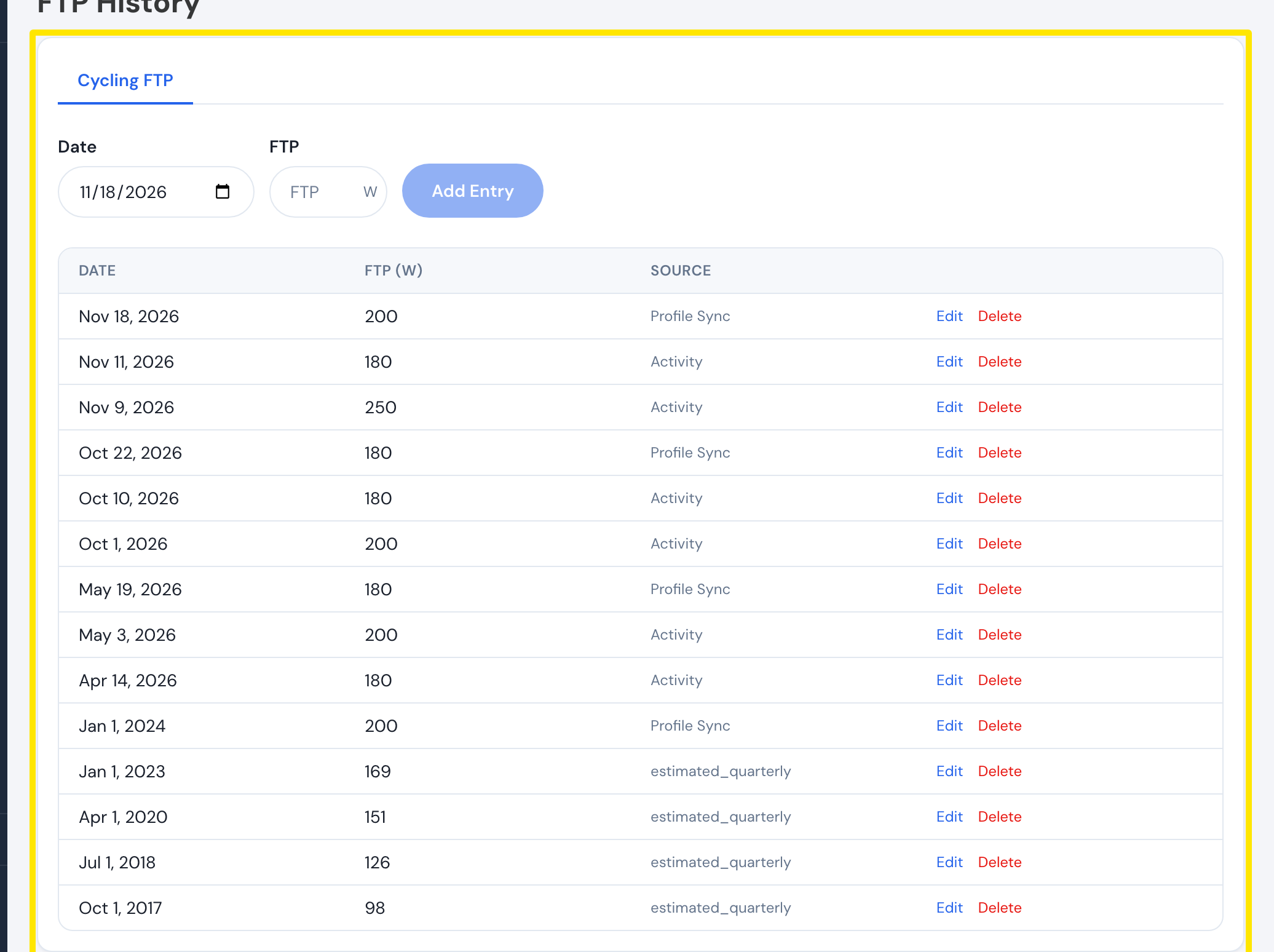 Where: Website · FTP History · open it
Good to know: FTP History is a list, not a chart. You can also reach it by clicking your FTP at the top of the left sidebar.
Works on: Website; desktop app (Progress tab → Fitness card menu → FTP History opens the website page); mobile app (Today → Progress → Fitness card menu → FTP History).