

How do I check my FitScore?
Check your FitScore on the TrainerDay website's Progress page, where the Fitness card shows it week by week and a ring shows your score today.
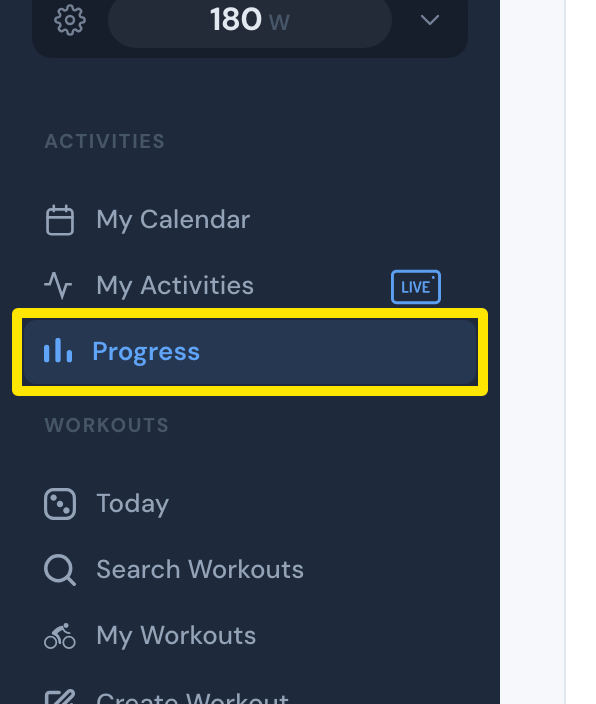
- On the website, click Progress in the left sidebar (app.trainerday.com/analytics). With a free account the page shows EXAMPLE data and an Upgrade banner. Your own FitScore needs a paid plan.
 Where: Website · Progress · open it
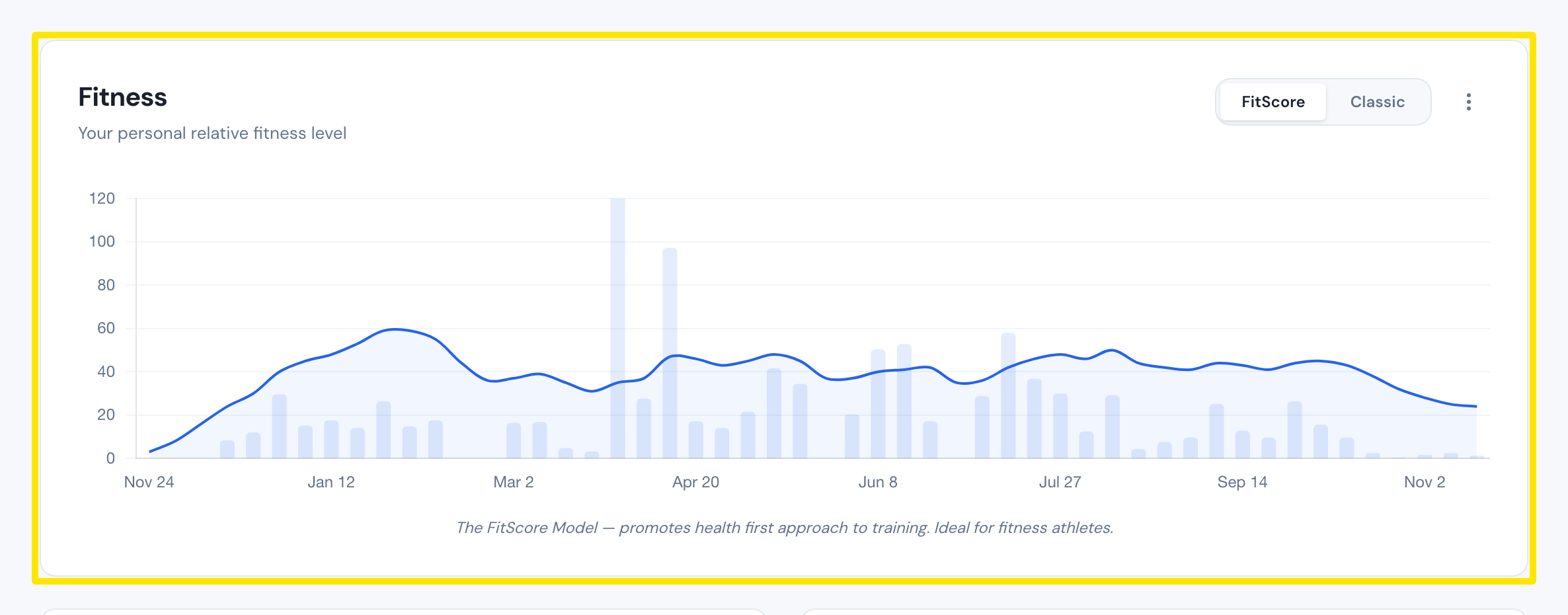
- In the Fitness card at the top, click FitScore at its top right. The line is your FitScore week by week.
 Where: Website · Progress · open it
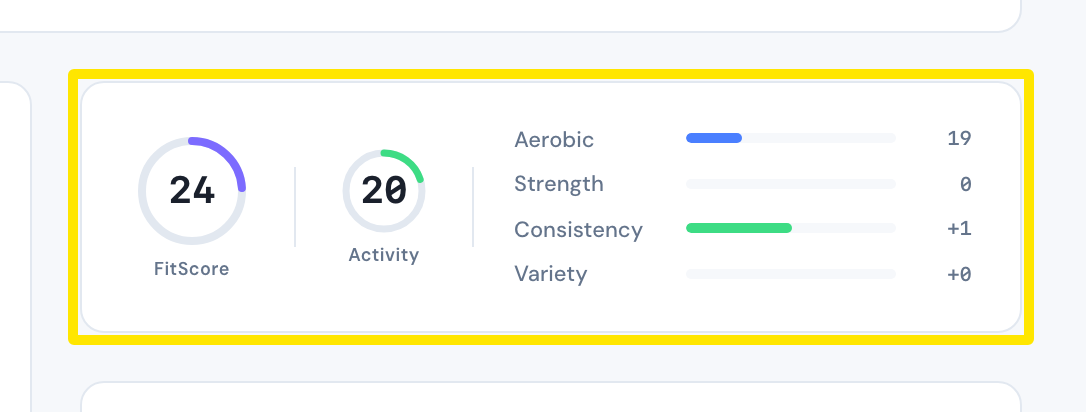
- Your FitScore today is the large ring in the card on the right under Fitness. It sits next to Activity and the Aerobic, Strength, Consistency and Variety bars it is made of.
 Where: Website · Progress · open it
Good to know: A FitScore of 80 or more means very good fitness.
Works on: Website and desktop app (Progress tab, same Fitness card with the FitScore/Classic switch and score rings). On mobile, go to Today → Progress to see the fitness card.