

How do I see my progress over time?
Open the Progress page on the TrainerDay website to see your weekly hours, FitScore or Training Load, intensity, time in zone, stress balance and power curve over time.
- On the website, click Progress in the left menu (app.trainerday.com/analytics).
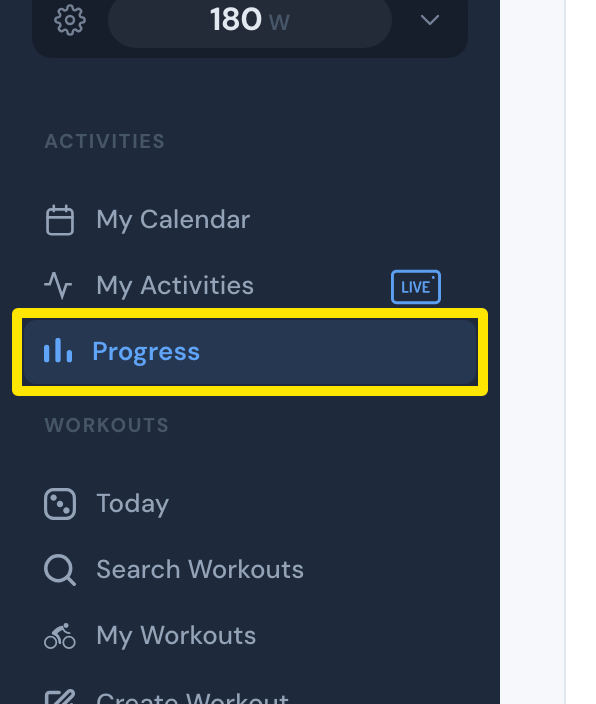 Where: Website · Progress · open it
- The Fitness chart at the top shows your weekly hours as bars and your FitScore as a line. Click Classic above it to see your Training Load instead.
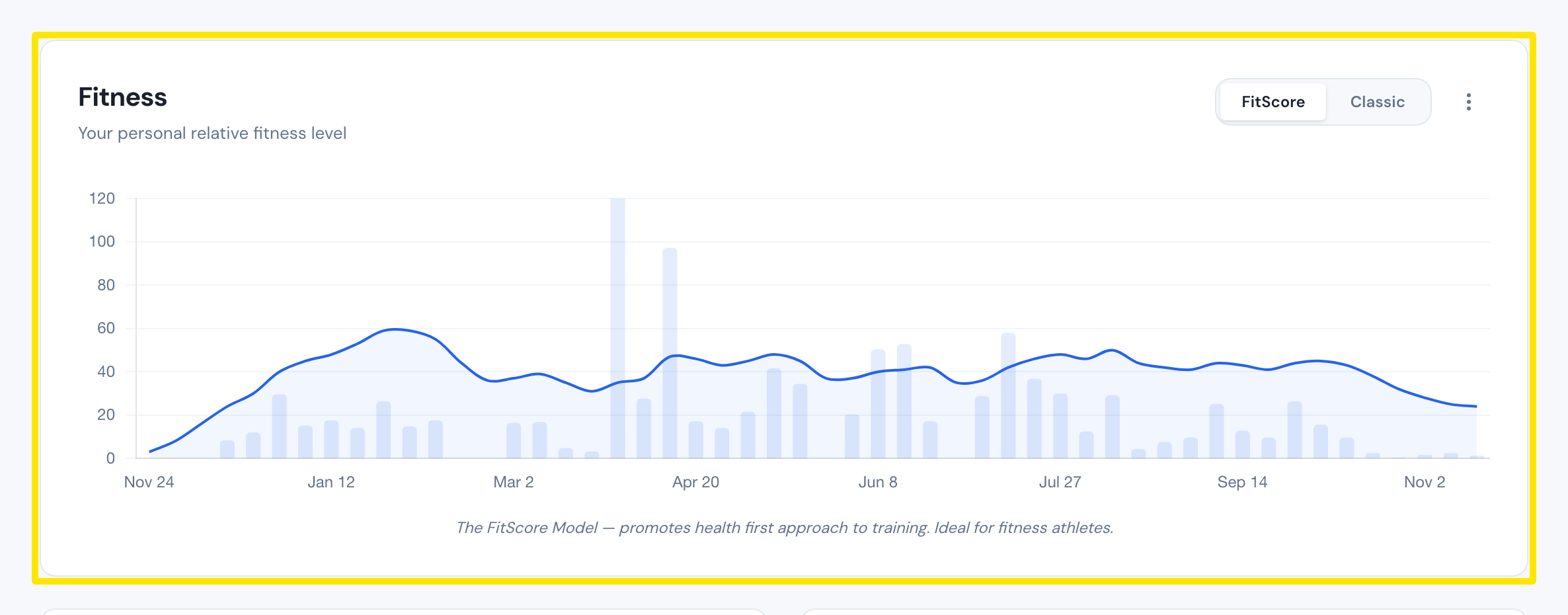 Where: Website · Progress · open it
- Scroll down for Intensity Distribution (last 4 weeks and 12 months), your scores, Time in Zone, Stress Balance (8 weeks) and the Power Duration Curve.
Good to know: Completed rides, including desktop rides, appear in Progress automatically.
Works on: Website (Progress), mobile app (Today tab → Progress), desktop app (Progress tab).