

How do I track my fitness, fatigue and form?
Track fitness (CTL) and form (TSB) on the website's Progress page: Classic in the Fitness card shows your weekly Training Load, and Stress Balance shows your form for the last 8 weeks; fatigue (ATL) has no line of its own.
- On the website, click Progress in the left sidebar (app.trainerday.com/analytics).
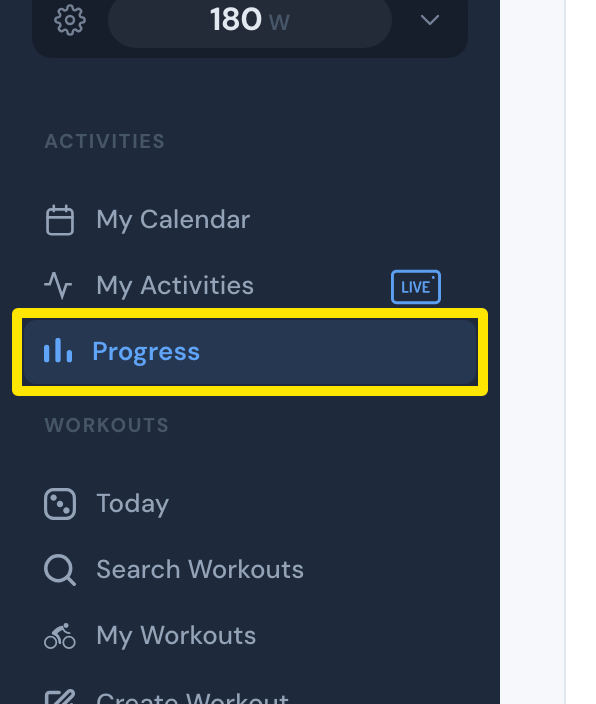 Where: Website · Progress · open it
- In the Fitness card, click Classic. The line is your Training Load, your CTL (fitness), at the end of each week.
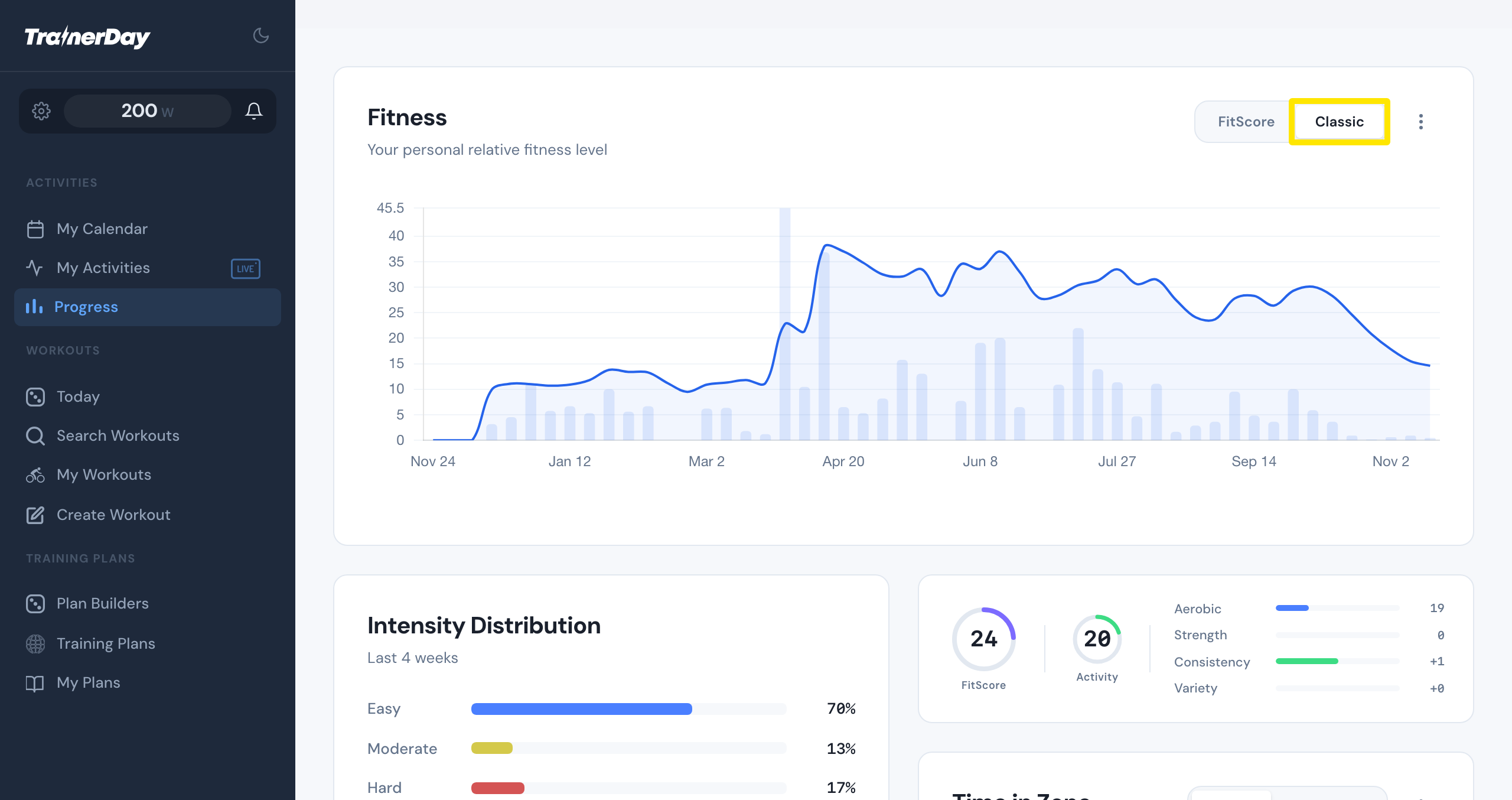 Where: Website · Progress · open it
- Scroll to Stress Balance. It draws your TSB (form) day by day for the last 8 weeks, with Well recovered, Listen to your body or High fatigue - consider rest.
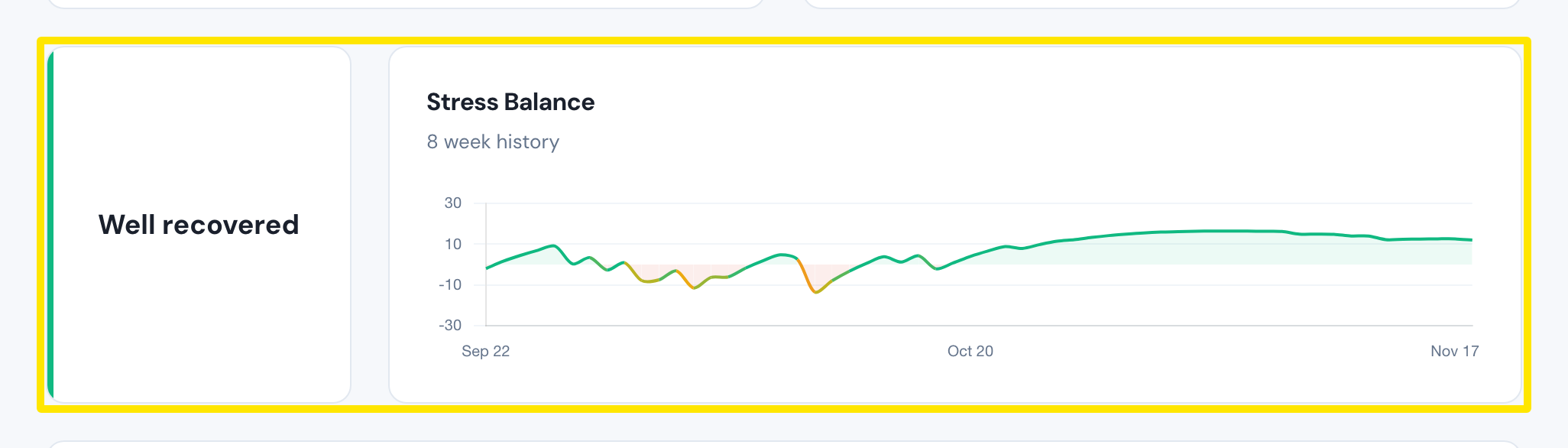 Where: Website · Progress · open it
Good to know: ATL (fatigue) is not drawn as its own line; the Stress Balance label is where Progress shows your fatigue.
Works on: website (Progress), desktop app (Progress tab, same cards), mobile app (Today → Progress, fitness and stress cards).