

How do I view trend lines on my ride charts?
TrainerDay draws no trend line or future line on its charts; the closest view is the Fitness card on the Progress page, which shows your FitScore (or Training Load) week by week over bars of your weekly hours.
- On the website, click Progress in the left sidebar (app.trainerday.com/analytics).
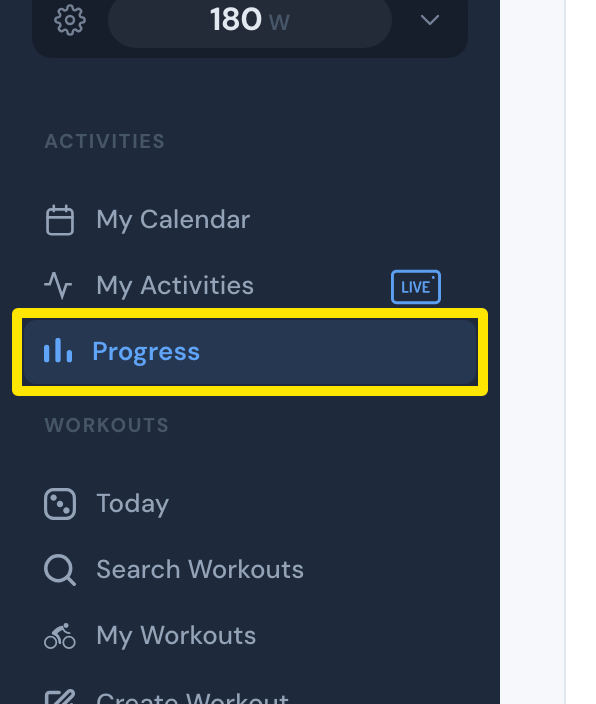 Where: Website · Progress · open it
- Look at the Fitness card at the top. Its line is your FitScore week by week (or your Training Load when Classic is picked), drawn over bars of your weekly hours.
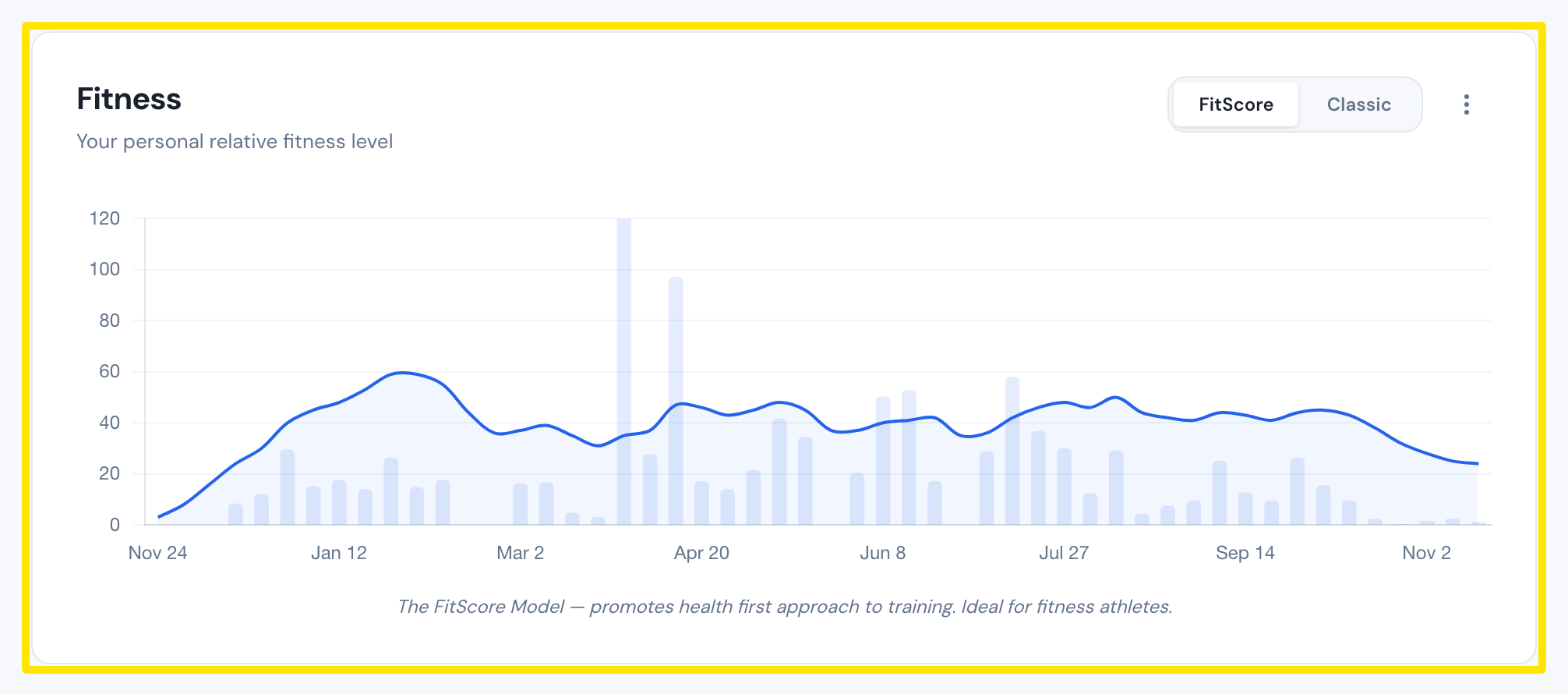 Where: Website · Progress · open it
Good to know: TrainerDay adds no trend line or future line to the Fitness card or to the other Progress charts.
Works on: website (Progress), desktop app (Progress tab) and mobile app (Today → Progress) all have the same Fitness card, with no trend lines.