

How do I see the TSS of my rides?
See each ride's TSS (shown as stress) on the TrainerDay website's My Calendar ride cards and week totals, or on the ride's own page from My Activities.
- On the website, click My Calendar in the left menu (open it).
- Each completed ride's card shows its stress next to the stress icon, beside its time.
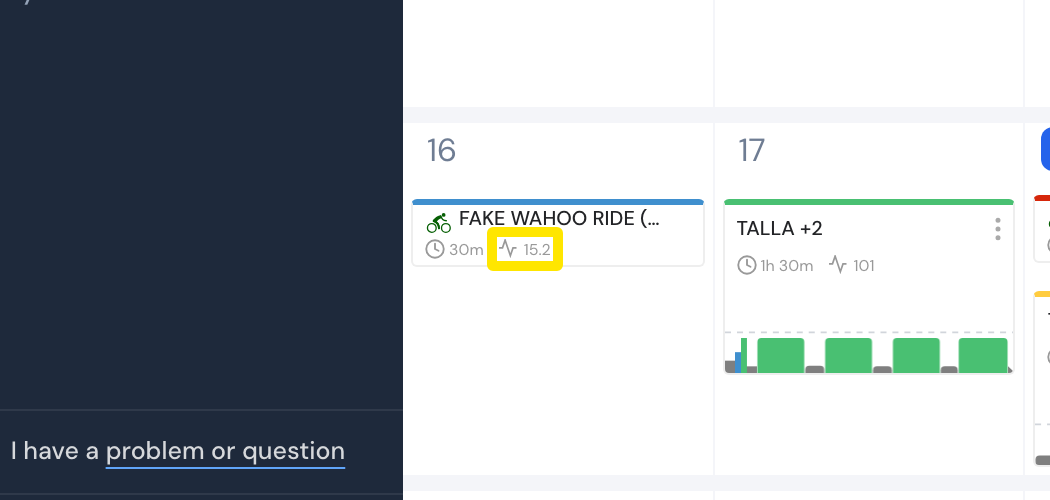 Where: Website · My Calendar · open it
- Find the week's stress done and planned in the totals at the right edge of each week.
- To see one ride in detail, open My Activities and click the ride's name. Its page shows Stress and Intensity among the ride's stats.
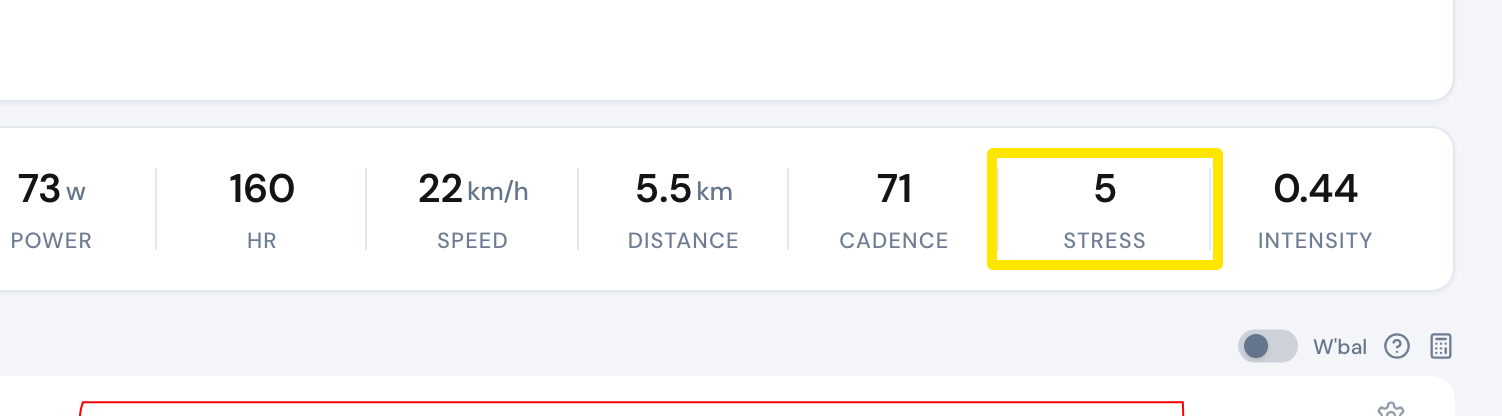 Where: Website · My Activities → click the activity's name · open it
Good to know: Outdoor and heart-rate workouts show no stress score on their calendar cards.
Works on: Website; mobile app (Today tab → My Calendar, and the ride's page); desktop app (the ride on the Activities tab).