

How do I fix the stress score (TSS) on a ride imported from Strava?
You can't type in a new stress score for a Strava ride, but on the TrainerDay website you can correct the FTP for that date in FTP history, and the ride's stress is recalculated.
- On the website, open My Calendar and click the Strava ride. STRESS is shown in its details.
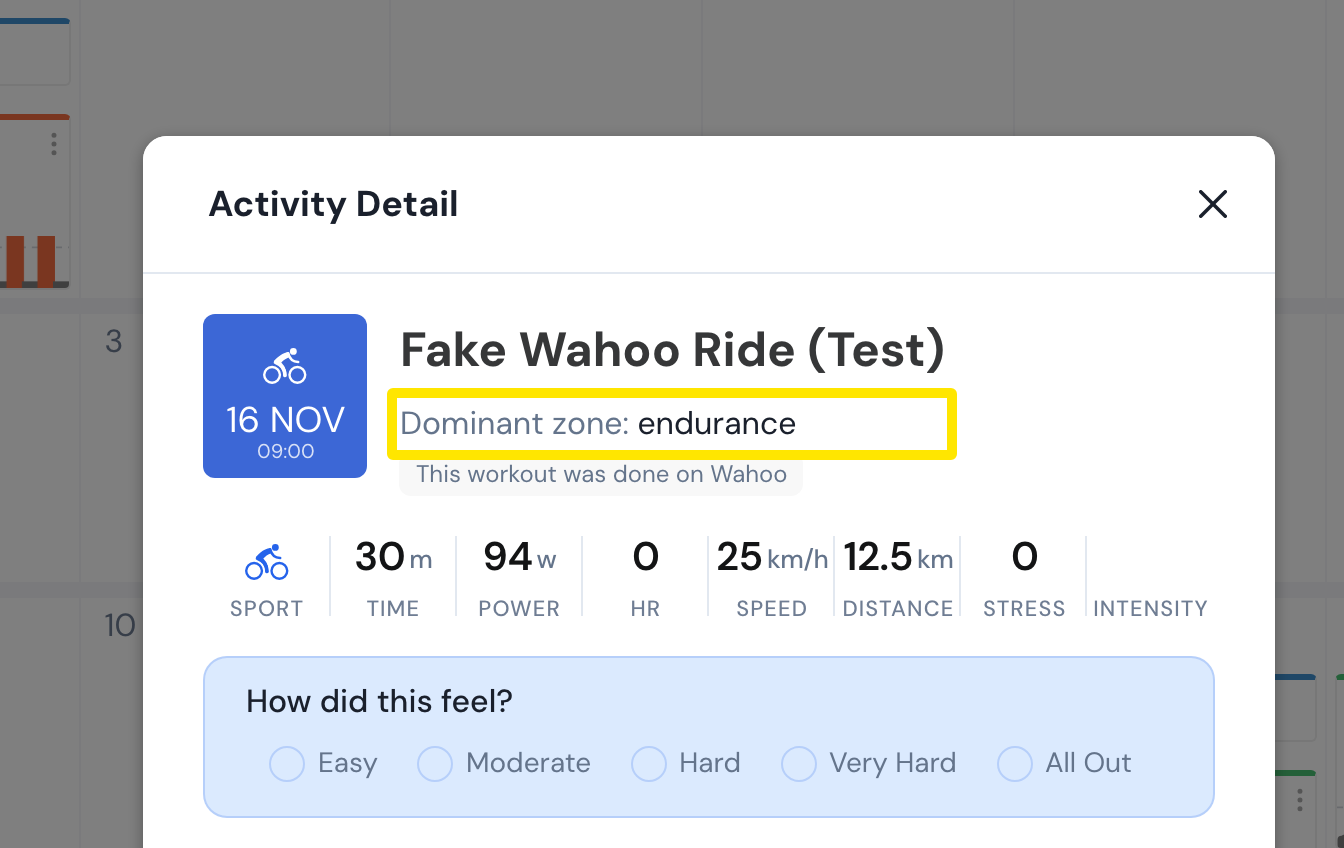 Where: Website · My Calendar → click a completed ride · open it
- Check what data the ride has. TrainerDay works out stress from power and the FTP for the ride's date. Without power, it uses heart-rate data. Without that, it uses average heart rate. Without heart rate, it estimates from the duration.
- If the FTP is wrong, click the gear icon at the bottom of the left menu. Choose Sports, Zones, FTPs, then FTP history, and add the right FTP from that date. Rides from that date on are recalculated.
Good to know: You can only edit a ride's name and perceived exertion.
Works on: Website. The mobile and desktop apps can't edit stress either.