

How do I find my rides on the website and app?
Find your rides under My Activities in the left sidebar on the website, or on the Activities tab in the mobile and desktop apps, including rides synced from Garmin and Strava.
- On the website, click My Activities in the left sidebar (app.trainerday.com/activities).
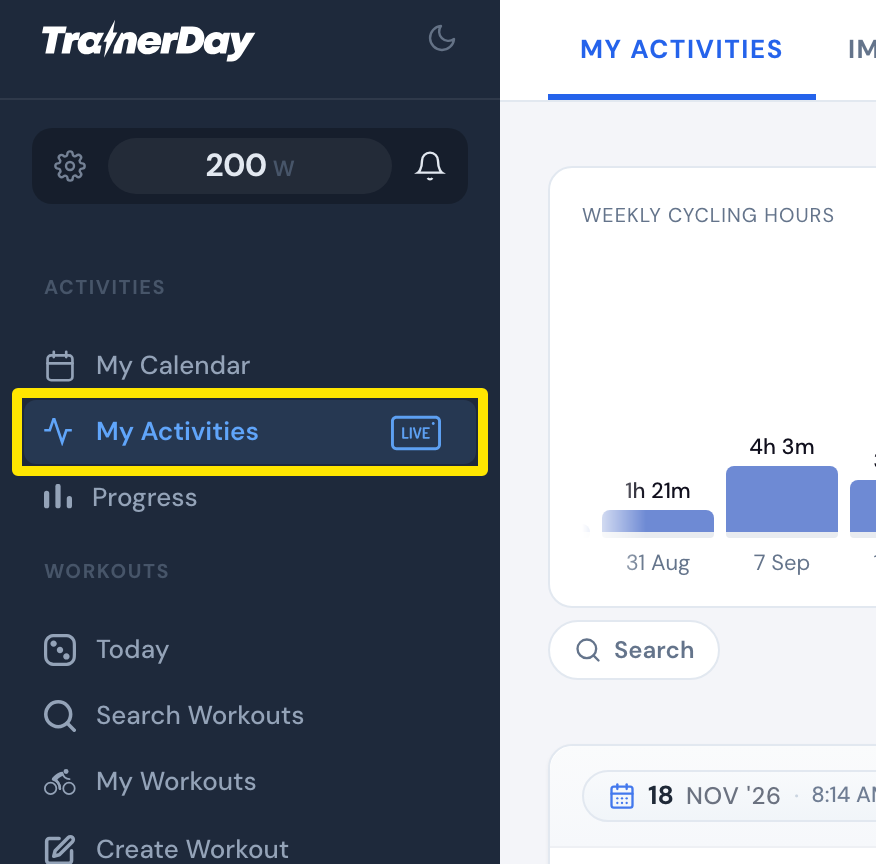 Where: Website · My Activities · open it
- Scroll the list. Rides are grouped by month, newest first, and older ones load as you scroll. Or click Search to search your activities.
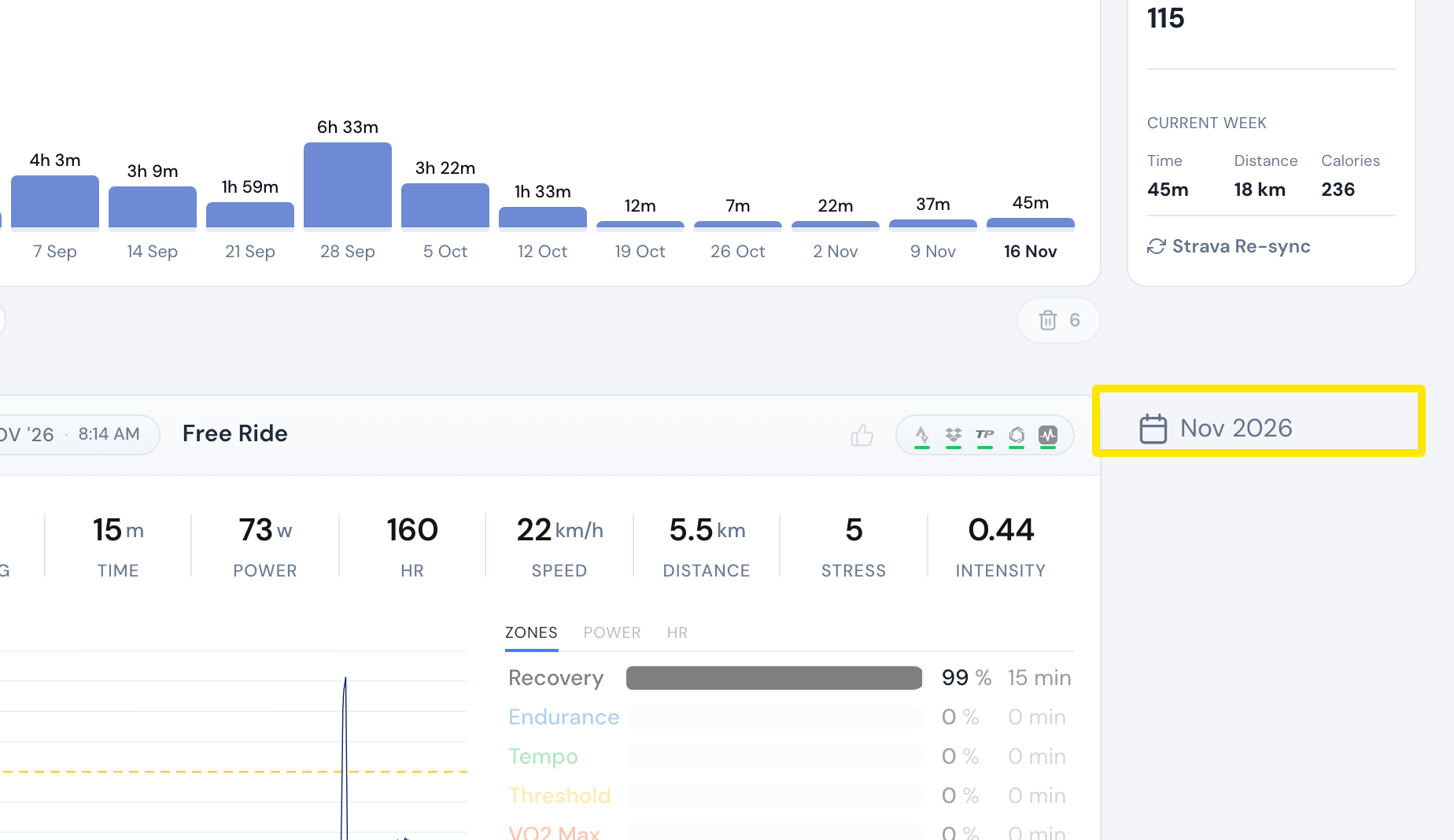 Where: Website · My Activities · open it
- In the mobile or desktop app, open the Activities tab.
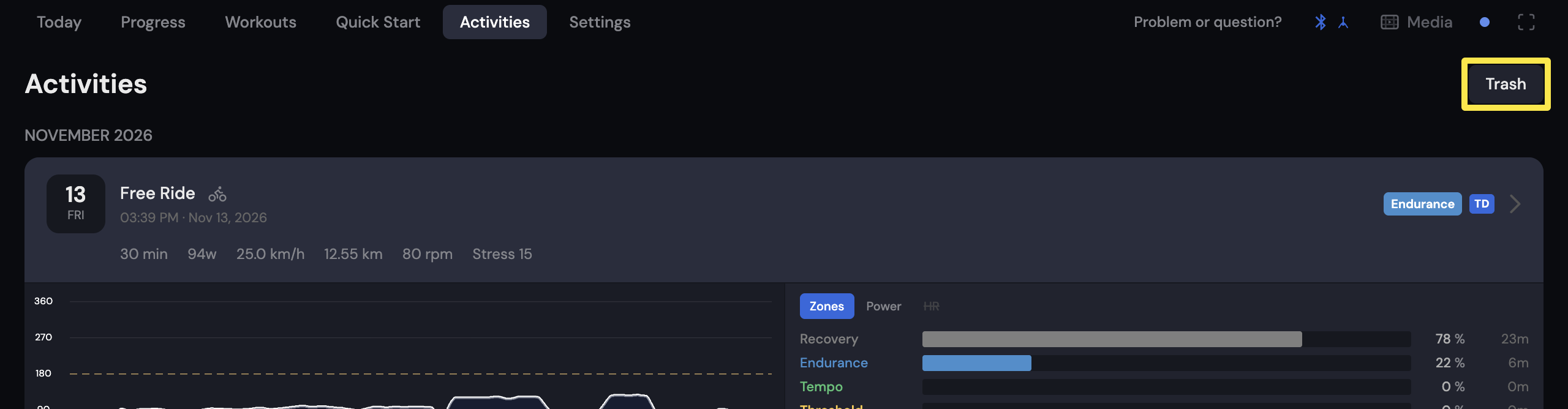 Where: Desktop app · Activities tab
Good to know: Garmin and Strava rides show in the same list. When a ride comes from both, the Garmin version is shown.
Works on: website (My Activities), mobile app and desktop app (Activities tab).