

How do I analyze heart rate, cadence and power from a ride?
Open a ride from My Activities on the TrainerDay website to see its power, heart rate and cadence chart, plus time in zones and the power duration curve.
- On the website, click My Activities in the left sidebar (app.trainerday.com/activities).
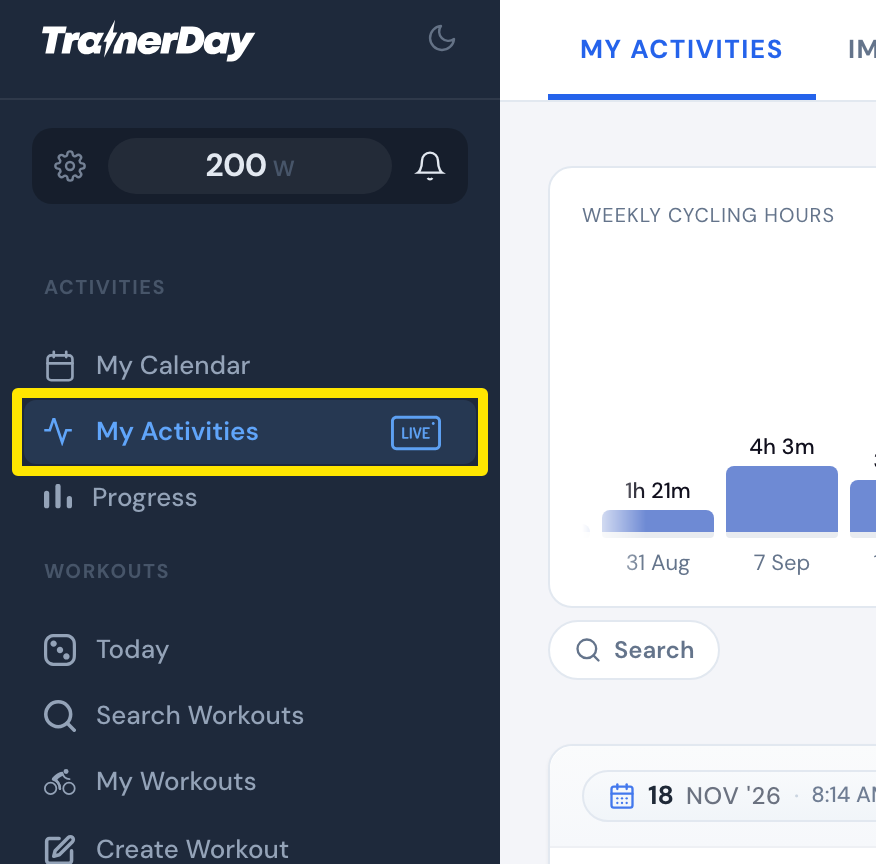 Where: Website · My Activities · open it
- Click the activity's name.
- Read the chart of power, heart rate and cadence over the ride. Below it, click Zones, Power or HR for time in power zones, the power duration curve and time in heart rate zones.
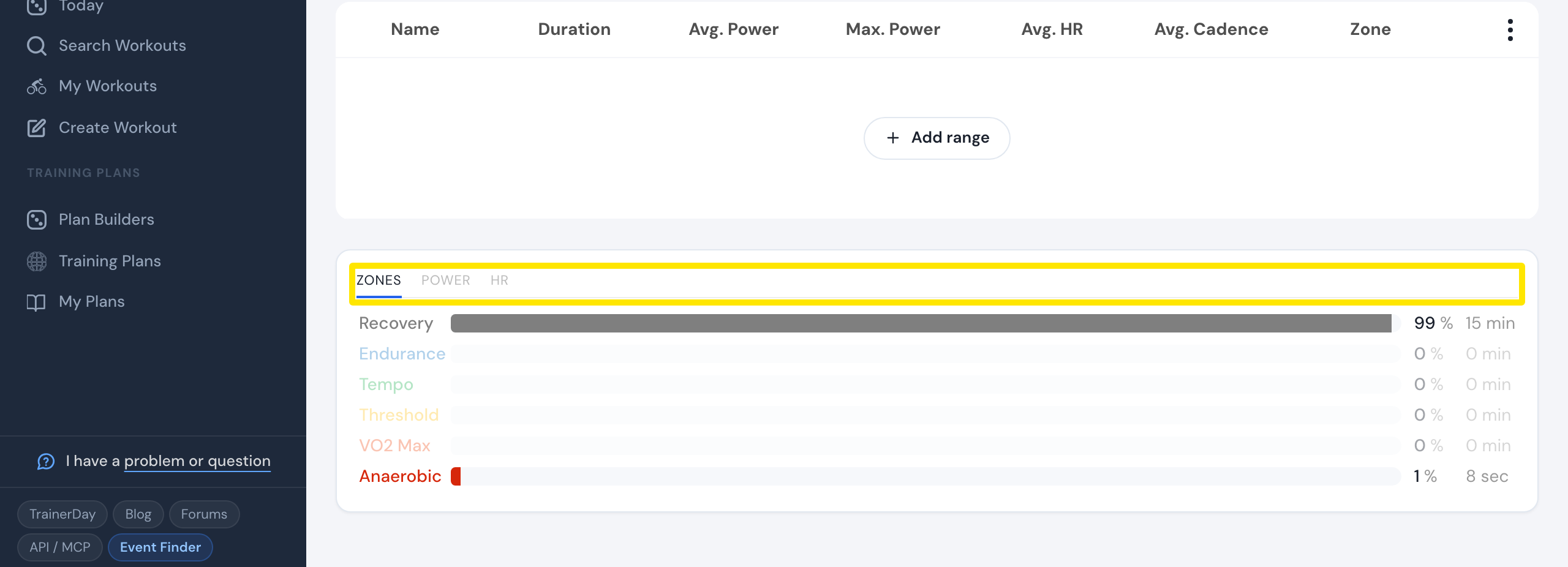 Where: Website · My Activities → click the activity's name · open it
Good to know: To see time in zone over many rides, open Progress and switch Time in Zone between Power and Heart Rate.
Works on: Website (Zones, Power, HR tabs). Mobile app: open the activity on the Activities tab for Stress, Intensity (IF), and power and HR zones. Desktop app: open the ride on the Activities tab for Power Zones, HR Zones and Power Curve tabs.