

How do I get my Strava or Garmin rides into TrainerDay?
Connect Strava or Garmin on the TrainerDay website's Connections page so new rides arrive by themselves, and import older rides from My Activities → Import history.
- On the website, click the gear icon in the left sidebar to open Connections.
- Click Connect on the Strava or Garmin tile and allow access. New rides then come into My Activities by themselves.
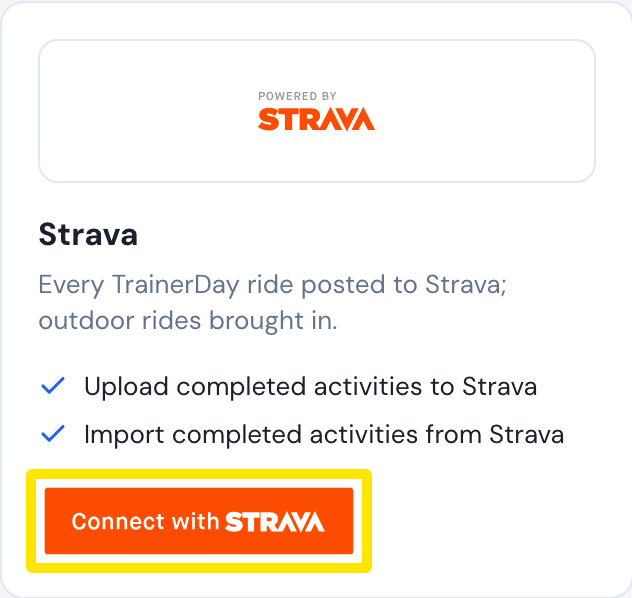 Where: Website · Connections · open it
- For older rides, click My Activities in the left sidebar, open the Import history tab, choose Strava or Garmin, and upload the ZIP of your data export as you received it.
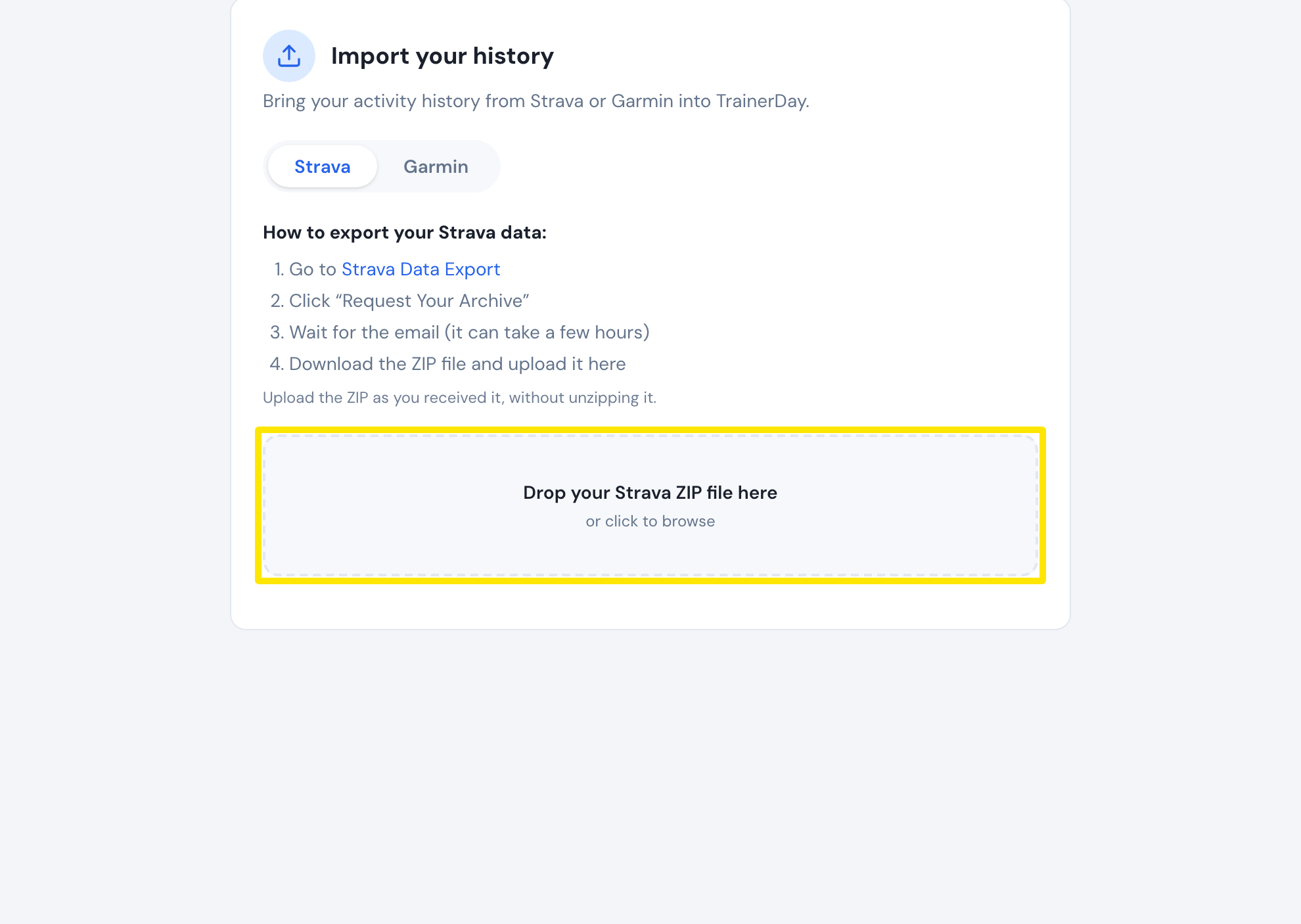 Where: Website · My Activities → Import history
Good to know: Import history takes only the export ZIP (up to 2 GB, not unzipped). You can't upload a single FIT, TCX or GPX file.
Works on: Connect and import on the website. The mobile and desktop apps show the same activities once you're connected.