

How do I rename a saved activity?
Rename a saved activity on the website by clicking the pencil next to its title on the activity's page, or in the mobile app by tapping its name at the top of the activity.
- On the website, click My Activities in the left sidebar (open it).
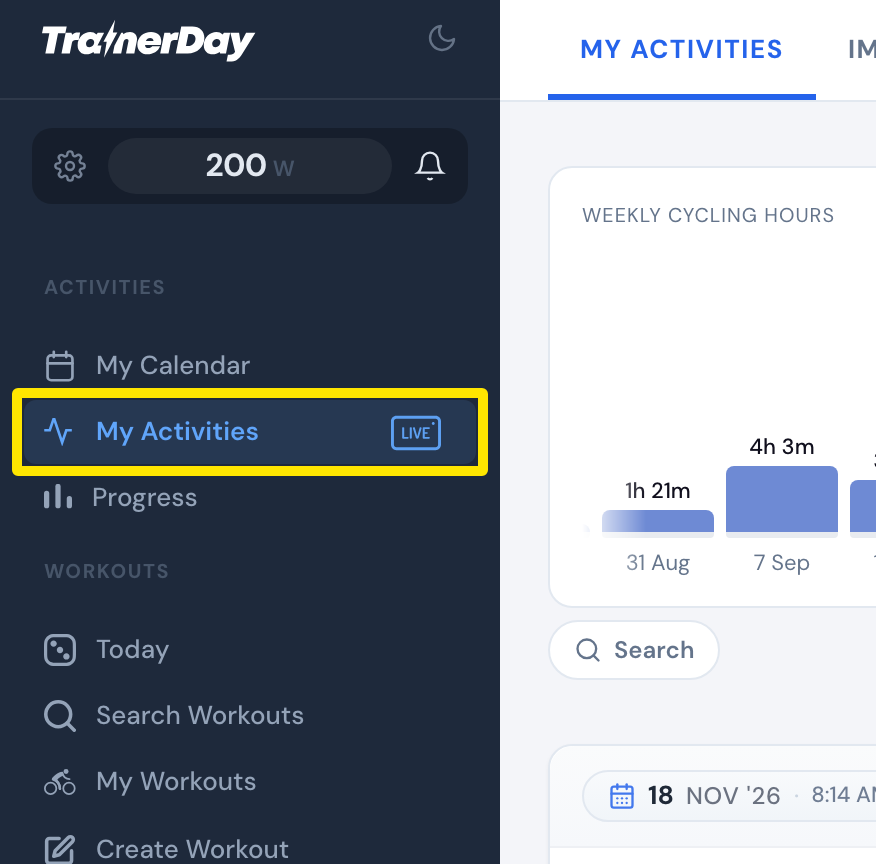 Where: Website · My Activities · open it
- Click the activity's name.
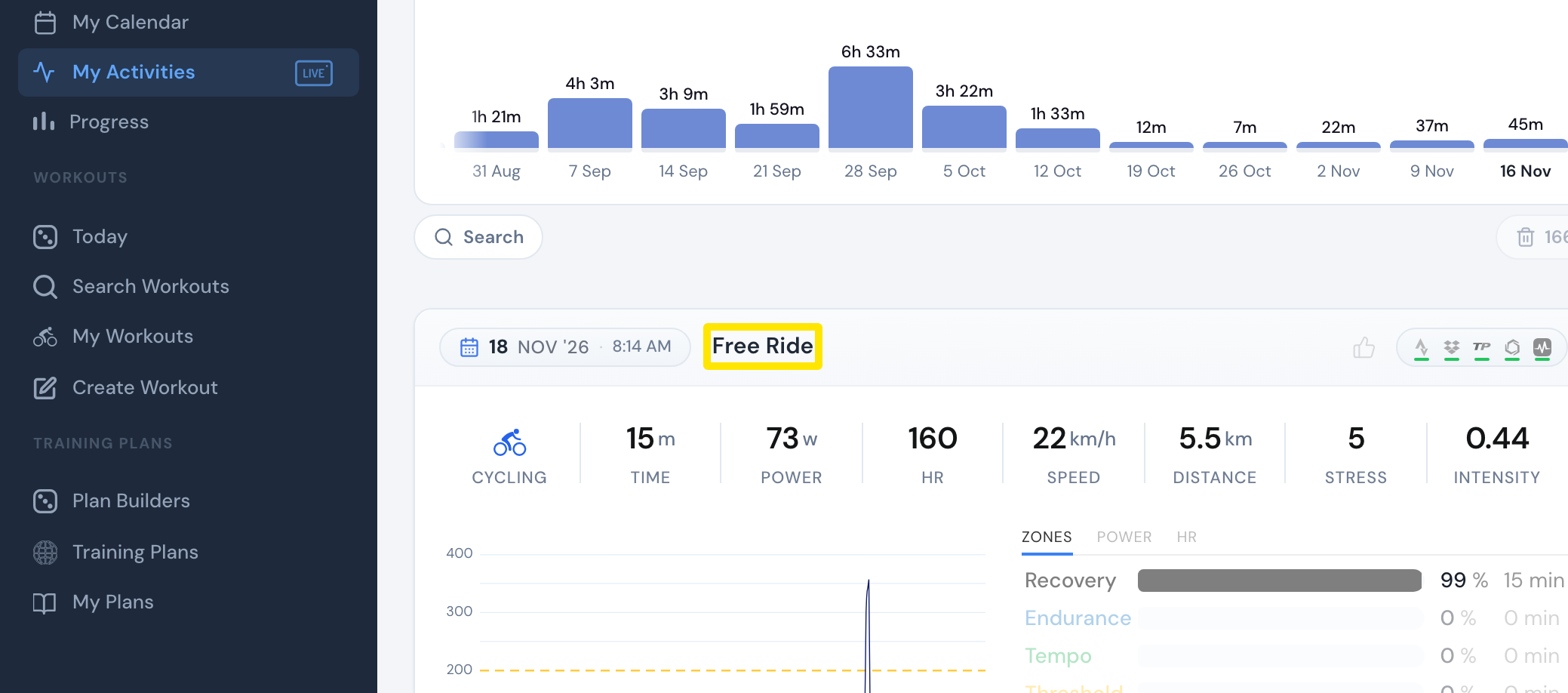 Where: Website · My Activities · open it
- Click the pencil next to the title, type the new name and click the tick (or press Enter).
 Where: Website · My Activities → click the activity's name · open it
Good to know: In the mobile app, open the activity on the Activities tab and tap its name at the top. You can't change an activity's type or stress score in any app.
Works on: Website and mobile app. The desktop app can't rename activities.