

How do I sync a ride from the desktop app to the website?
The TrainerDay desktop app syncs rides to the website on its own: stay signed in with the same account and it uploads unsent rides about 10 seconds after it starts and then every 10 minutes, then you see the ride in My Activities on the website.
- Open the TrainerDay desktop app and stay signed in with the same account you use on the website. Rides that did not upload are sent about 10 seconds after the app starts, then every 10 minutes. There is no sync button.
- On the website, click My Activities in the left sidebar (app.trainerday.com/activities) to see the ride.
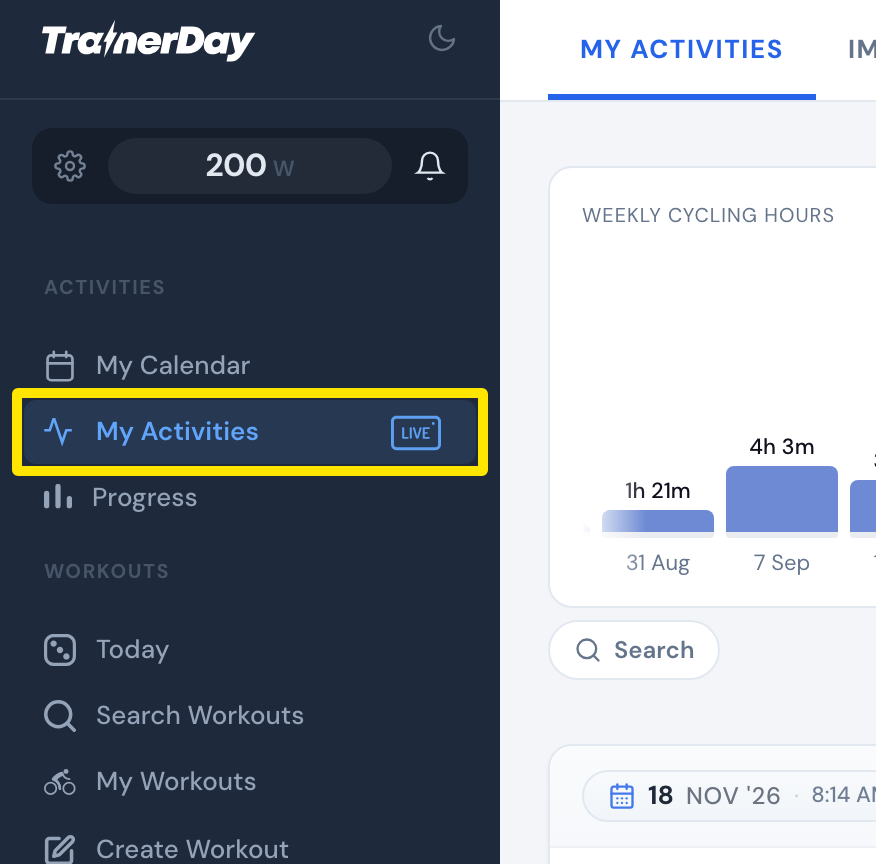 Where: Website · My Activities · open it
Good to know: If a ride seems stuck, reopen the desktop app to retry the upload. Don't delete or reinstall the app first, or unsynced rides are lost.