

How do I recover a ride after the desktop app crashed or closed during a workout?
In the desktop app, open the Activities tab and click Trash at the top right to look for your ride and restore it.
If the app is still frozen or you're trying to save the workout you were just riding, start with How do I save my workout when the app crashes or freezes?
- In the desktop app, click the Activities tab in the top bar.
- Click Trash at the top right, above your list of rides.
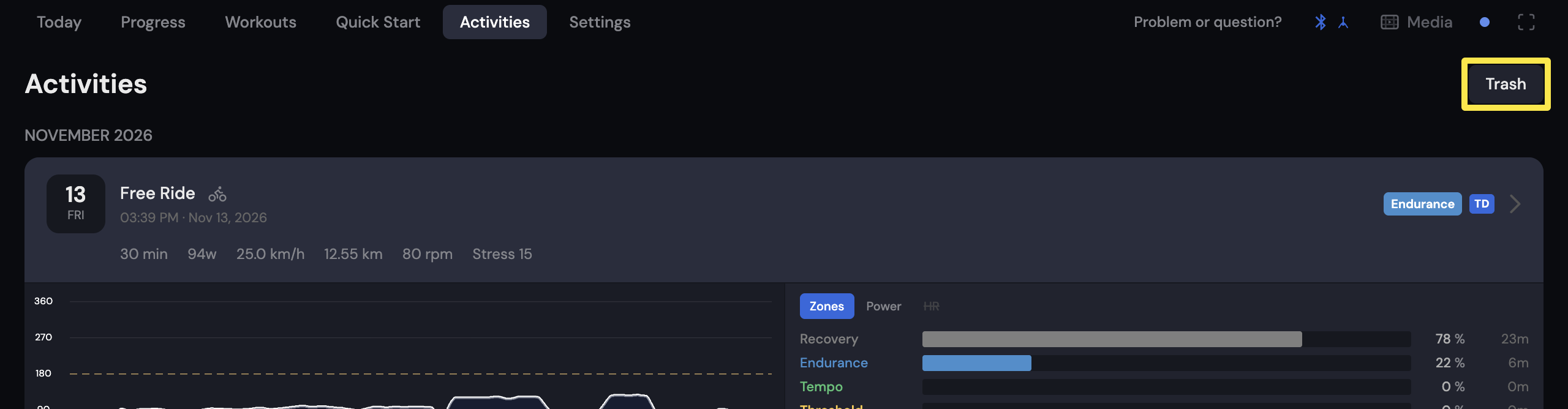 Where: Desktop app · Activities tab
- Find your ride in Trash and restore it.
Good to know: The Trash button always shows, even when there is nothing in it.