

How do I save or discard a ride when I finish a workout?
When your workout ends (or you tap Pause and then Finish in the TrainerDay mobile app), the Workout finished window opens, where you tap Save to keep the ride or Discard to throw it away.
- Start a workout in the TrainerDay mobile app. When the workout time runs out, the Workout finished window opens by itself.
- To end early, on the workout screen tap Pause (bottom left), then tap the Finish button that appears next to Play.
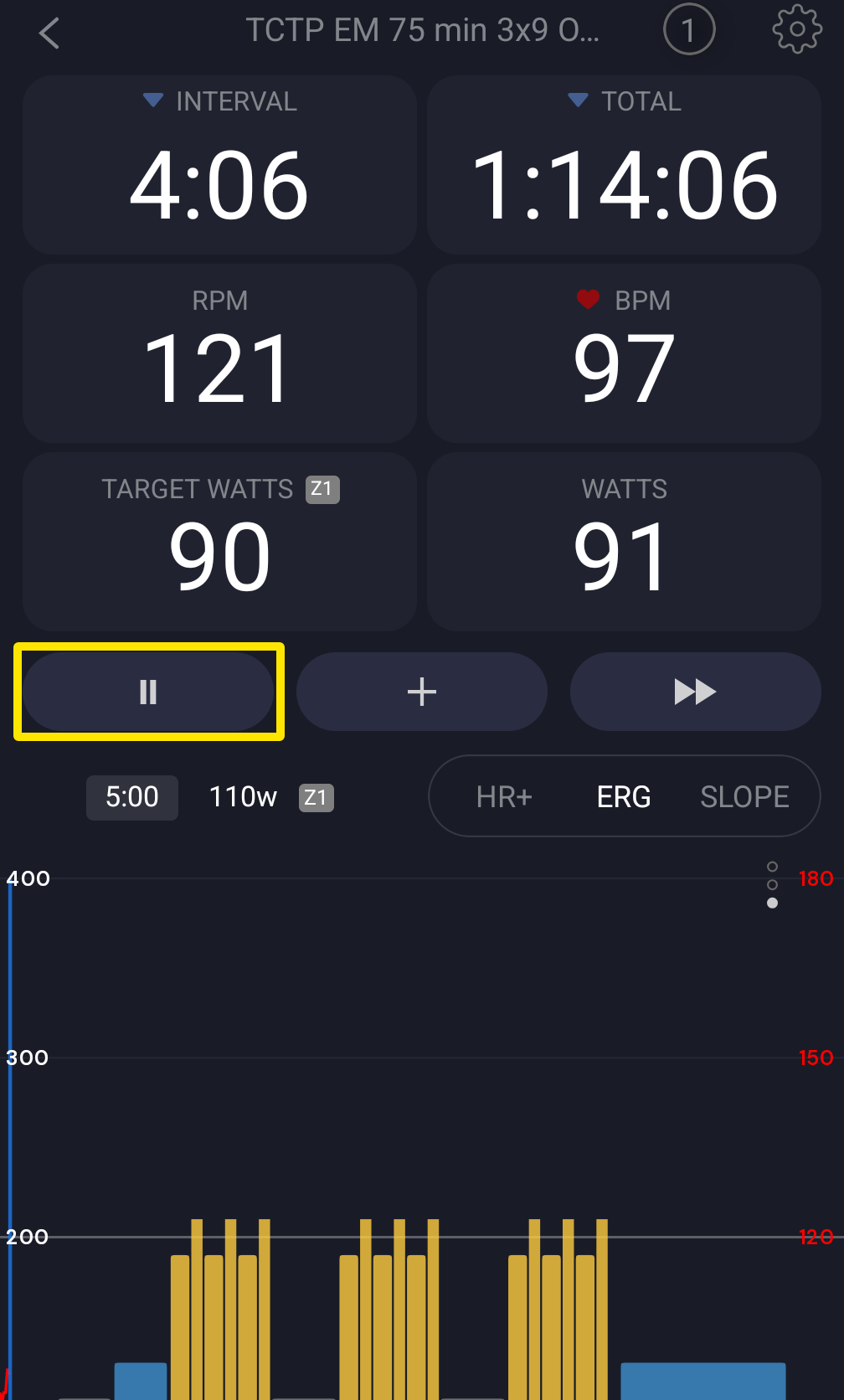 Where: Mobile app · the workout screen during a ride
- In Workout finished, change the Name if you like and pick how hard it felt. Leave Planned Workout Completed ticked if the ride came from your plan. This moves your plan on to the next workout.
- Tap Save to keep the ride (you land on Activities). Or tap Discard, then confirm with Discard. Tap ✕ instead to go back to the paused ride.
Good to know: A discarded ride stays in Deleted Activities (Activities tab) for 30 days. A ride under 5 seconds is not kept.
Works on: Mobile app and desktop app (desktop: Pause, then Stop opens Save Activity). Not on the website.