

How do I keep the workout timer accurate when the app is in the background or the screen is off?
To keep the workout timer accurate, keep the workout screen open in the TrainerDay mobile app; on Android, also allow Physical activity and exclude TrainerDay from battery optimization.
- In the TrainerDay mobile app, start your workout and keep the workout screen open. The app keeps your phone's screen awake while it is open.
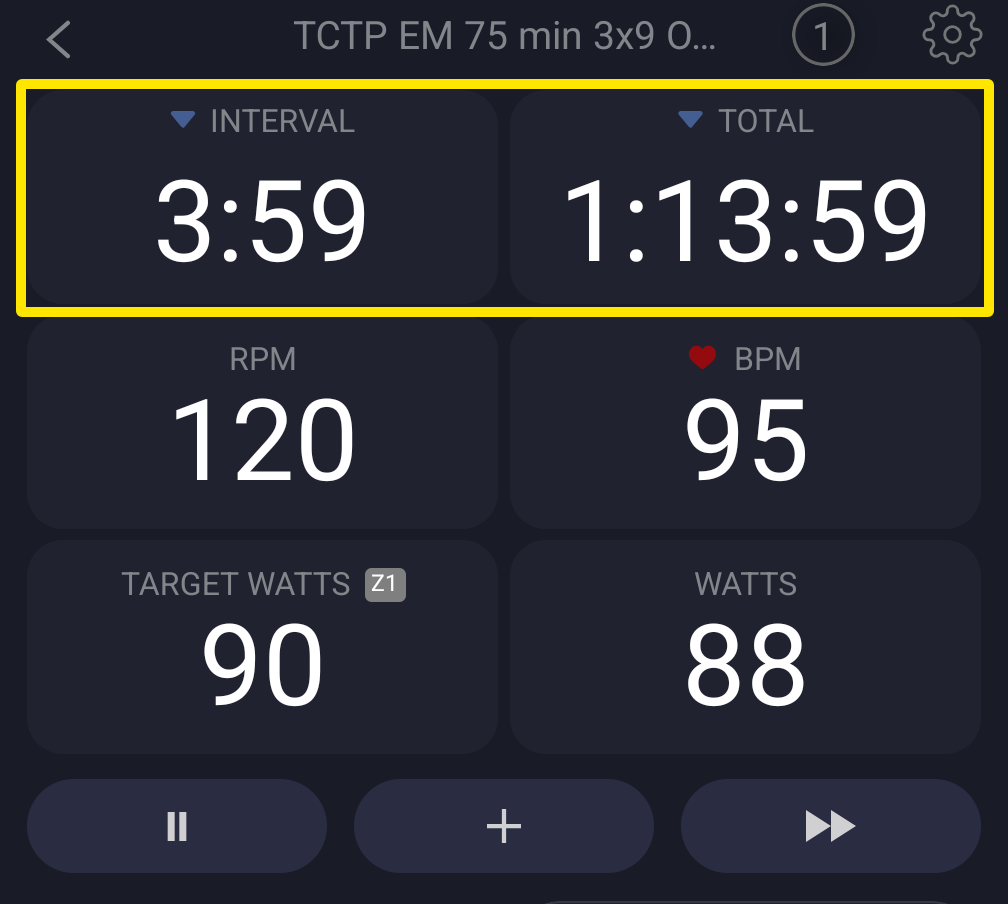 Where: Mobile app · the workout screen during a ride
- On Android 14 or newer, leave TrainerDay and open your phone's Settings → Apps → TrainerDay → Permissions → Physical activity. Allow it so the workout keeps running in the background.
- On Android, also exclude TrainerDay from battery optimization in your phone's settings. Battery saver can slow apps in the background.
- Leave your phone's Settings and go back to the TrainerDay workout screen.
Good to know: On iPhone there is nothing to set. The app runs in the background with Bluetooth and audio background modes.
Works on: Mobile app (iPhone and Android); in the desktop app, keep the app open; the website has no ride screen.