

How do I pause and resume a workout?
In the TrainerDay mobile app's workout player, tap Pause at the bottom left to pause your ride, then tap Play in the same place to resume, or tap Finish to end and save it.
- Start a ride in the TrainerDay mobile app. On the workout screen, tap the Pause button at the bottom left. If you just stop pedalling, the ride pauses by itself.
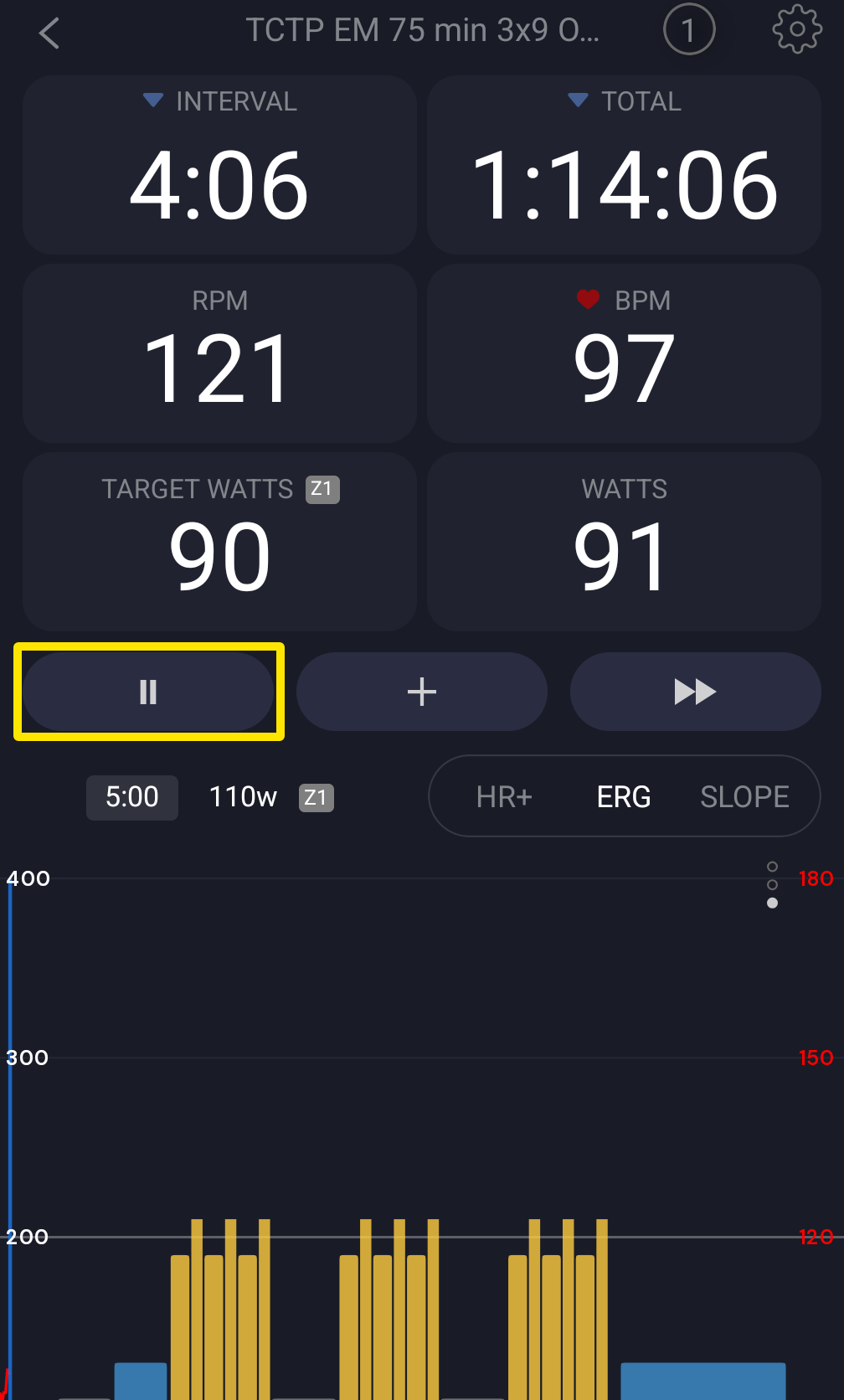 Where: Mobile app · the workout screen during a ride
- To resume, tap Play in the same place. If the ride paused by itself, you can also just start pedalling.
- While paused, tap Finish next to Play to end the ride and open the save window.
Good to know: After you tap Pause yourself, pedalling alone does not restart the ride. Tap Play.
Works on: Mobile app (Pause/Play buttons); desktop app (the Play/Pause button at the left of the bottom bar or the Space bar, with a Stop button while paused; the phone's Remote Control can also pause and resume a desktop ride).