

How do I make my workout start and pause automatically when I pedal?
In the TrainerDay mobile app, a workout starts by itself when you pedal and pauses when you stop, so there is nothing to switch on; you only need to keep pedaling, or tap Play after a manual pause.
- In the TrainerDay mobile app, open a workout to reach the workout screen. Start pedaling. The ride starts above 5 W, or above 10 rpm when there is no power source. It pauses when you drop below 2 W. If it never starts, check that a power or cadence source is sending data.
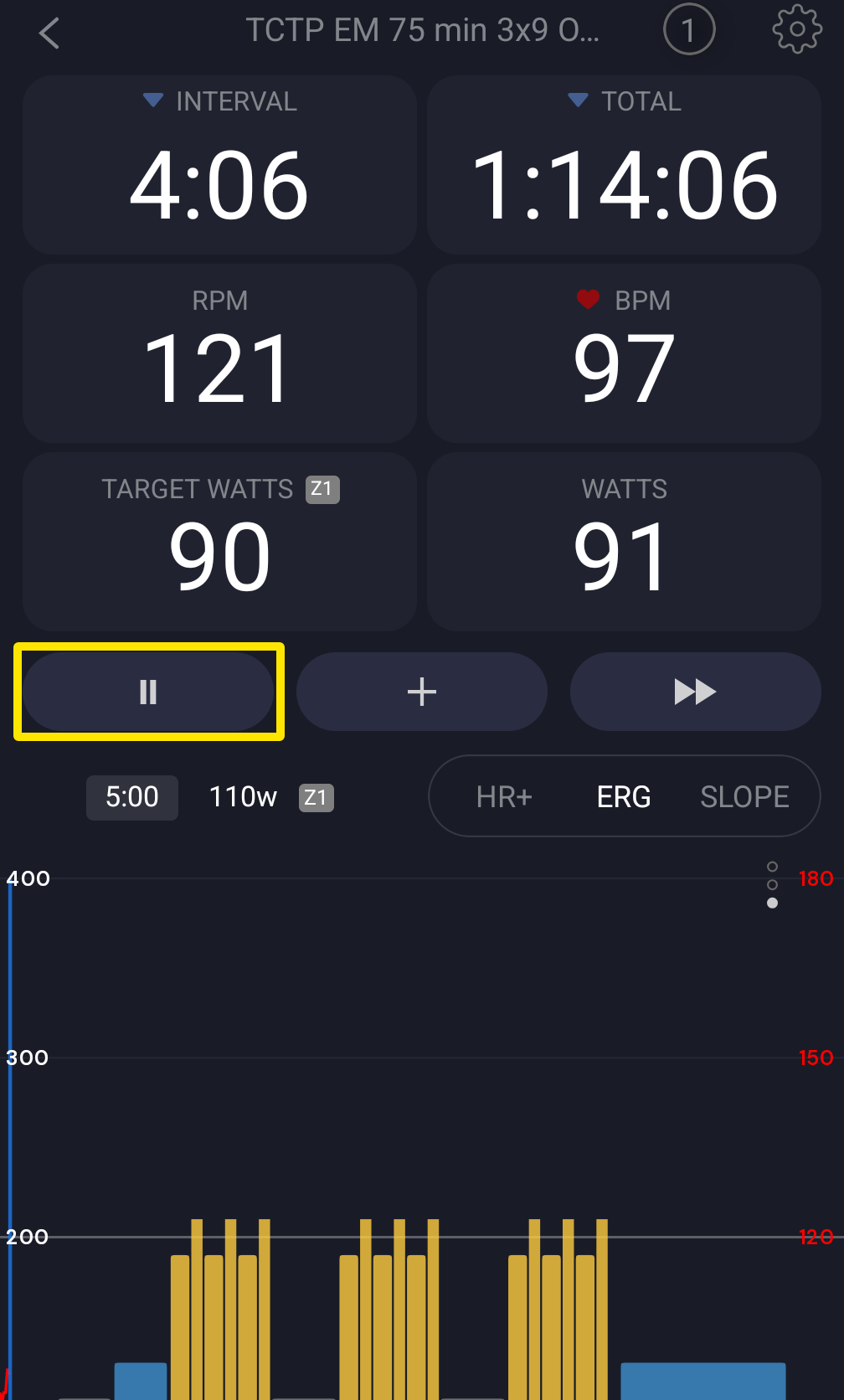 Where: Mobile app · the workout screen during a ride
- If you tap Pause yourself, pedaling will not restart the ride. Tap Play to go on.
- To turn this off, for example outdoors, tap the Settings tab, then Other Options, and turn on Disable Auto Start/Stop.
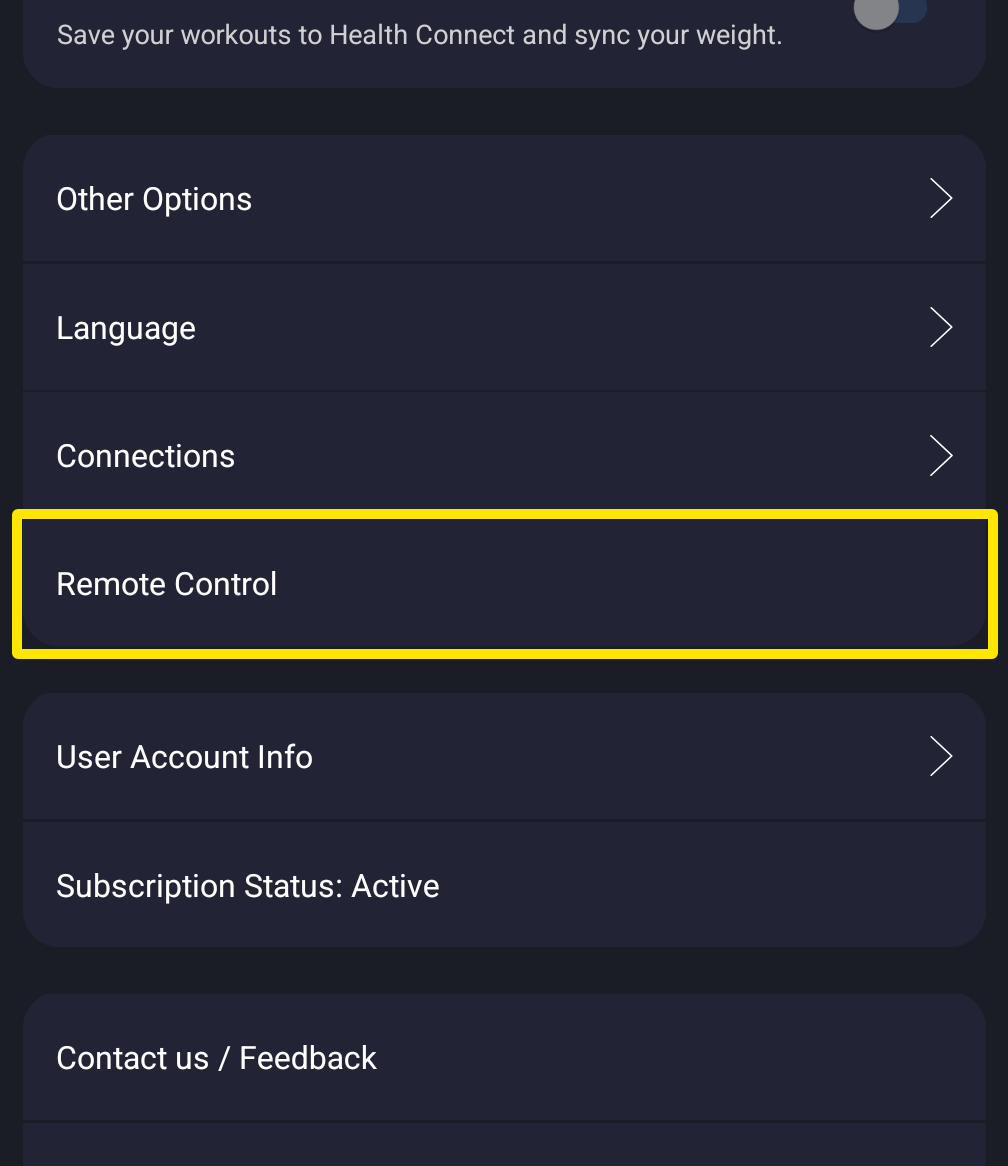 Where: Mobile app · Settings tab
Good to know: In the desktop app it works the same way and shows Auto Paused. To turn it off there, go to Settings → Workout Controls → Disable Auto Pause/Start.
Works on: mobile app and desktop app. The website does not run rides.