

How do I delete a ride?
Delete a ride from its activity page on the TrainerDay website, mobile app or desktop app, and restore it from the trash if needed.
- On the website, click My Activities in the left sidebar (app.trainerday.com/activities).
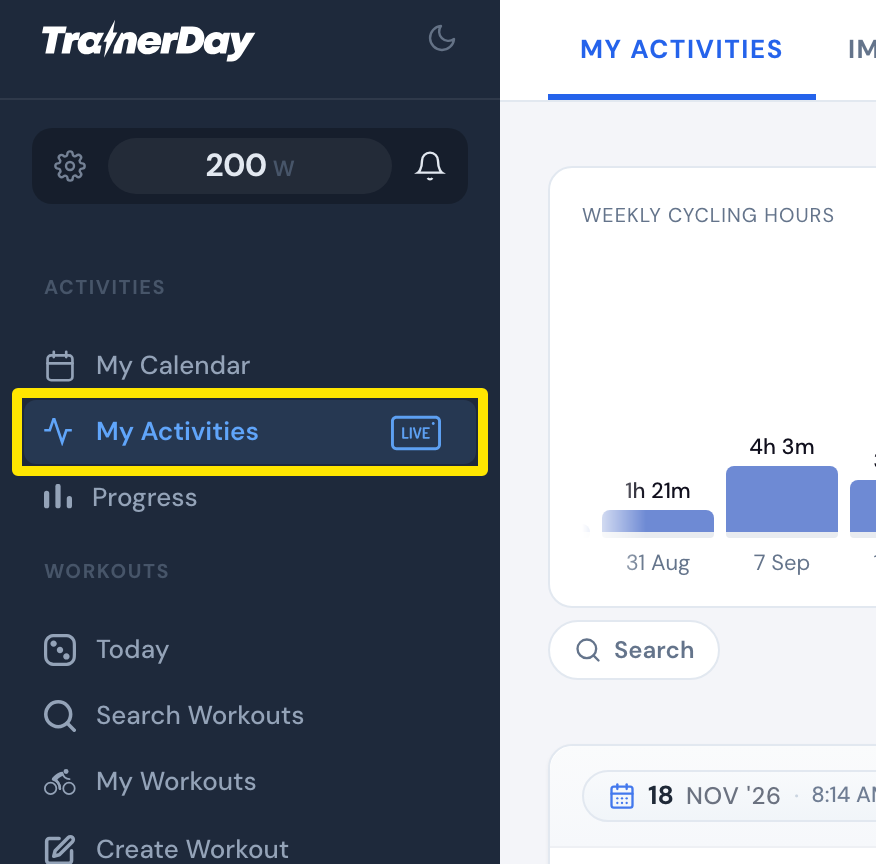 Where: Website · My Activities · open it
- Click the activity's name.
- Click the three-dots button at the top right of the activity.
- Click Delete, then Delete again to confirm.
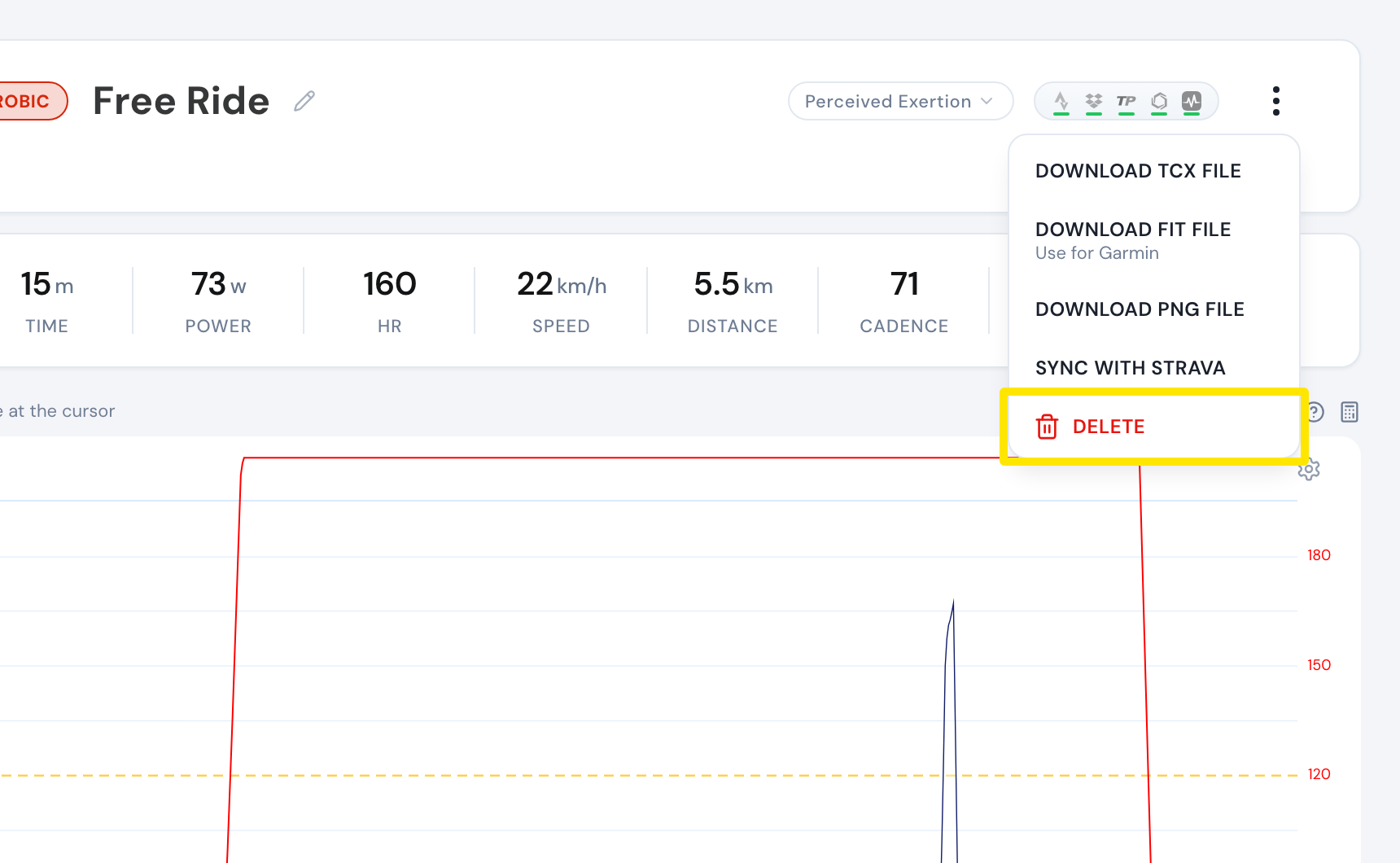 Where: Website · My Activities → click the activity's name · open it
Good to know: Deleted rides go to the trash and can be restored: on the website, use the trash-can button on My Activities; on mobile, use Deleted Activities; on desktop, use Trash.
Works on: Website; mobile app (open the activity on the Activities tab and tap the trash can at the bottom); desktop app (open the ride on the Activities tab, click Delete, then Confirm Delete).