

How do I send my TrainerDay rides to Strava?
Connect Strava once on the website's Connections page, and every TrainerDay ride of at least one minute uploads to Strava by itself, on the free plan too.
- On the website, click the gear icon at the top of the left menu and choose Connections.
- Click the Strava tile and press Connect. On Strava's page, allow TrainerDay with both boxes ticked. Back on Connections, Strava shows Connected.
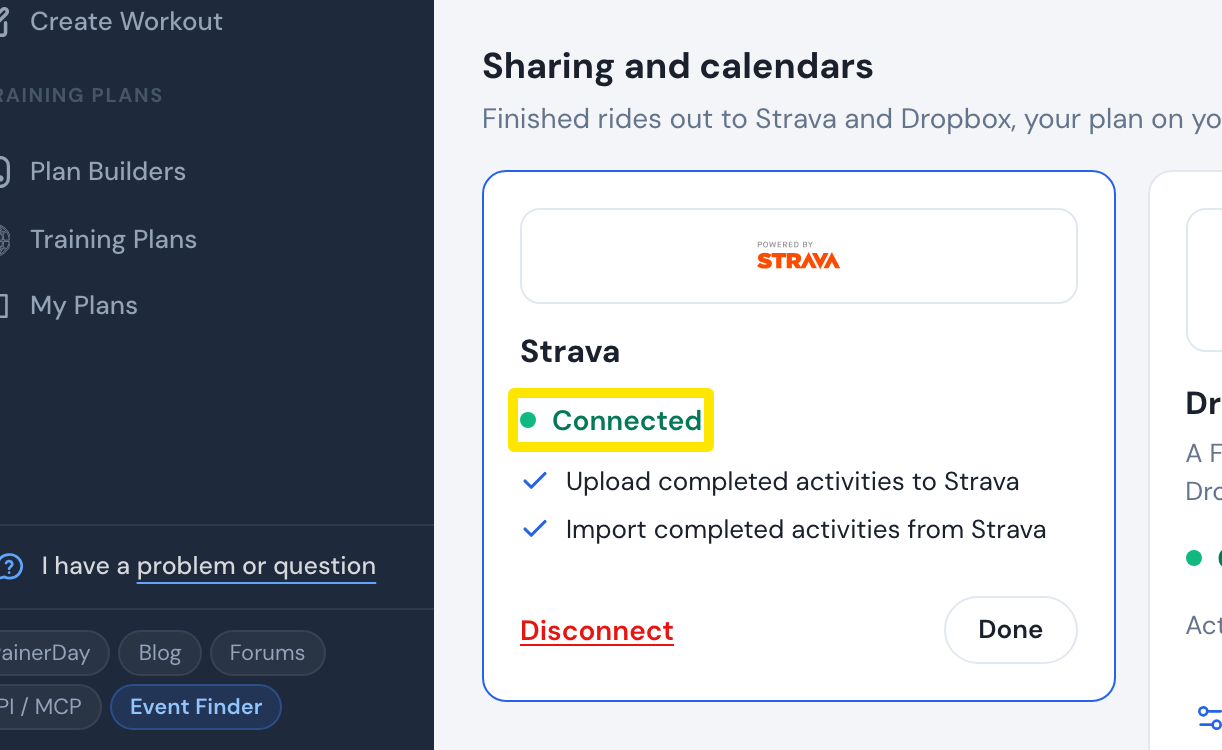 Where: Website · Connections · open it
- Ride in a TrainerDay app. Every ride of at least one minute now uploads to Strava by itself.
- For rides done before you connected: on Connections, open the Strava tile and press Sync Activities. It only shows when some TrainerDay rides have not reached Strava.
- Paid riders can also send one ride again. Go to My Activities and click the ride's name. On the activity page, open the three-dots menu, choose Sync with Strava, then Confirm.
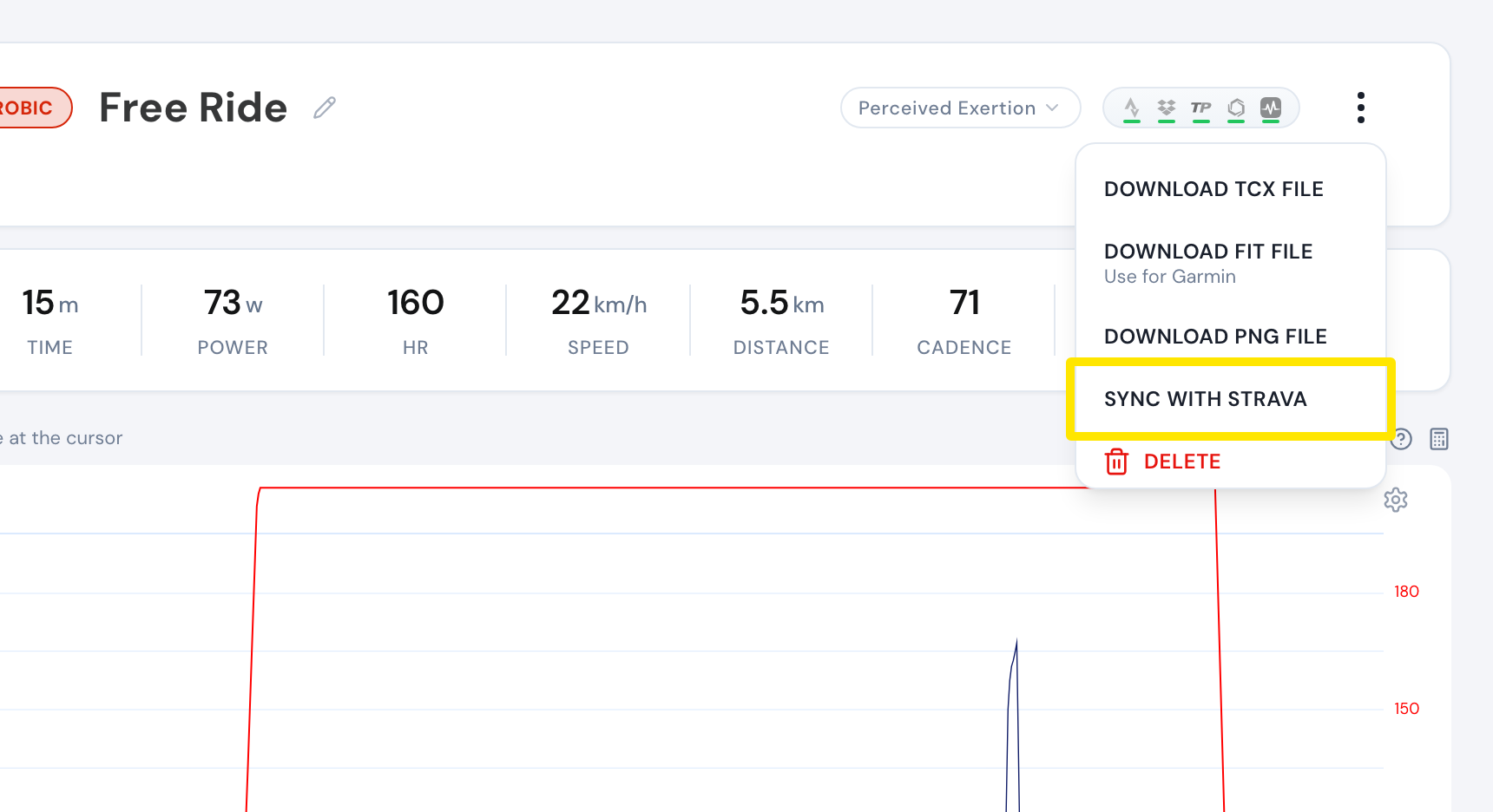 Where: Website · My Activities → click the activity's name · open it
Good to know: Rides shorter than 60 seconds are never sent to Strava. Automatic uploads to TrainingPeaks and Dropbox are only for paid riders.