

How do I connect my Strava account to TrainerDay?
Connect Strava from the Connections page on the TrainerDay website, then allow TrainerDay on Strava's page.
- On the website, click the gear icon at the top of the left menu and choose Connections.
- In Sharing and calendars, click the Strava tile and press Connect.
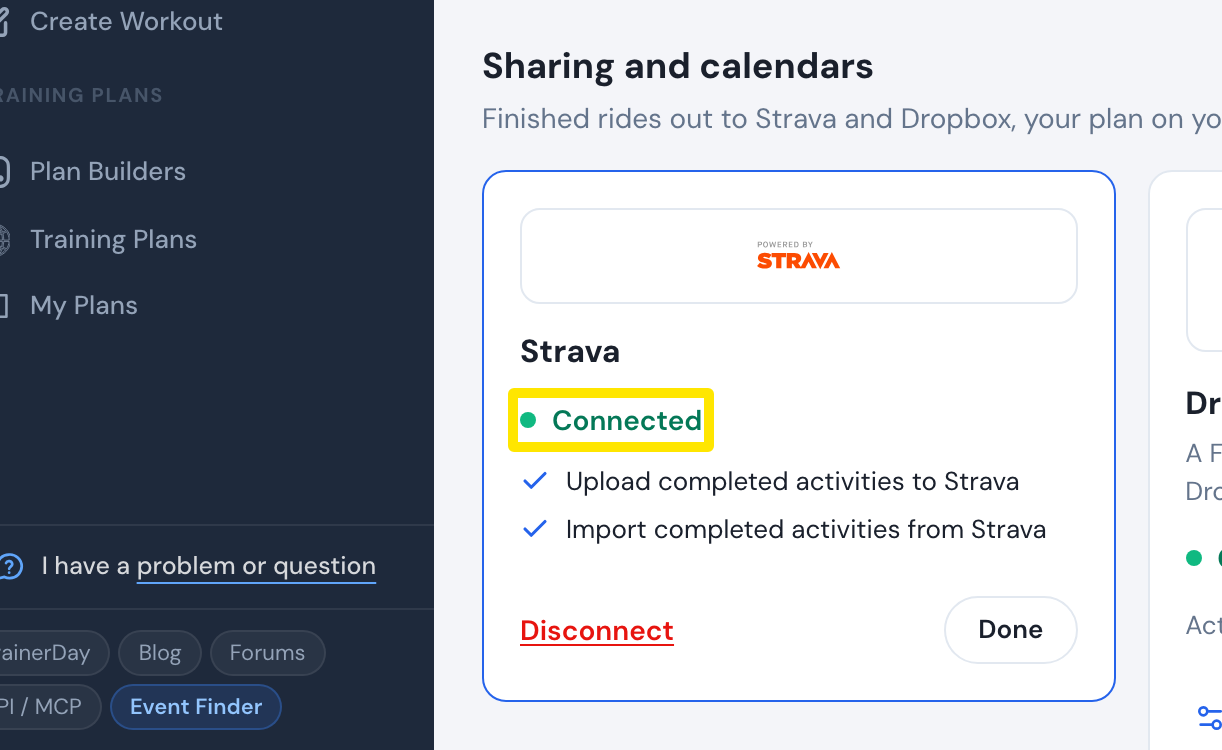 Where: Website · Connections · open it
- On Strava's page, sign in to your Strava account, leave both boxes ticked and allow TrainerDay. You come back to Connections and Strava shows Connected.
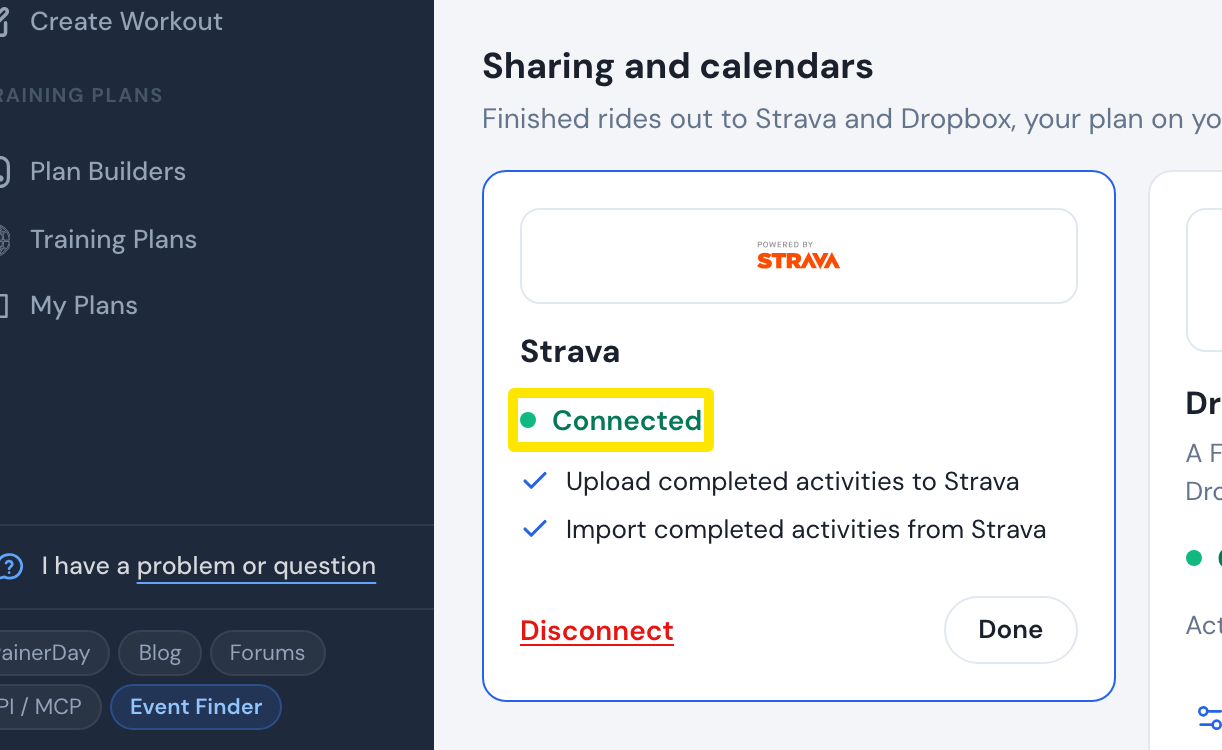 Where: Website · Connections · open it
Good to know: TrainerDay needs both Strava permissions. Without the upload permission, the Strava panel asks you to reconnect. One Strava account links to only one TrainerDay account.
Works on: Website. Mobile app: Settings → Connections → Strava. Desktop app: Settings → Connections → Manage Connections → Connect opens Strava in your browser.