

How do I fix rides that are not reaching Strava?
Rides stop reaching Strava when the Strava connection is lost, missing the upload permission, or linked to the wrong Strava account; fix it on the website under Connections, then send the missing rides with Sync Activities.
- On the website, click the gear icon at the top of the left menu and choose Connections (app.trainerday.com/apps-and-devices).
- Open the Strava box. It should say Connected. If it does not, press Connect, sign in on Strava's page, leave both boxes ticked and allow TrainerDay. You come back to Connections.
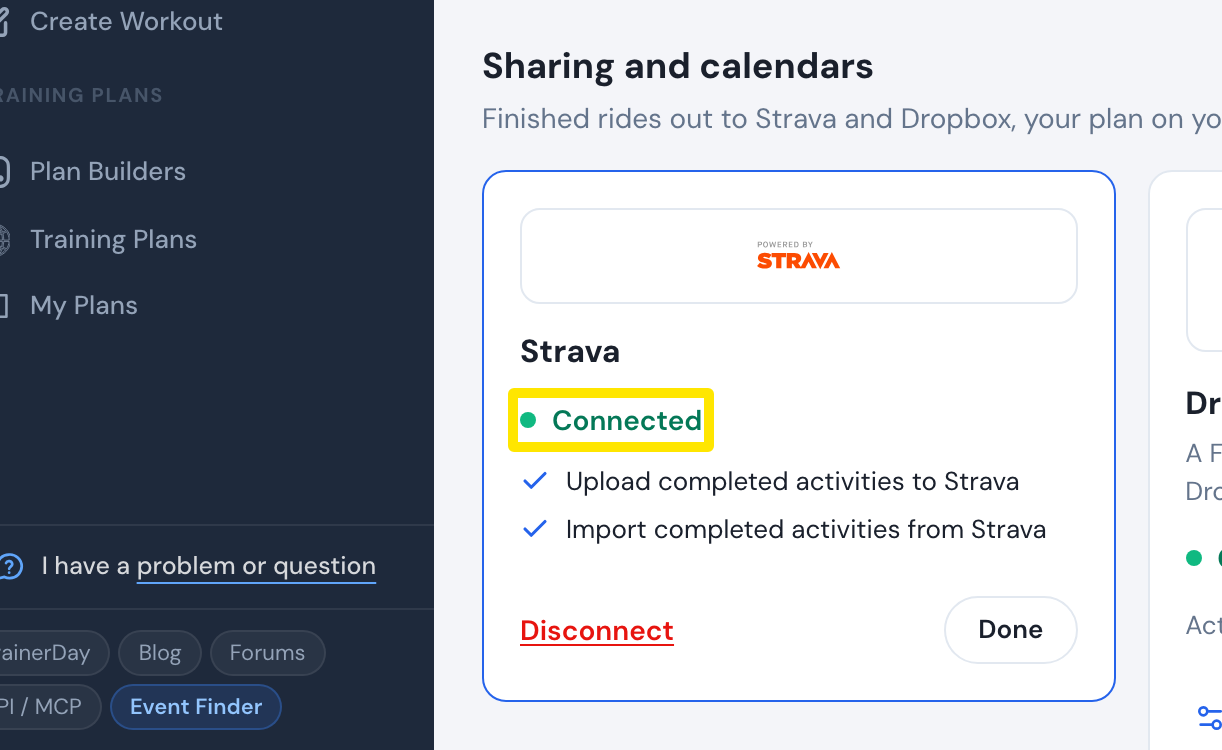 Where: Website · Connections · open it
- If the Strava box says "Attention! To work correctly, you need to reconnect with the required permissions", press Disconnect.
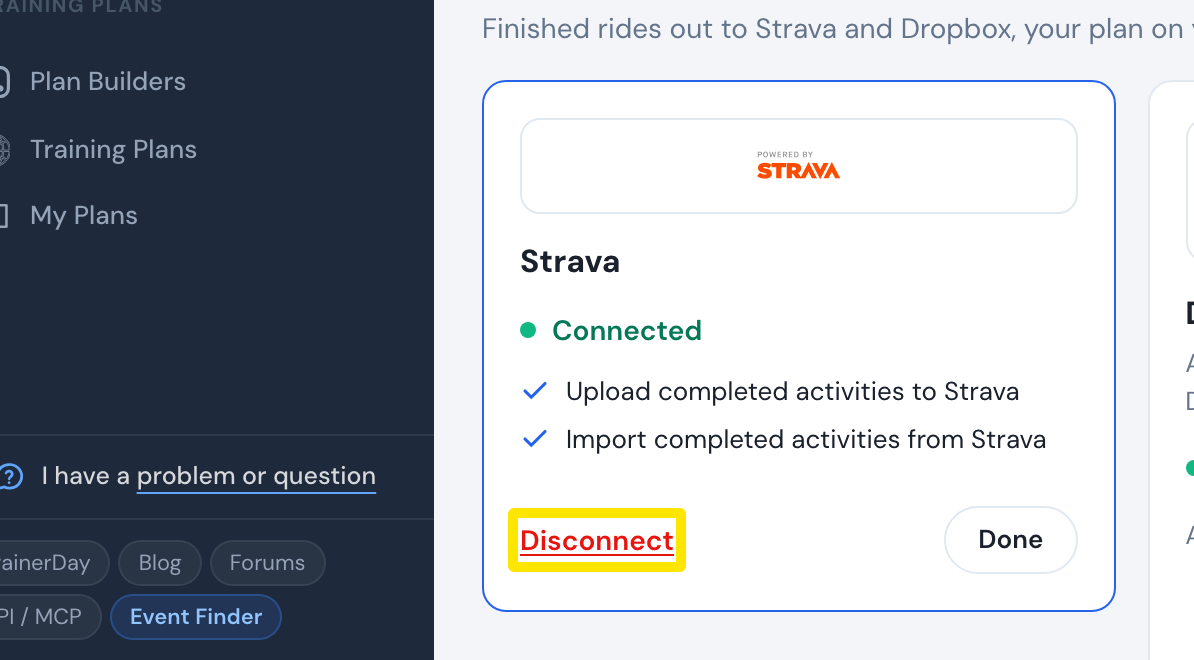 Where: Website · Connections · open it
- Press Connect, leave both boxes ticked on Strava's page and allow TrainerDay. Back on Connections, open the Strava box again: it shows Connected.
- In the same Strava box, press Sync Activities (it shows when rides have not reached Strava) to send them.
- Rides going to the wrong Strava account: sign in to the right Strava account in your browser (or use an incognito window), then on Connections press Disconnect and Connect, and allow TrainerDay on Strava's page.
Good to know: Rides shorter than one minute are never sent, and one Strava account can be linked to only one TrainerDay account.
Works on: Website (most reliable). Mobile app: Settings → Connections → Strava. Desktop app: Settings → Connections → Manage Connections.