

How do I get my completed rides to show on my calendar?
Connect Strava and/or Garmin on the TrainerDay website's Connections page, then open My Calendar to see your completed rides on the day each one started.
- On the TrainerDay website, click the gear icon at the top of the left sidebar and choose Connections. Connect Strava and/or Garmin so their rides come into TrainerDay. Rides done in TrainerDay come in by themselves.
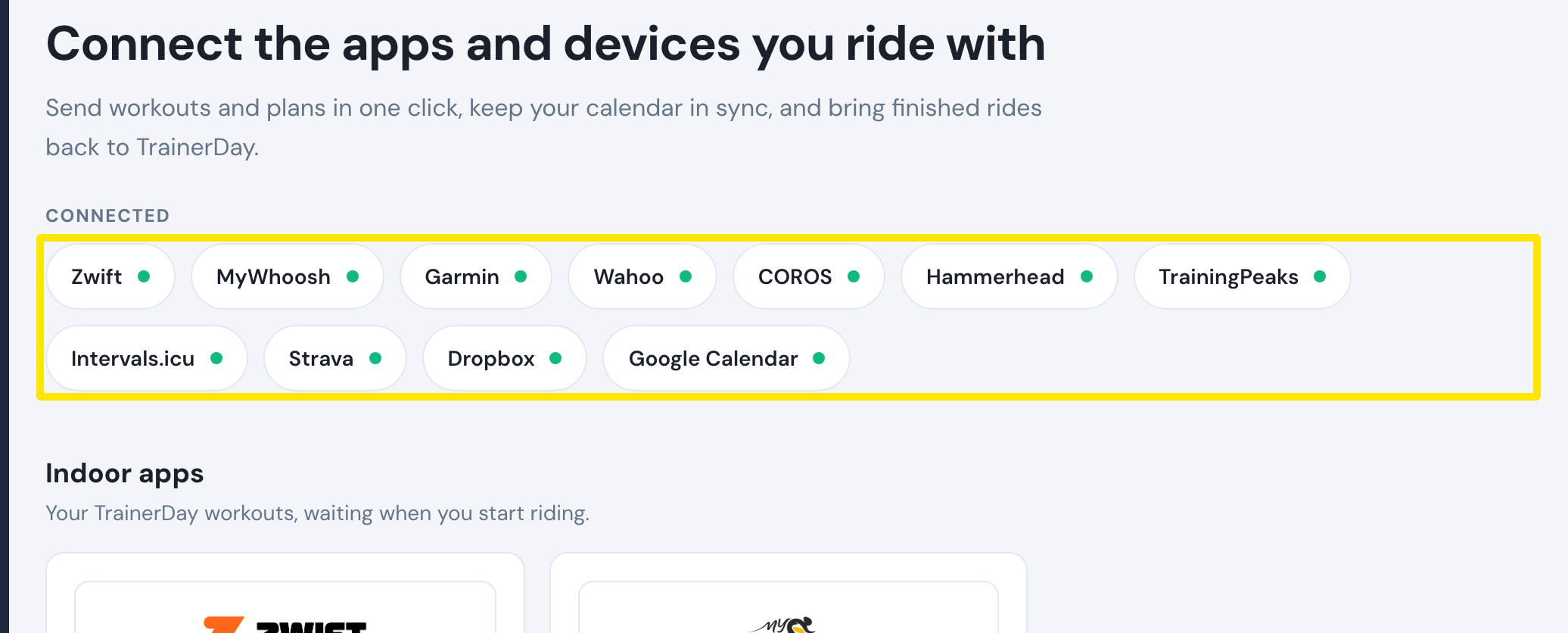 Where: Website · Connections · open it
- In the left sidebar, click My Calendar. Each ride shows on the day it started.
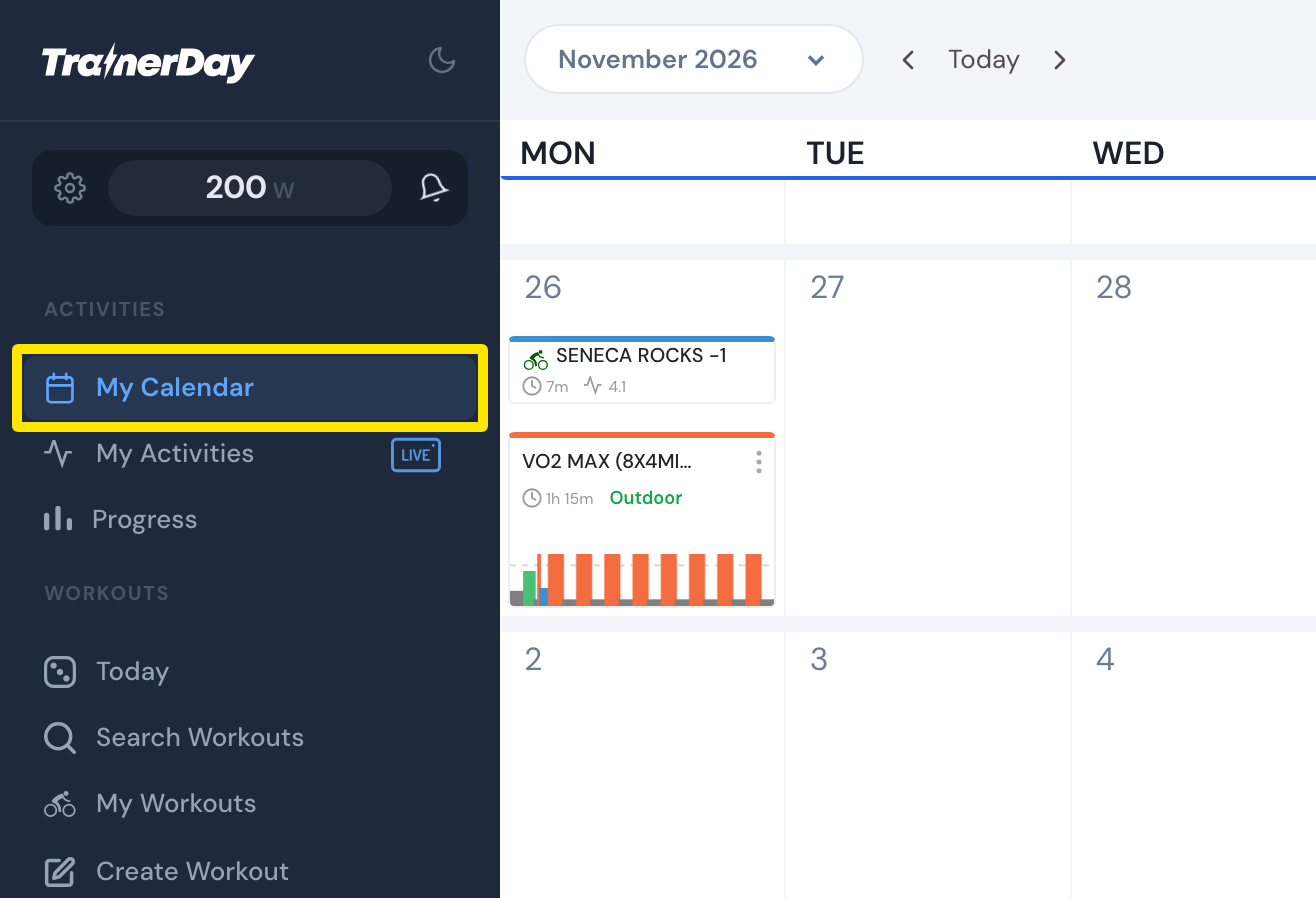 Where: Website · My Calendar · open it
- A TrainerDay ride of a workout planned that day shows inside that workout's card as completed.
- A Strava or Garmin ride is not linked to the planned workout by itself. Open the workout's ⋯ menu and click Pair, then Yes, pair.
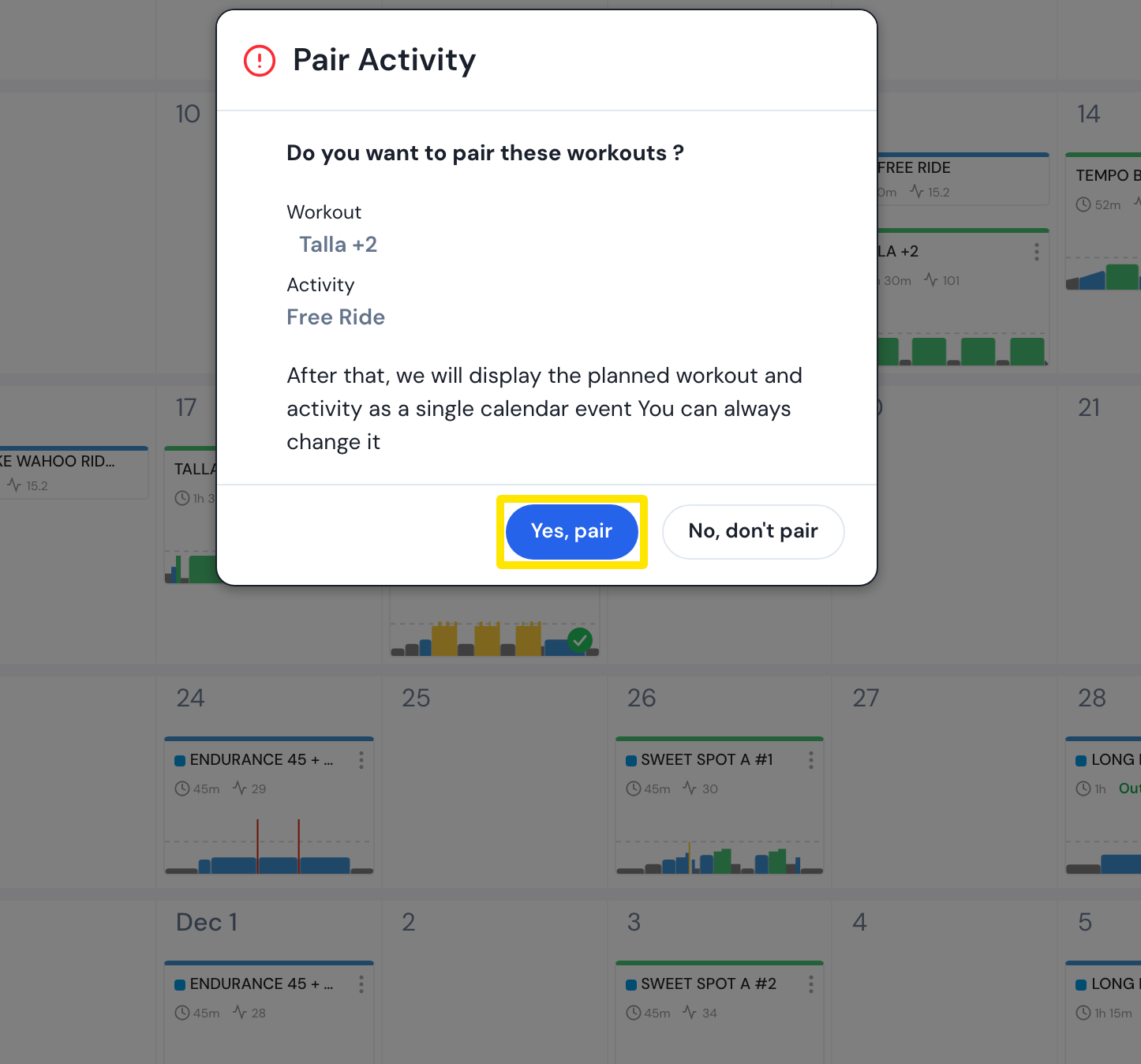 Where: Website · My Calendar · open it
Good to know: Rides from before you connected Strava come in with Strava Re-sync on My Activities (paid), which brings in the last 12 months.
Works on: Website for connecting and pairing; the mobile app's My Calendar shows the same rides.