

How do I re-sync my calendar workouts to Garmin?
Re-sync your calendar workouts to Garmin on the TrainerDay website by turning Garmin Calendar Sync off and on again in Connections, or resend a single workout with Resynchronize on My Calendar.
- On the website, click the gear icon at the top of the left sidebar and choose Connections.
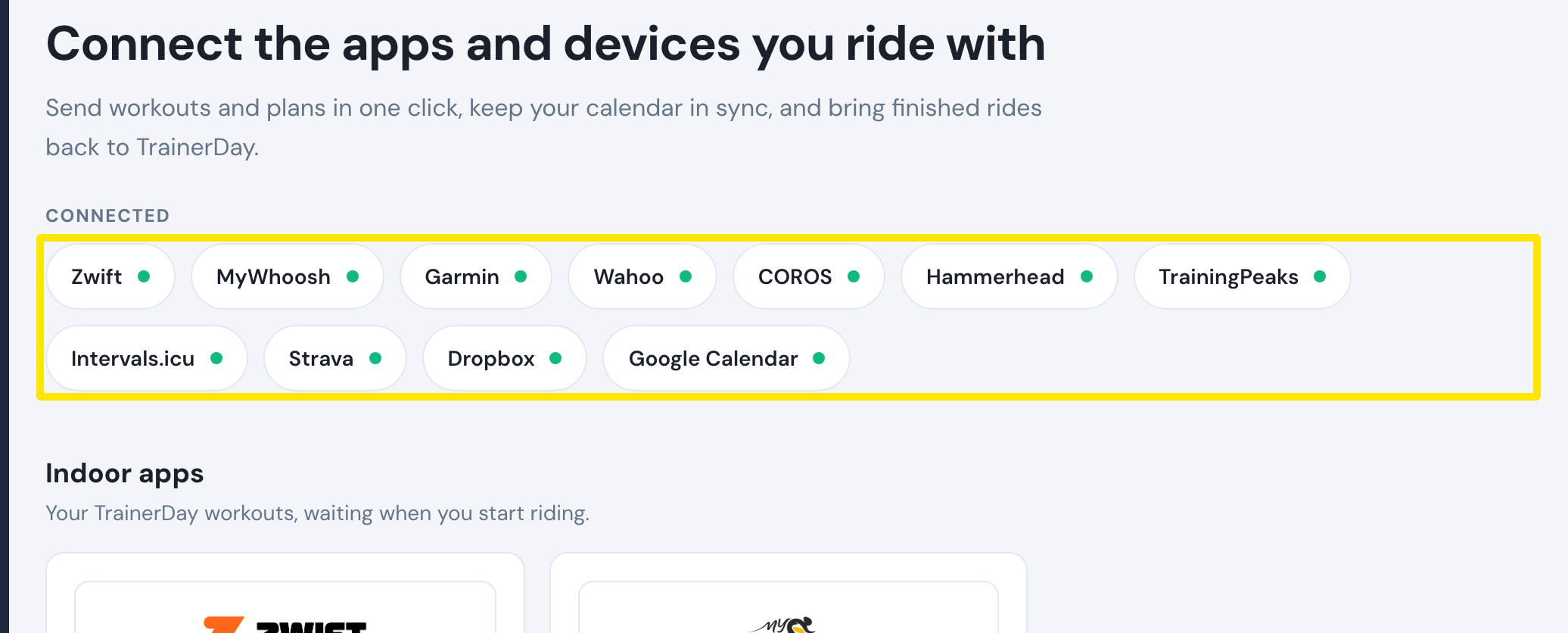 Where: Website · Connections · open it
- On the Garmin tile, click Settings.
- Set Calendar Sync to On. If it is already On, turn it Off and On again. Every calendar workout from today to the end of next week is sent to Garmin again.
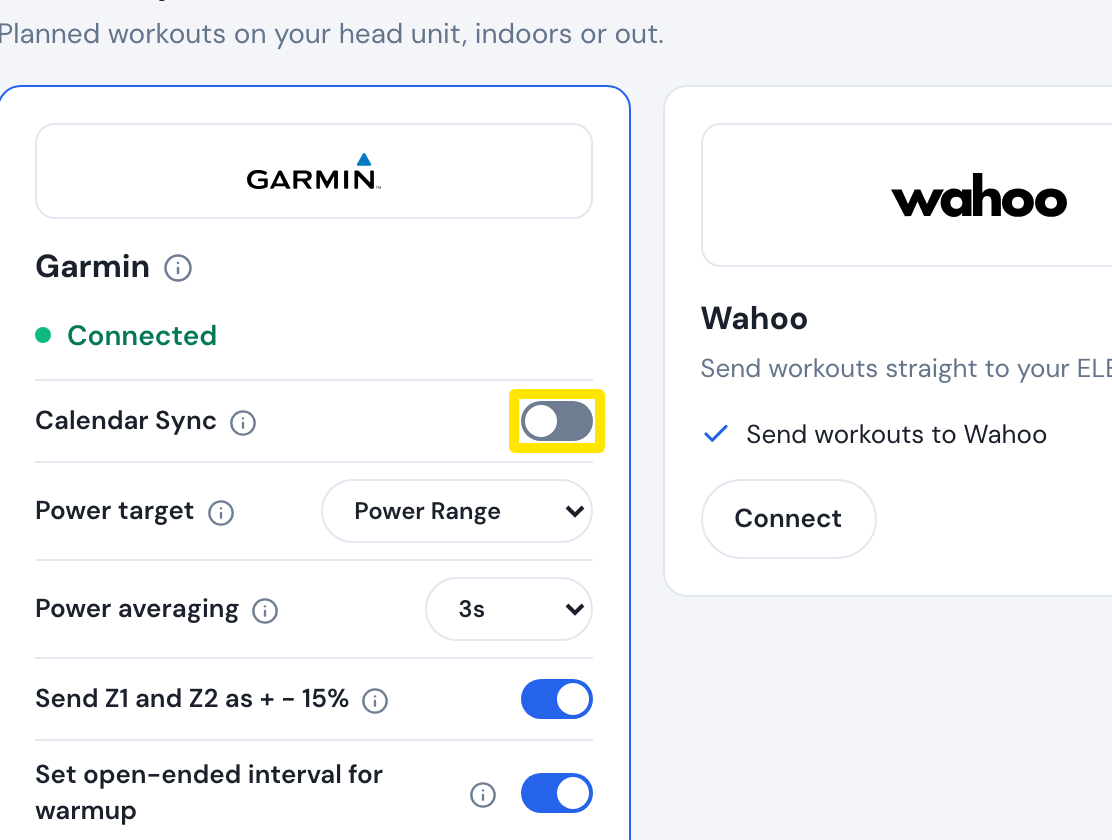 Where: Website · Connections · open it
- To resend just one workout, go to My Calendar, open that workout's ⋯ menu and click Resynchronize. It shows only on workouts already sent, from today on.
Good to know: With Calendar Sync on, TrainerDay also resends the coming two weeks of calendar workouts to Garmin every Monday night (paid accounts).