

How do I jump to today on the calendar?
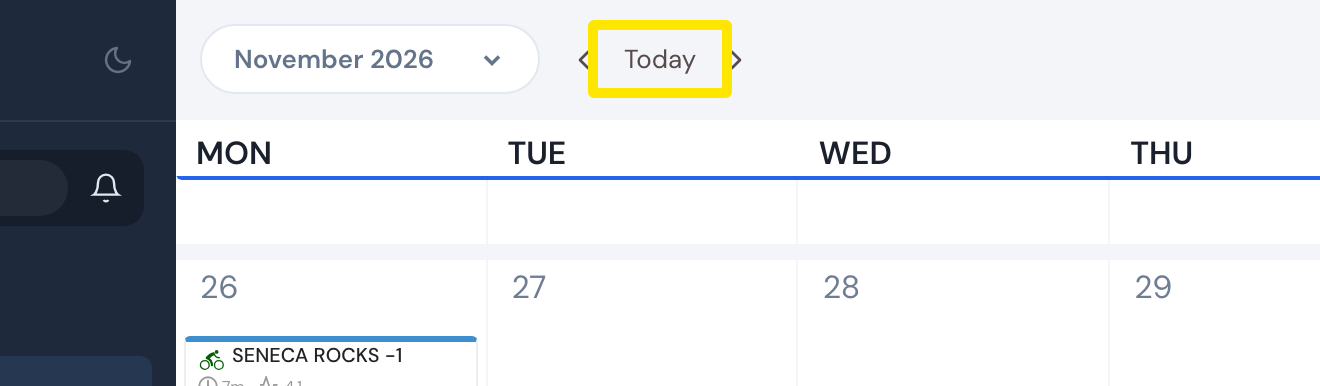
On the website's My Calendar, click Today at the top to go back to the current month; on a wide screen it shows the month from its first week, so scroll down to reach today if it is out of view.
- On the website, click My Calendar in the left sidebar (app.trainerday.com/calendar). It opens on the current month.
- Click Today at the top of the calendar, between the month arrows. On a wide screen this goes to the current month with its first week at the top, not to today's date. Scroll down to reach today. In a phone-width window, Today scrolls to the week with today.
 Where: Website · My Calendar · open it
Good to know: In the mobile app, My Calendar (Today tab → calendar button) opens at this week, and its Today button brings you back to this week.
Works on: Website, mobile app, desktop app (it opens the website calendar in a window, with the same Today button).