

How do I add a workout to my calendar from the app?
In the TrainerDay mobile app, open My Calendar from the Today tab, tap +, choose Add a workout, then pick the day and the workout.
- In the TrainerDay mobile app, open the Today tab and tap the calendar button to open My Calendar.
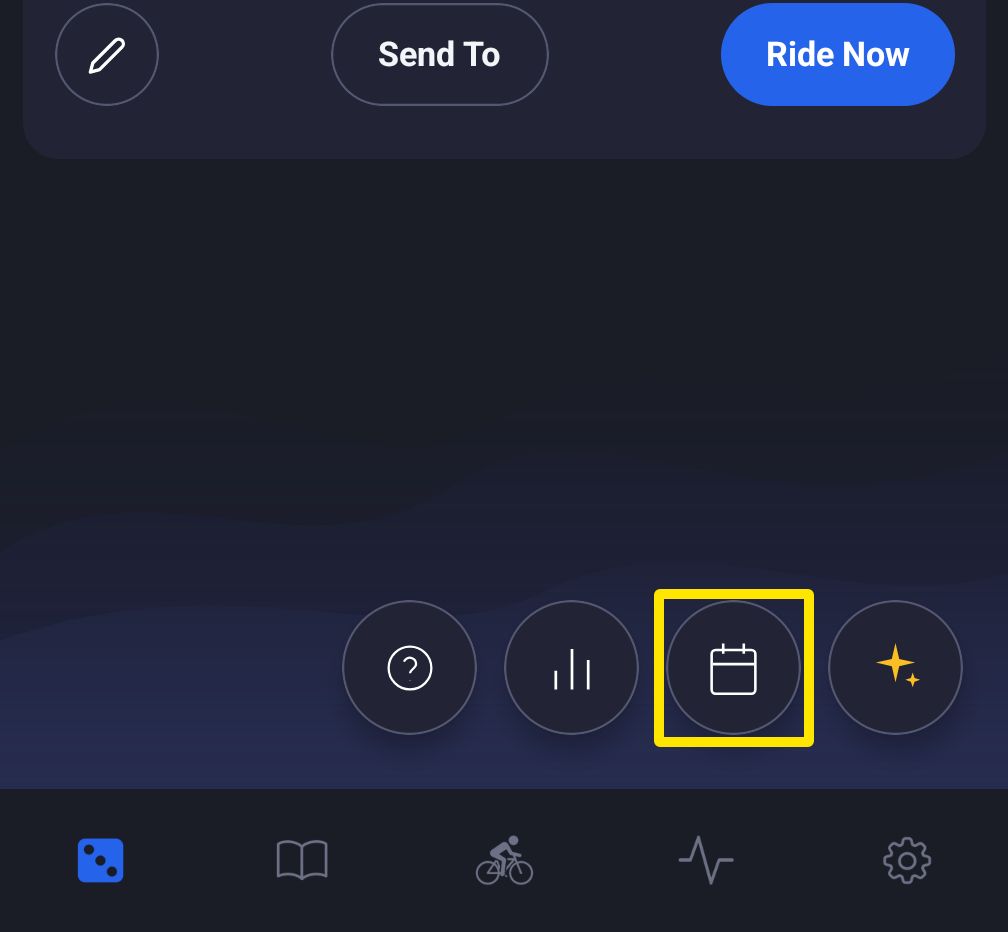 Where: Mobile app · Today tab
- In My Calendar, tap + at the bottom right.
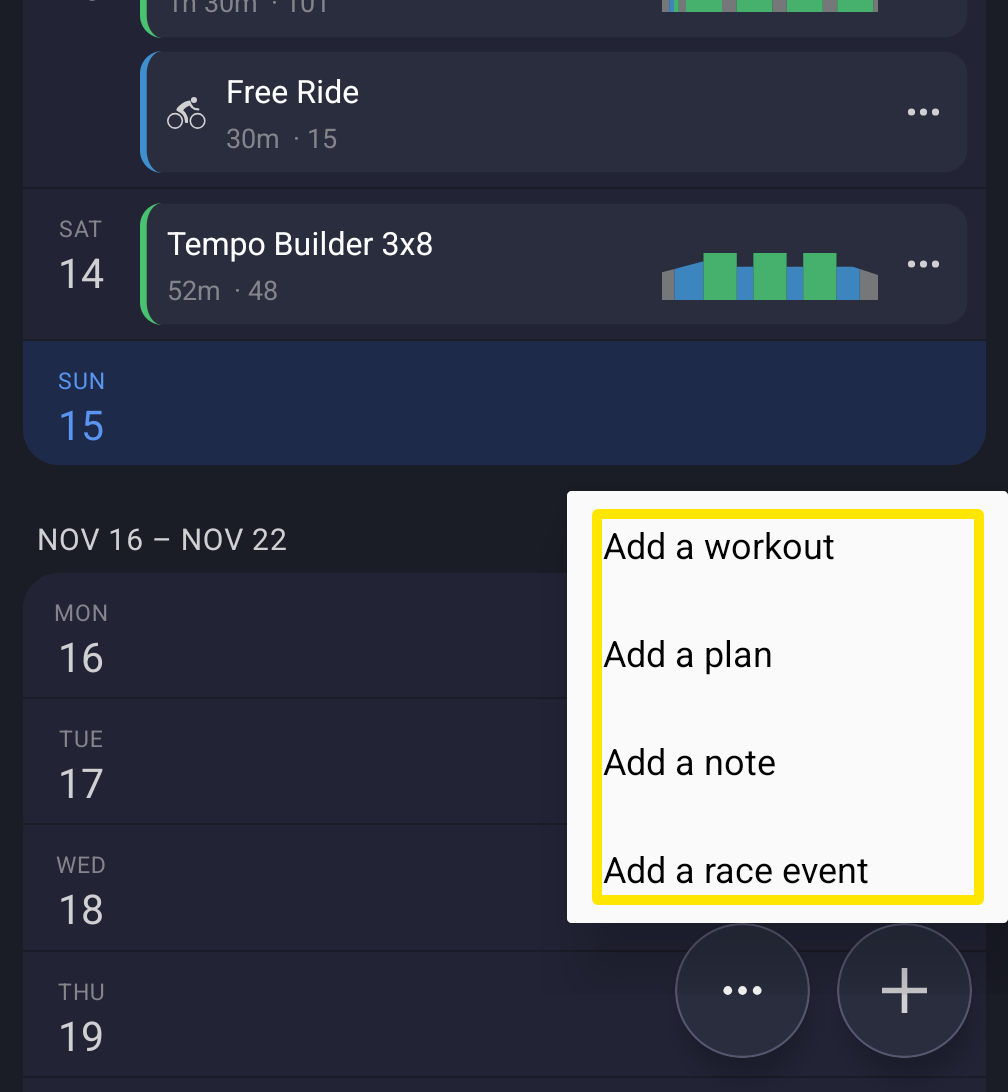 Where: Mobile app · Today tab → My Calendar → +
- Tap Add a workout.
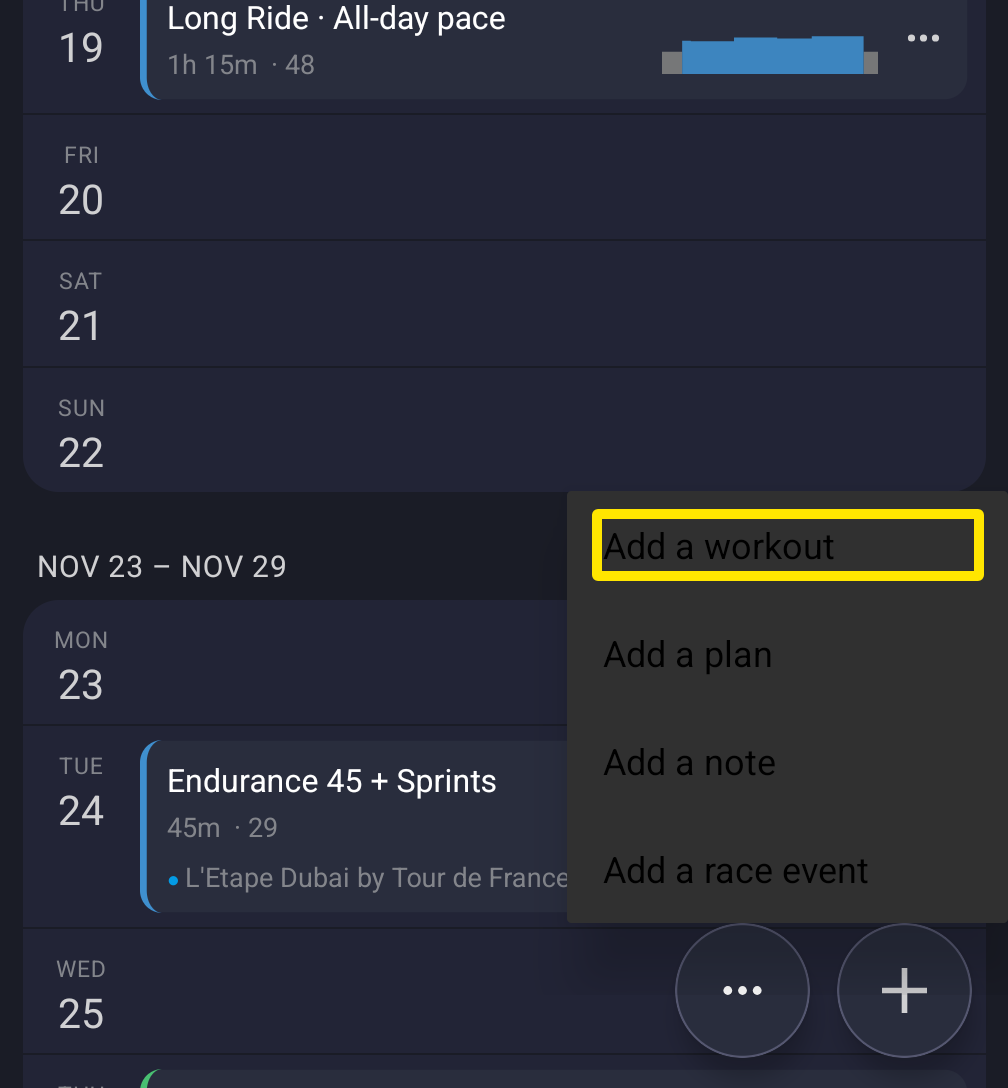 Where: Mobile app · Today tab → My Calendar → + → Add a workout
- Pick the day. Then search for a workout or pick one from your lists. You can also choose power, outdoor or heart rate, or create a workout with the AI Workout Builder.
Good to know: You can also open a workout from the Today or Workouts tab and tap Send To → My Calendar → pick a day → Send. This only offers today or the next seven days.
Works on: Mobile app. Website: in My Calendar, use the + on a day (or Add a Workout) for any date. Desktop app: Send To → My Calendar.