

How do I edit a workout on my calendar?
Open My Calendar on the website, choose Edit workout from the workout's ⋯ menu, and save: only that day's copy changes, not the plan.
- On the website, click My Calendar in the left sidebar (open it).
- Open the workout's ⋯ menu and click Edit workout. This is a Pro feature. It appears for plan workouts and your own workouts, but not for other people's library workouts or completed workouts.
- Make your changes in the editor and click Save. You return to My Calendar.
- In the mobile app, open My Calendar from the Today tab, then tap the workout's ⋯ and tap Edit. This opens the AI Workout Builder. It works only for a workout made or edited in the builder.
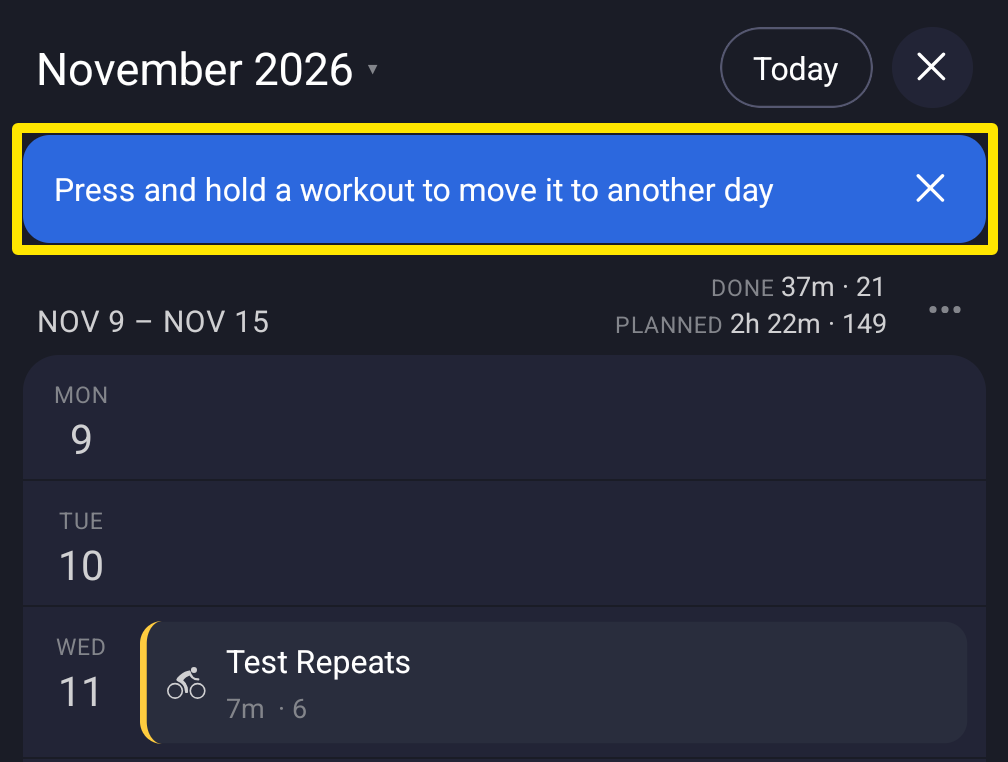 Where: Mobile app · Today tab → My Calendar
Good to know: Editing changes only that day's copy of the workout. The plan itself does not change.
Works on: website and mobile app. The desktop app has no editing.