

How do I change a workout someone else made?
You can't edit another rider's workout directly, but on the TrainerDay website you can click Copy Workout in its three-dot menu, change the copy in the editor and save it as your own workout.
- On the website, open the workout's page: find it in My Workouts or search, then click it.
 Where: Website · a workout's page (click a workout in Search Workouts or My Workouts)
- Click the three-dot button (⋮) at the top right of the workout.
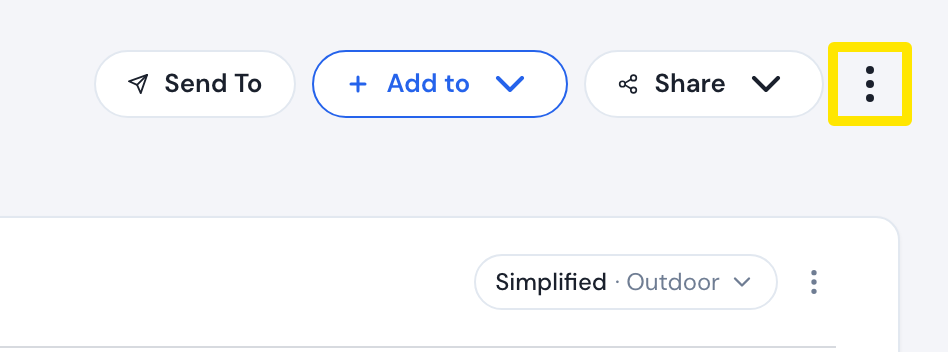 Where: Website · a workout's page (click a workout in Search Workouts or My Workouts)
- Click Copy Workout. The editor opens with a copy.
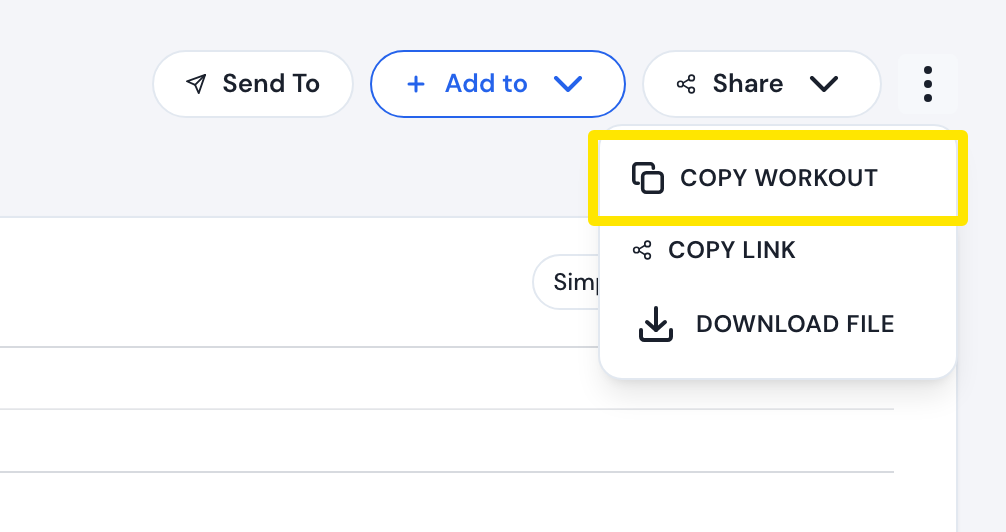 Where: Website · a workout's page (click a workout in Search Workouts or My Workouts)
- In the editor, change the intervals, then click Save workout.
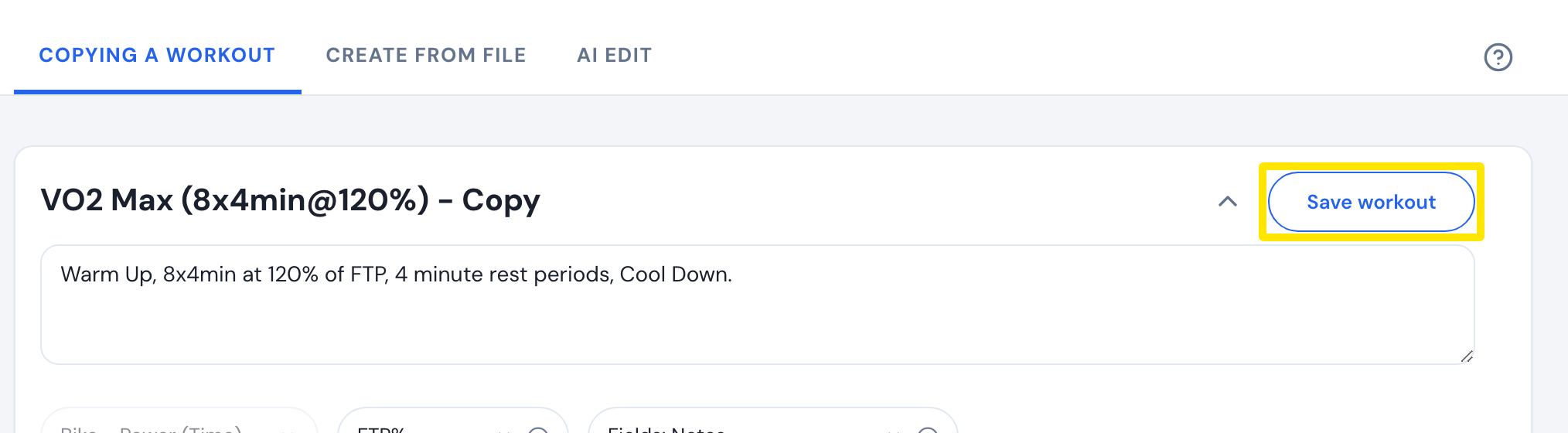 Where: Website · a workout's page → ⋮ → Copy Workout (opens the editor)
- Click Save in the window. This creates a new workout of your own.
Good to know: Edit workout shows only for workouts you made. To keep a workout unchanged, use Add to instead.
Works on: Website only. The mobile and desktop apps have no Copy Workout.