

How do I delete a workout I created?
Delete a workout you created on the TrainerDay website from its ⋯ menu in My Workouts, then confirm in the Deleting Workout dialog.
- On the website, click My Workouts in the sidebar (app.trainerday.com/library) and find the workout you created.
- On that workout's card, click its ⋯ menu and choose Delete Workout. It only shows on workouts you created.
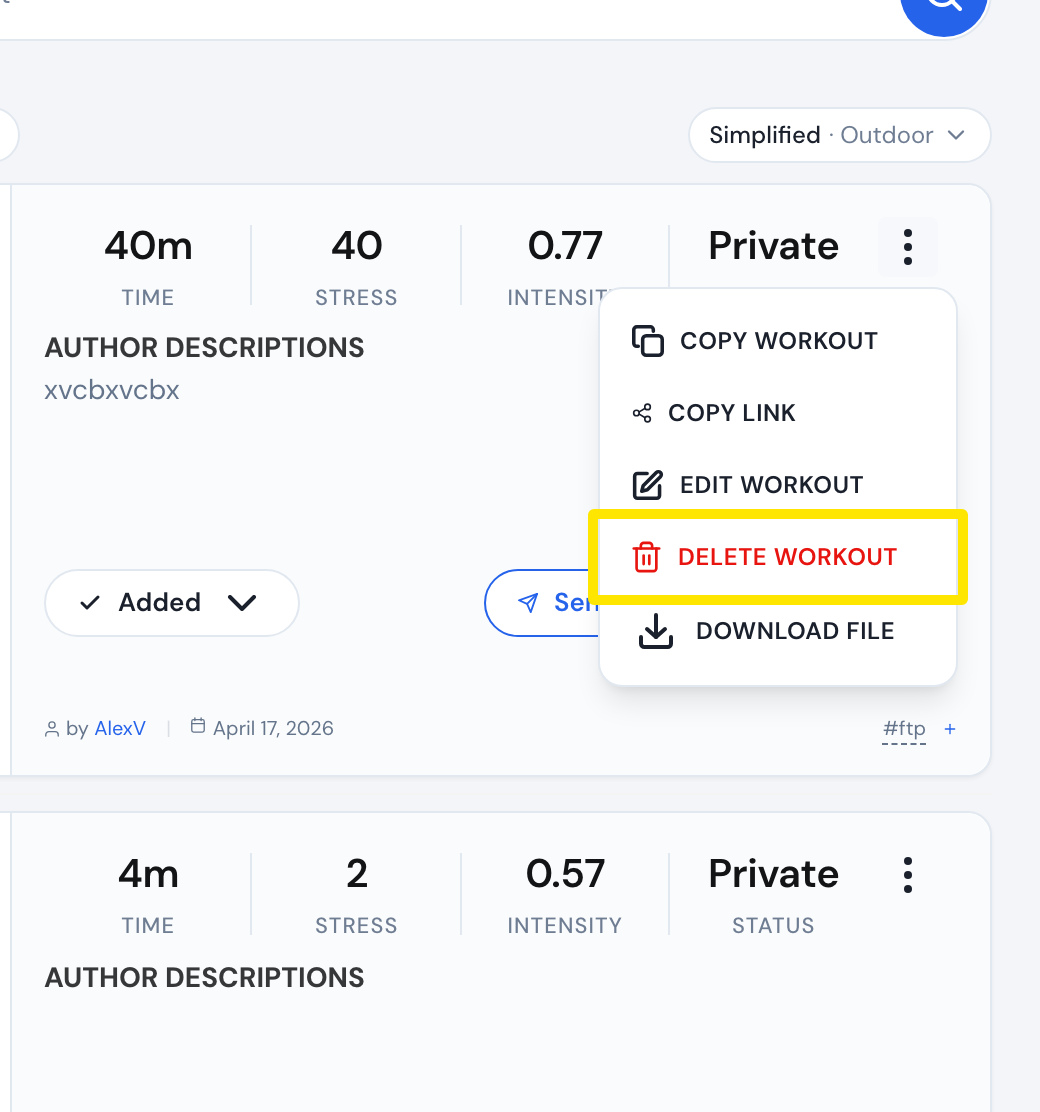 Where: Website · My Workouts · open it
- In the Deleting Workout window, click Delete Workout to confirm.
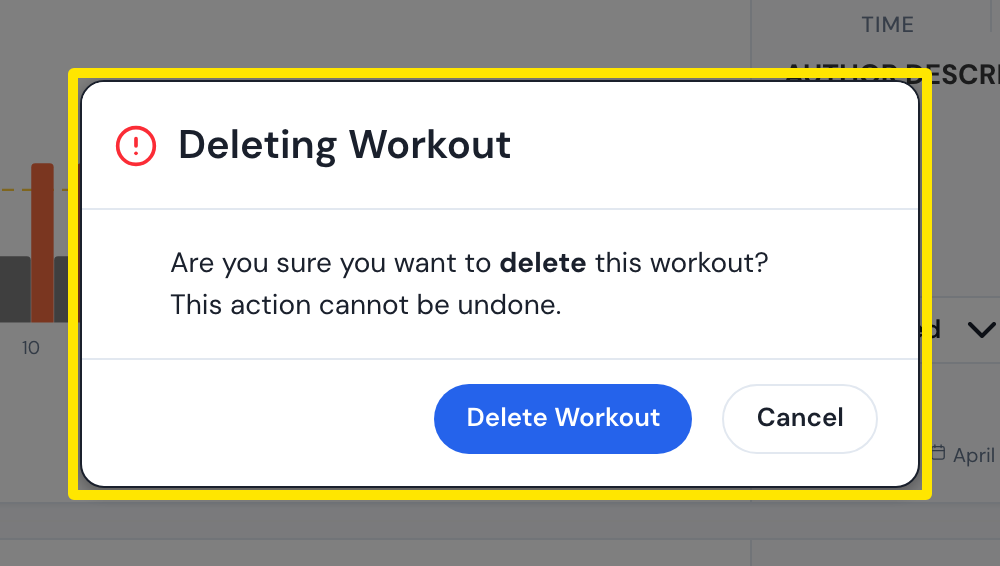 Where: Website · My Workouts · open it
Good to know: This cannot be undone. There is no trash or restore for workouts, and you delete them one at a time.
Works on: Website only. The mobile and desktop apps can't delete workouts.