

How do I save a workout I created?
On the TrainerDay website, open Create Workout, click Save workout, give the workout a Title in the dialog and click Save.
- On the website, open Create Workout from the sidebar and build your workout.
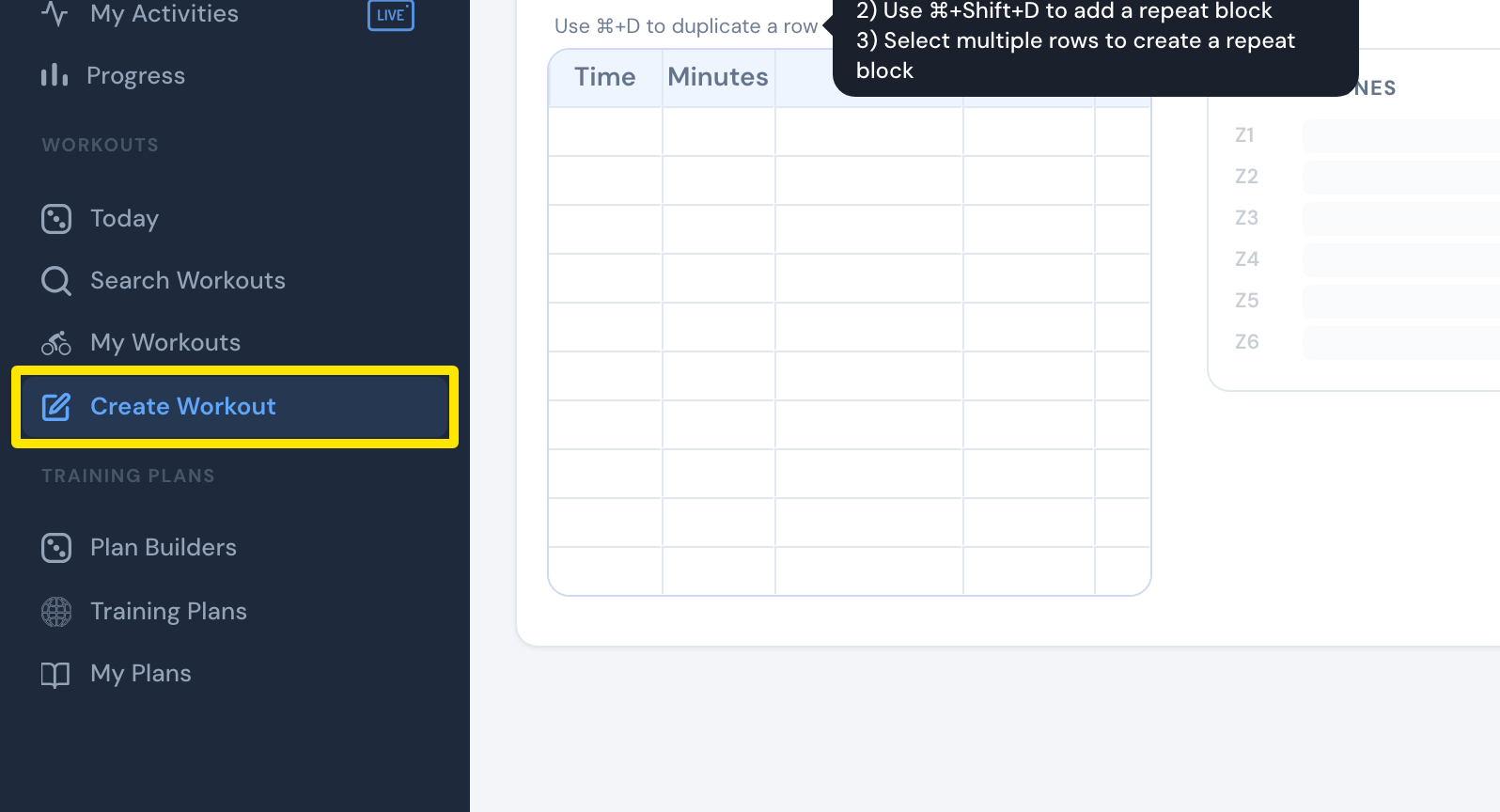 Where: Website · Create Workout · open it
- Click Save workout at the top right of the editor. If an interval has a problem, fix the interval the editor flags first.
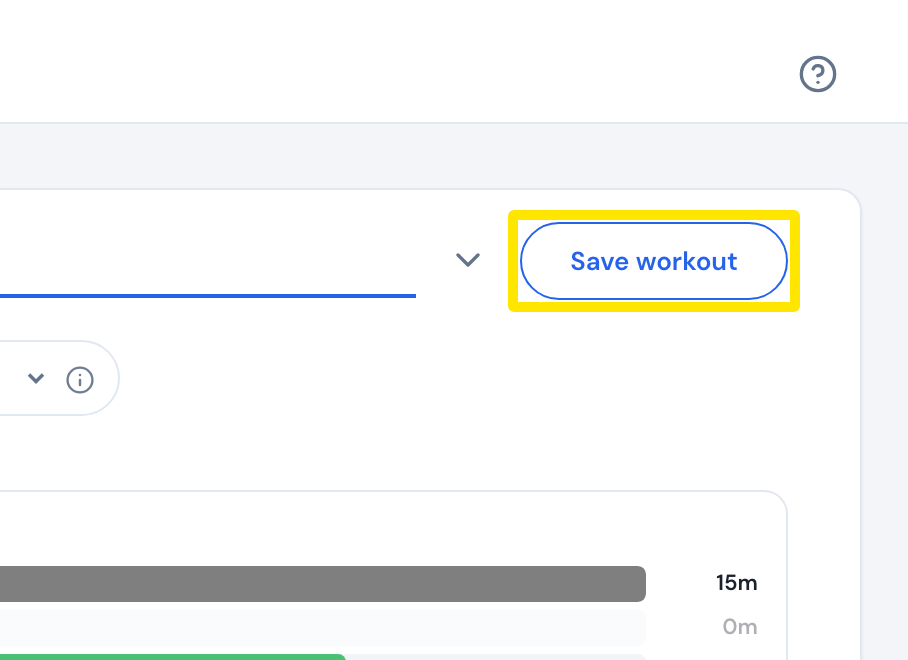 Where: Website · Create Workout · open it
- In the window that opens, type a Title.
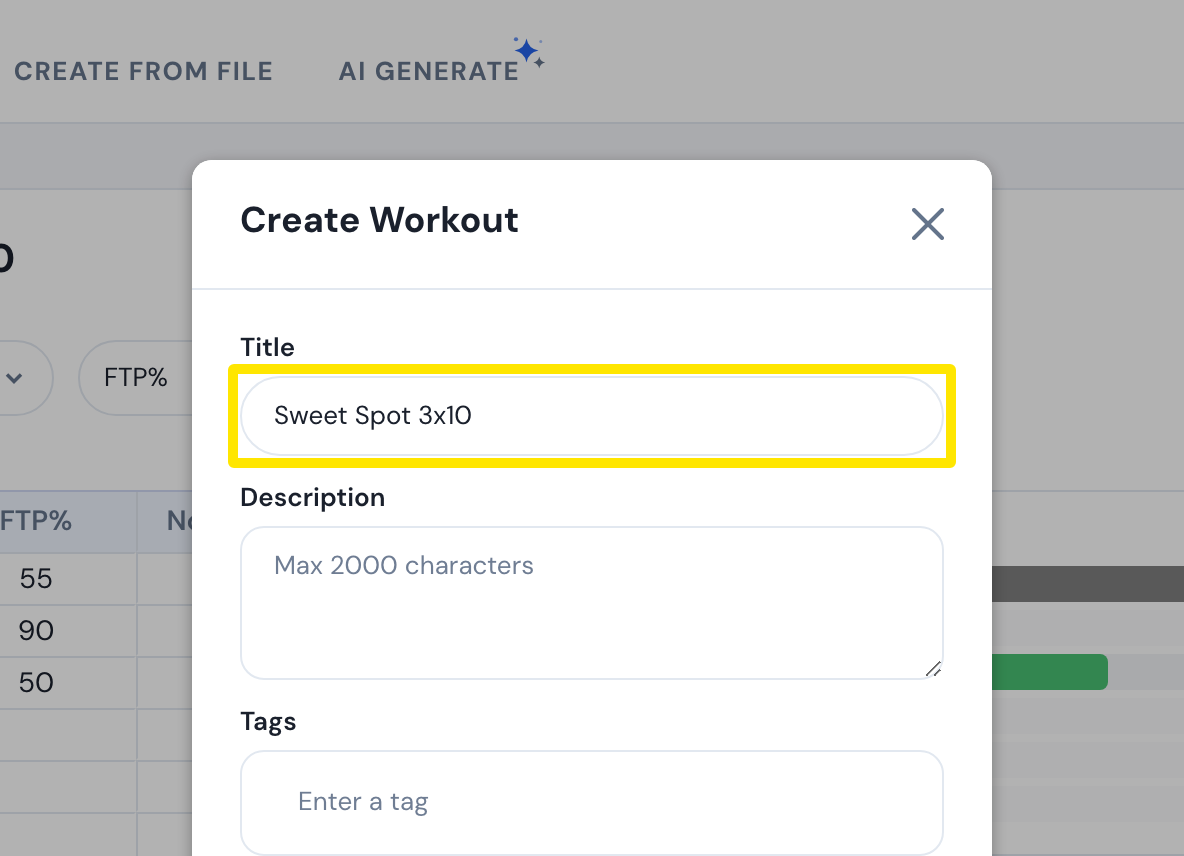 Where: Website · Create Workout · open it
- Optional: click Assign to List to add it to one of your lists.
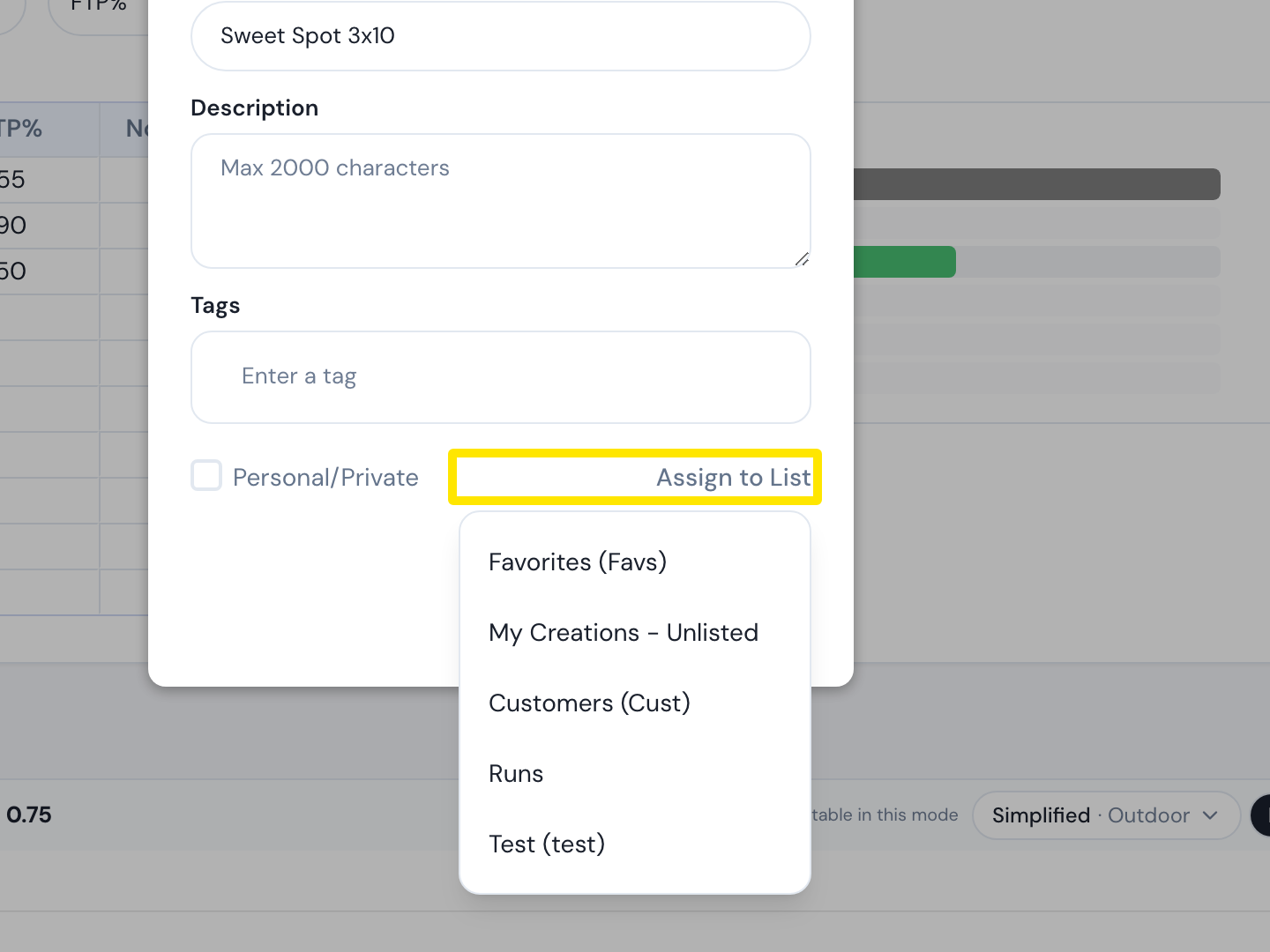 Where: Website · Create Workout · open it
- Click Save.
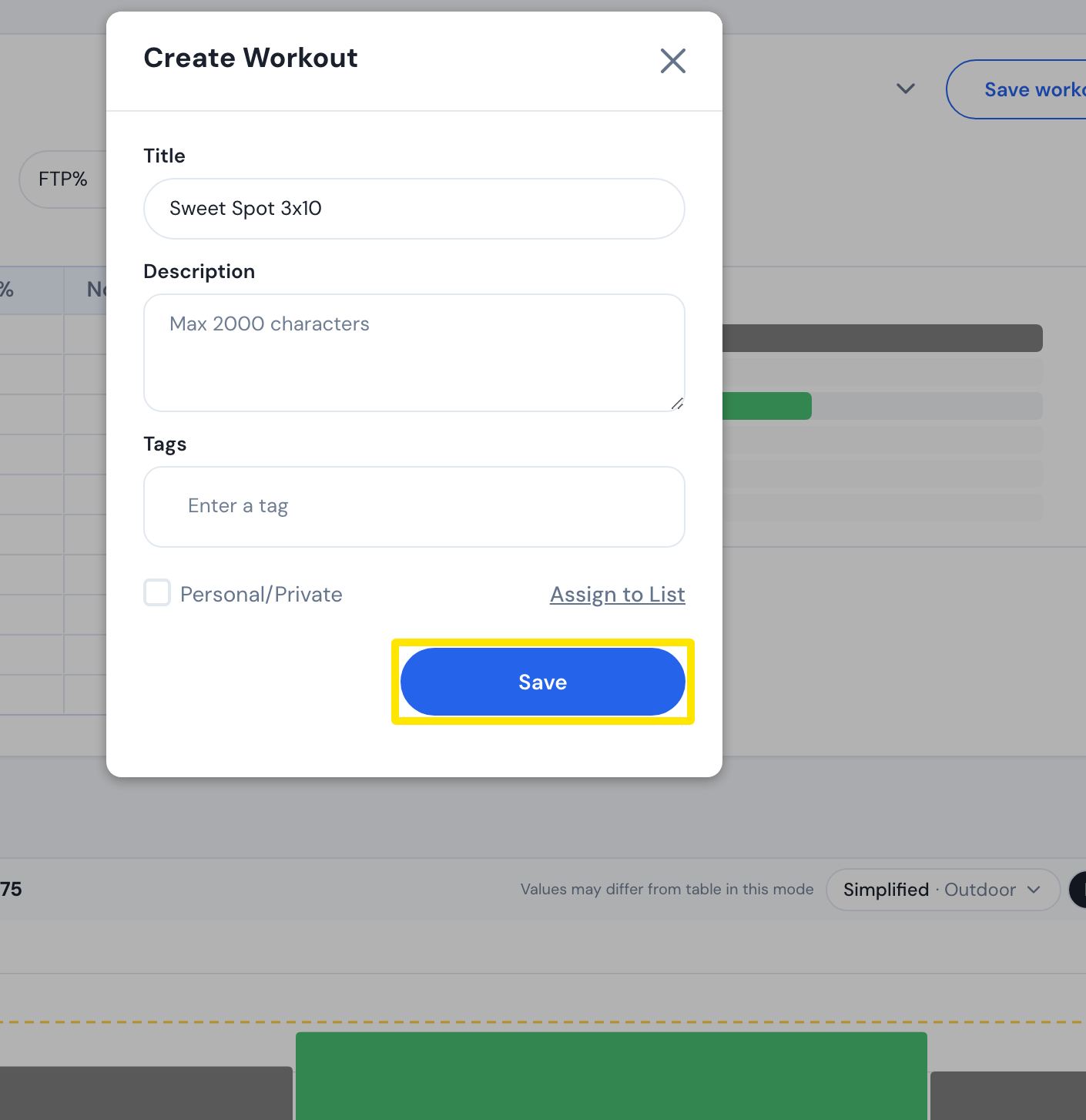 Where: Website · Create Workout · open it
Good to know: You must be logged in, and the workout needs a Title, more than 1 minute and at least one interval with a power target.
Works on: Website only. The mobile and desktop apps have no workout editor.