

How do I create my own workout?
Create your own workout on the TrainerDay website: open Create Workout from the sidebar, type a title, fill in Minutes and FTP% for each row, then save it.
- On the TrainerDay website, click Create Workout in the left sidebar (app.trainerday.com/workouts/create). You can also use Create or Workout Creator on the home page.
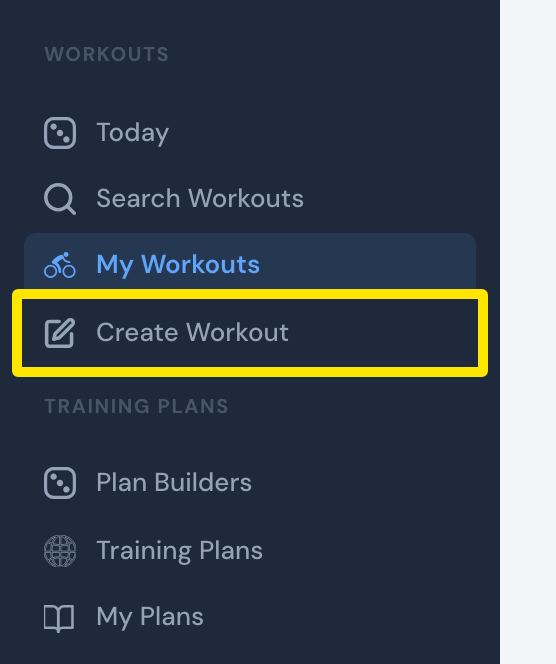 Where: Website · the left sidebar (every page) · open it
- Type a Title.
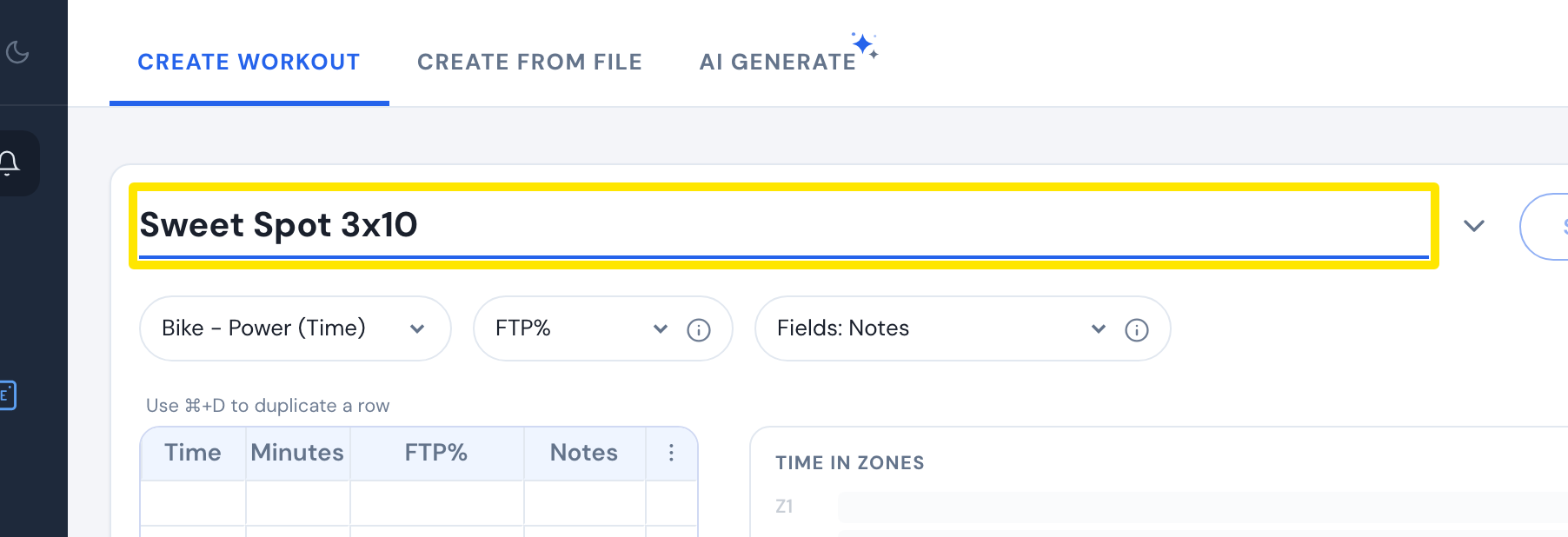 Where: Website · Create Workout · open it
- For each row, type the Minutes and the FTP%. Time fills in by itself.
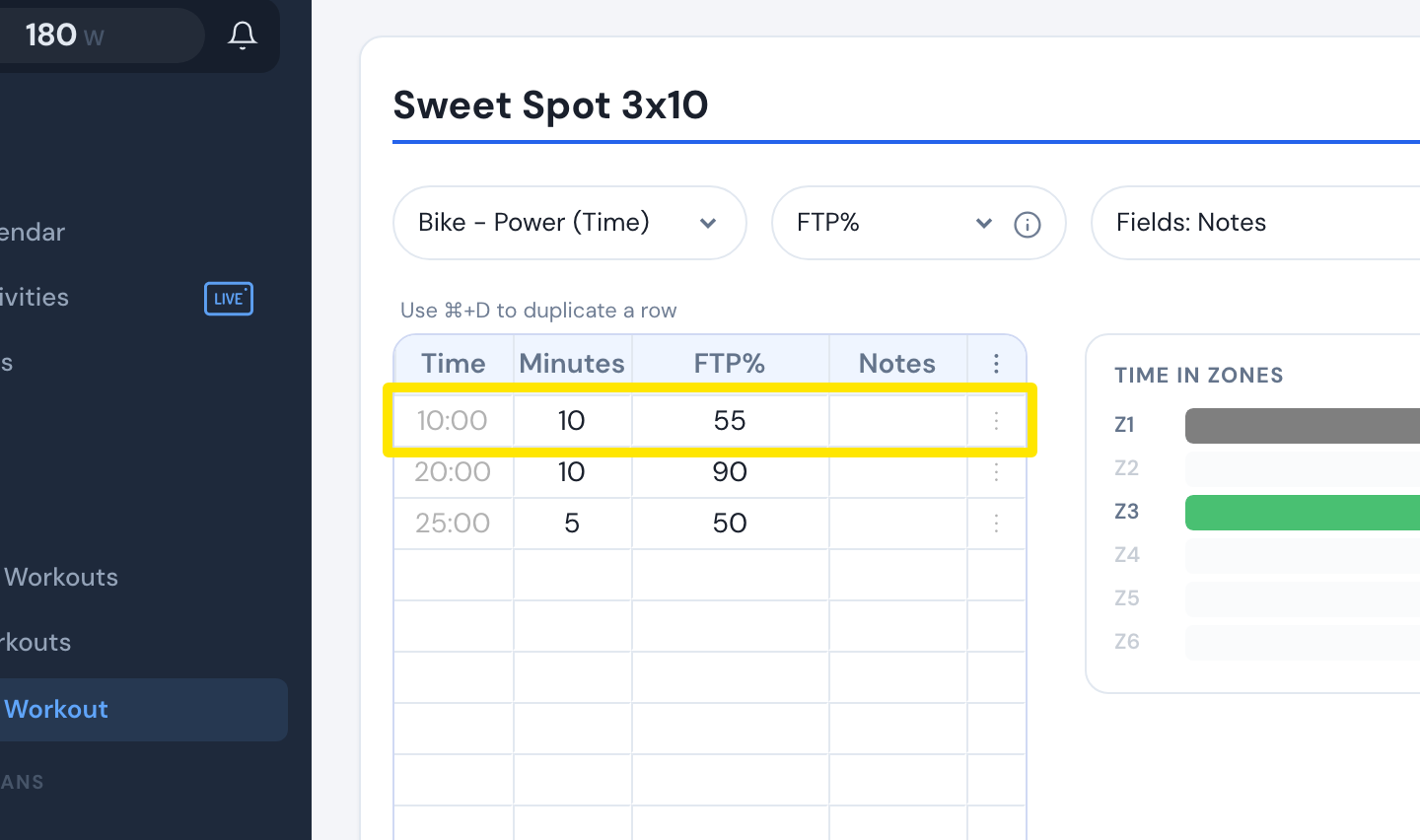 Where: Website · Create Workout · open it
- Click Save workout. In the window that opens, check Personal/Private or pick a list if you want, then click Save.
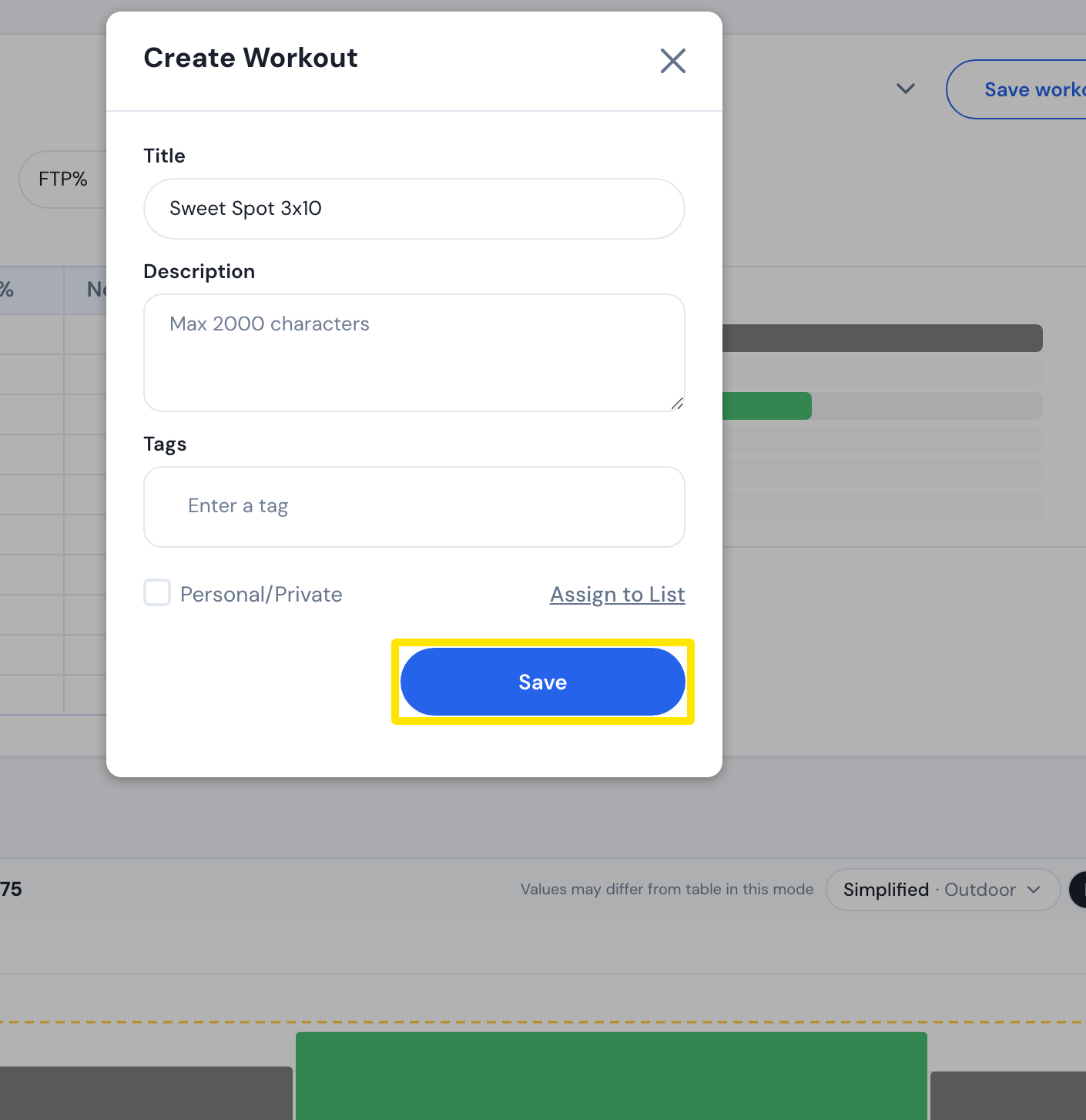 Where: Website · Create Workout · open it
Good to know: The row-by-row editor is only on the website. The mobile app (iPhone and Android) has the AI Workout Builder instead, opened from the Today screen's create button, from the Calendar, or from a workout's Edit (paid).
Works on: Website (editor), mobile app (AI Workout Builder only). The desktop app has no editor.