

How do I create a heart rate based workout?
Build a heart rate (HR+) workout in the Create Workout editor on the TrainerDay website by turning on the Control Mode column, setting rows to hr+ and typing a target BPM.
- On the website, click Create Workout in the sidebar (https://app.trainerday.com/workouts/create).
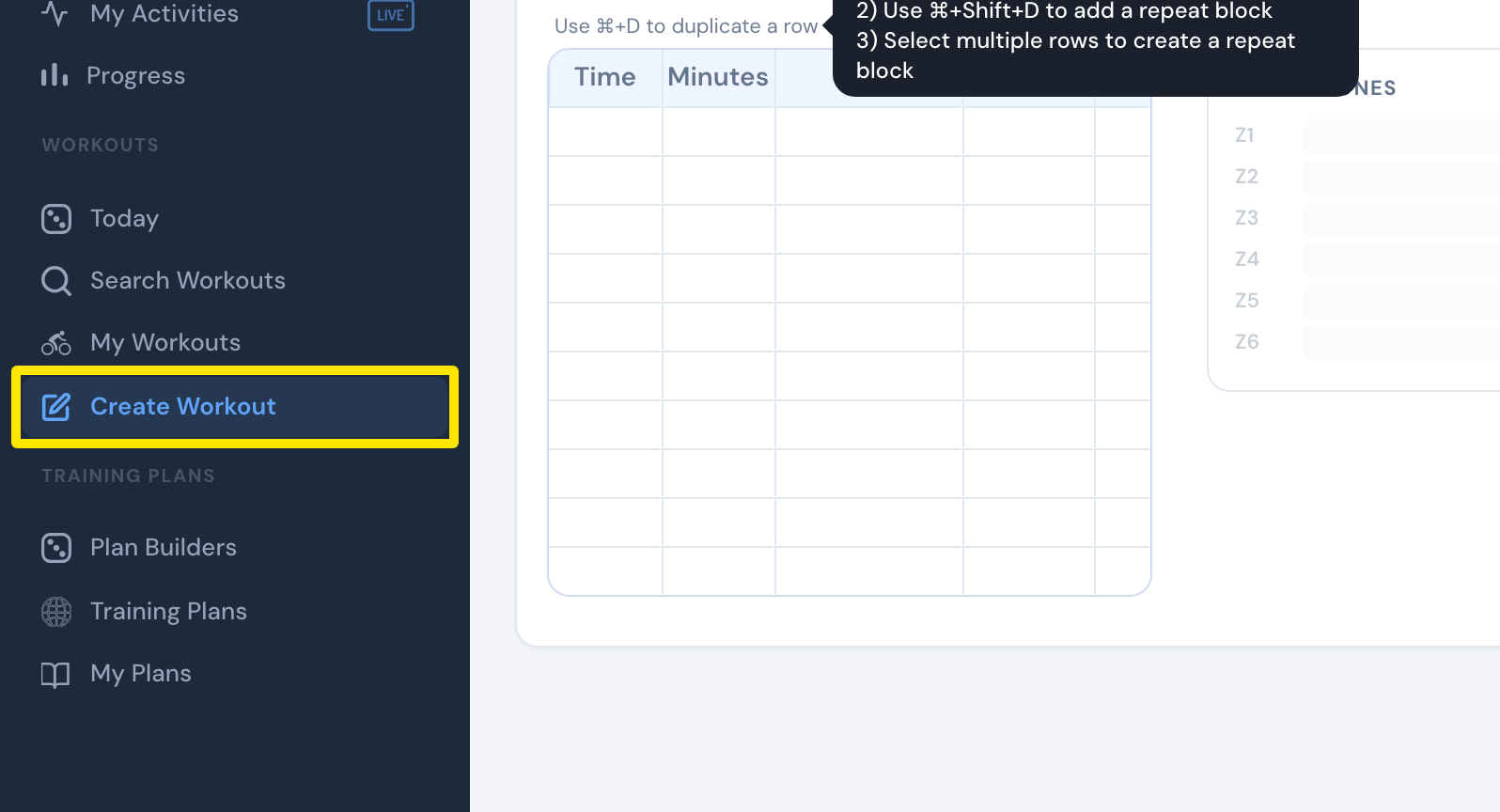 Where: Website · Create Workout · open it
- Open the Fields: menu and tick Control Mode. This adds the Control Mode and Slope/BPM columns.
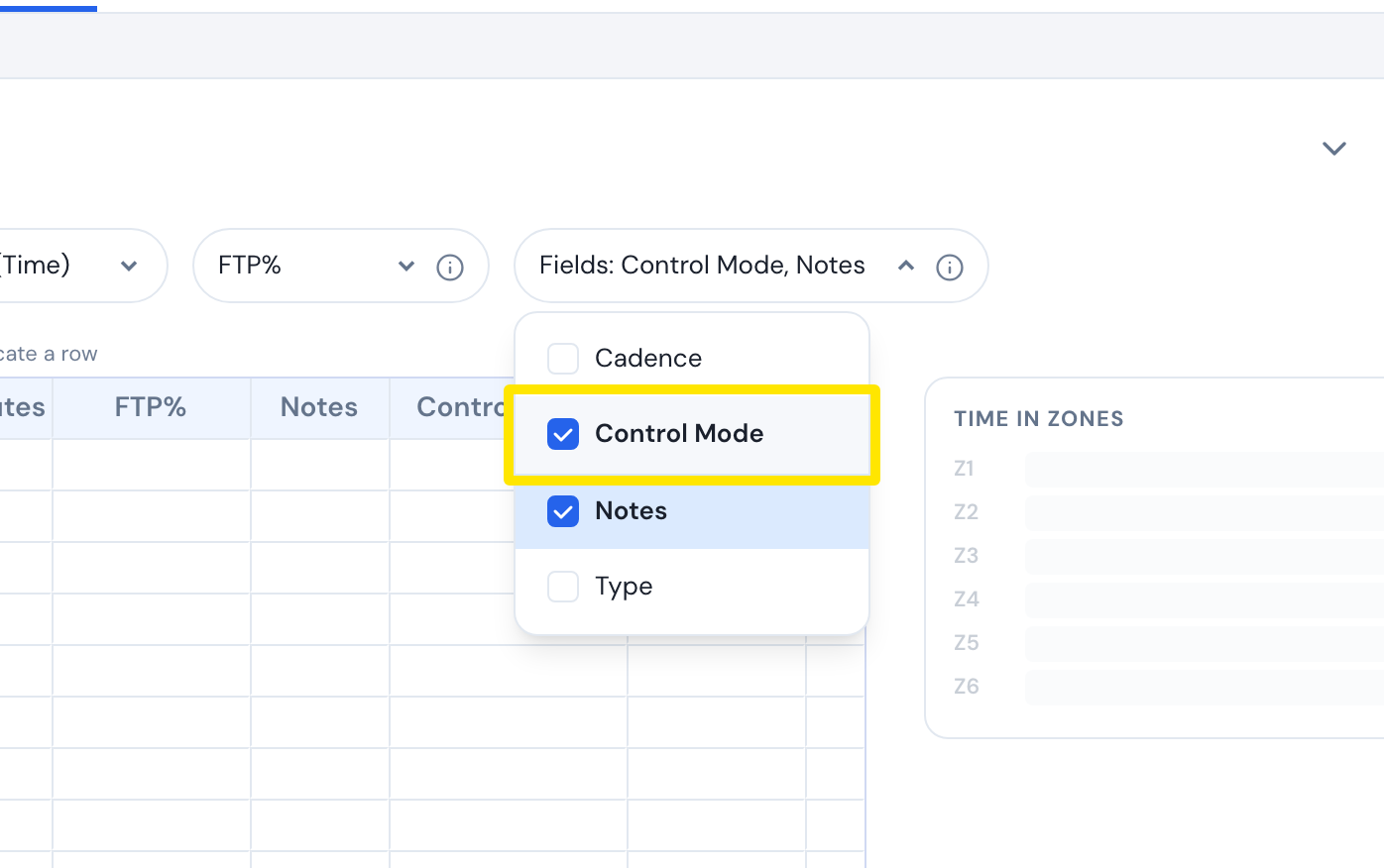 Where: Website · Create Workout · open it
- On each row, type the Minutes and an FTP% value. HR+ rows need a power value too.
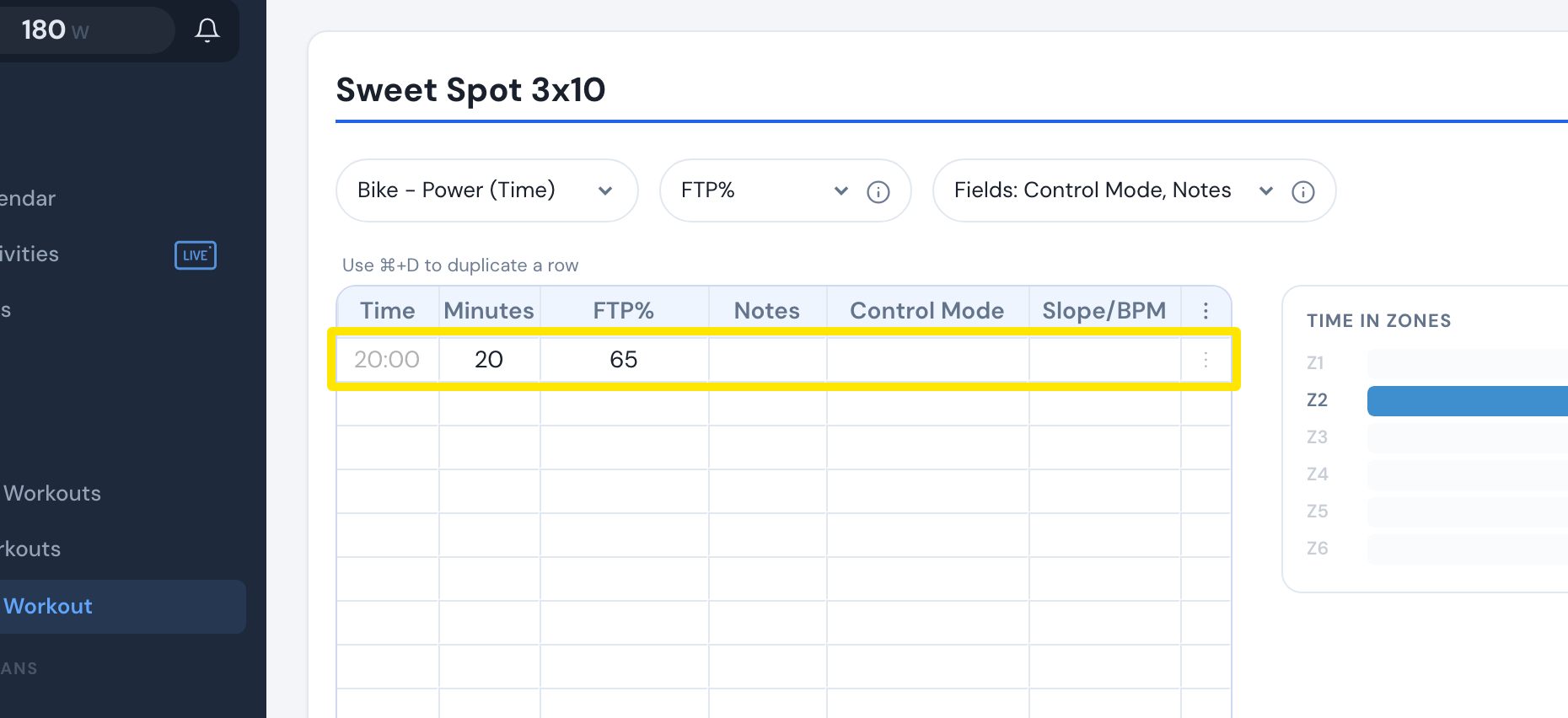 Where: Website · Create Workout · open it
- In Control Mode choose hr+, then type your target heart rate (26-220) in Slope/BPM.
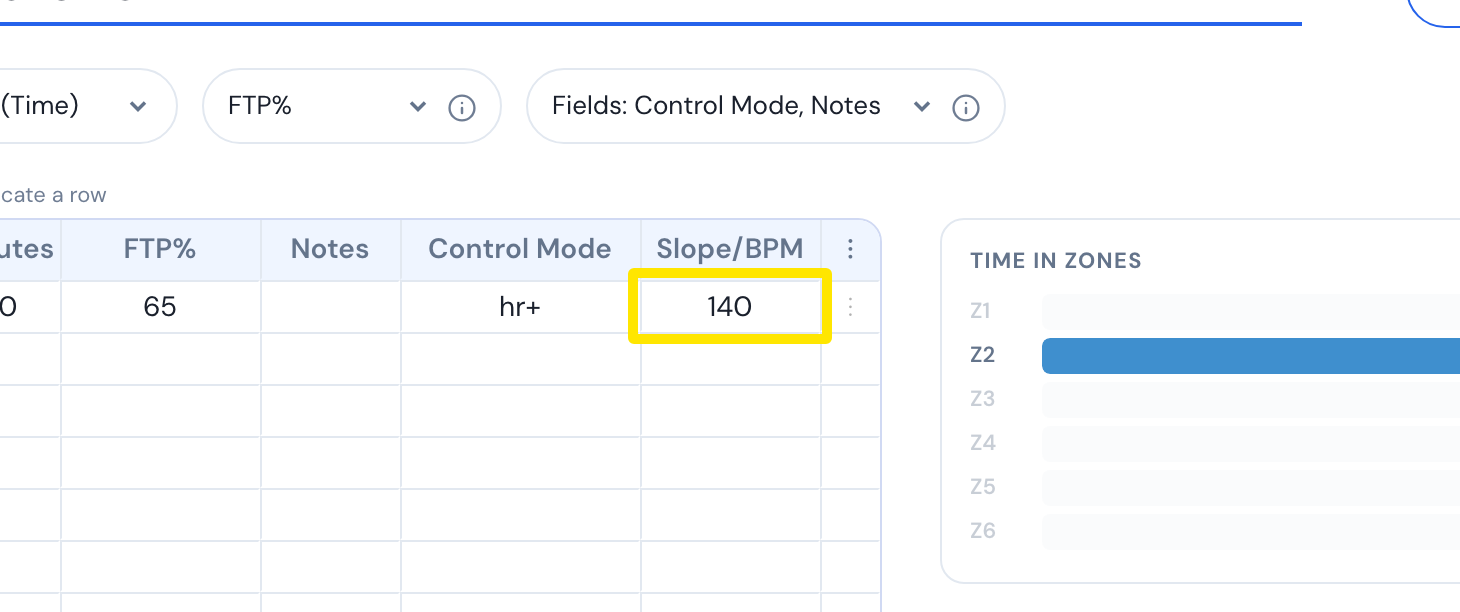 Where: Website · Create Workout · open it
- On the row after an HR+ row, choose erg or slope in Control Mode if that row should leave HR+.
- Click Save workout, then Save.
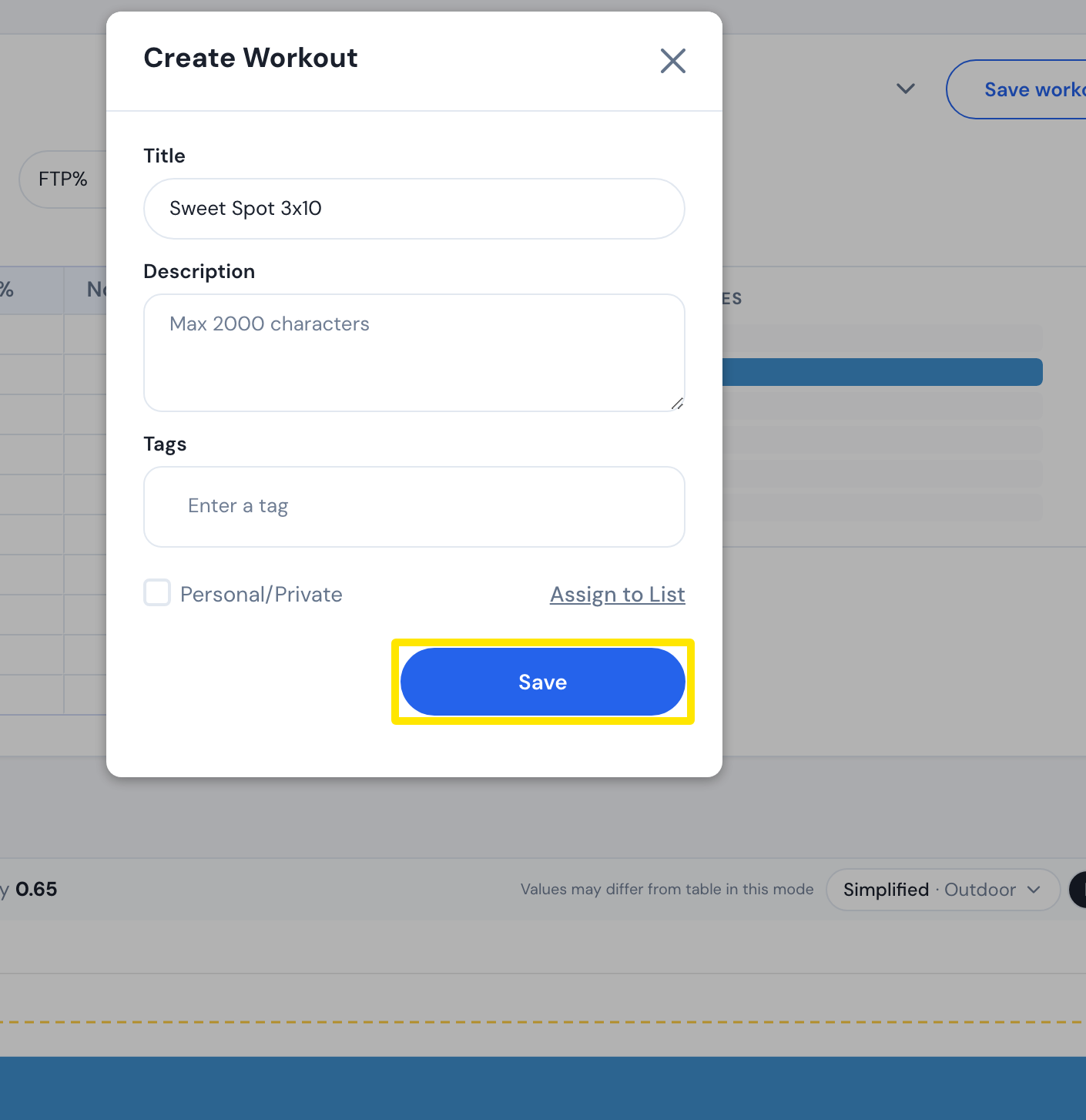 Where: Website · Create Workout · open it
Good to know: HR+ adjusts your smart trainer's power to reach the target heart rate, so it needs a trainer that can run ERG. A power meter alone is not enough.
Works on: Create on the website; ride in the mobile and desktop apps, where HR+ rows switch to HR+ by themselves.