

How do I build a heart-rate based training plan?
Build heart-rate (HR+) workouts in Create Workout on the website, drag them into a new plan in My Plans, and send the plan to your calendar.
Most riders let Coach Jack build the plan with heart rate rides: see How do I make a Coach Jack plan with heart rate rides?
To build one by hand from HR+ (heart-rate target) workouts:
- On the website, click Create Workout in the left menu. Set each row's Control Mode to hr+, enter the BPM target, and save the workout to My Workouts.
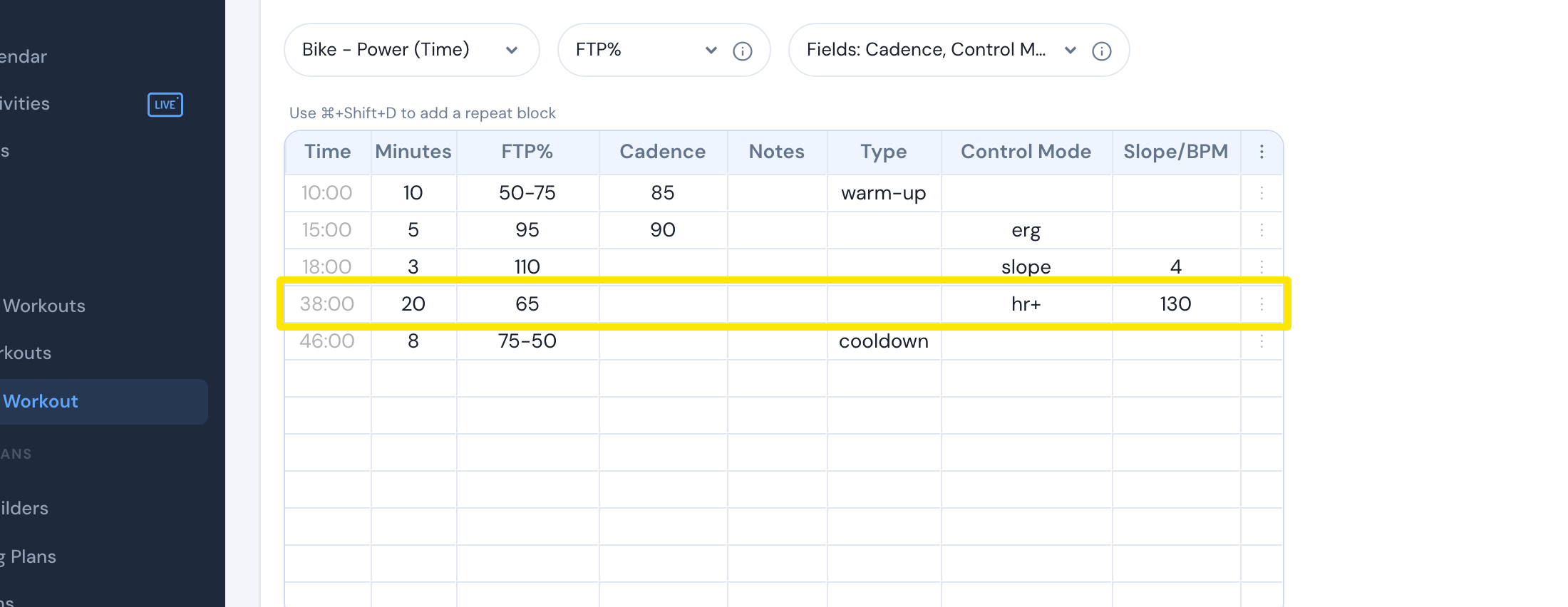 Where: Website · Create Workout · open it
- In the left menu, click My Plans, then click Create a new Plan.
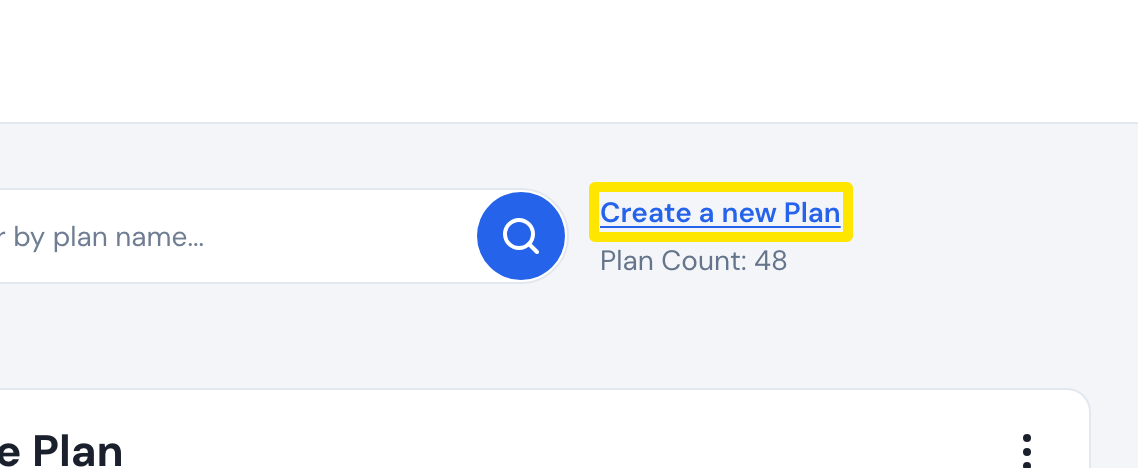 Where: Website · My Plans · open it
- In the window that opens, give the plan a name and a number of weeks, then click Done.
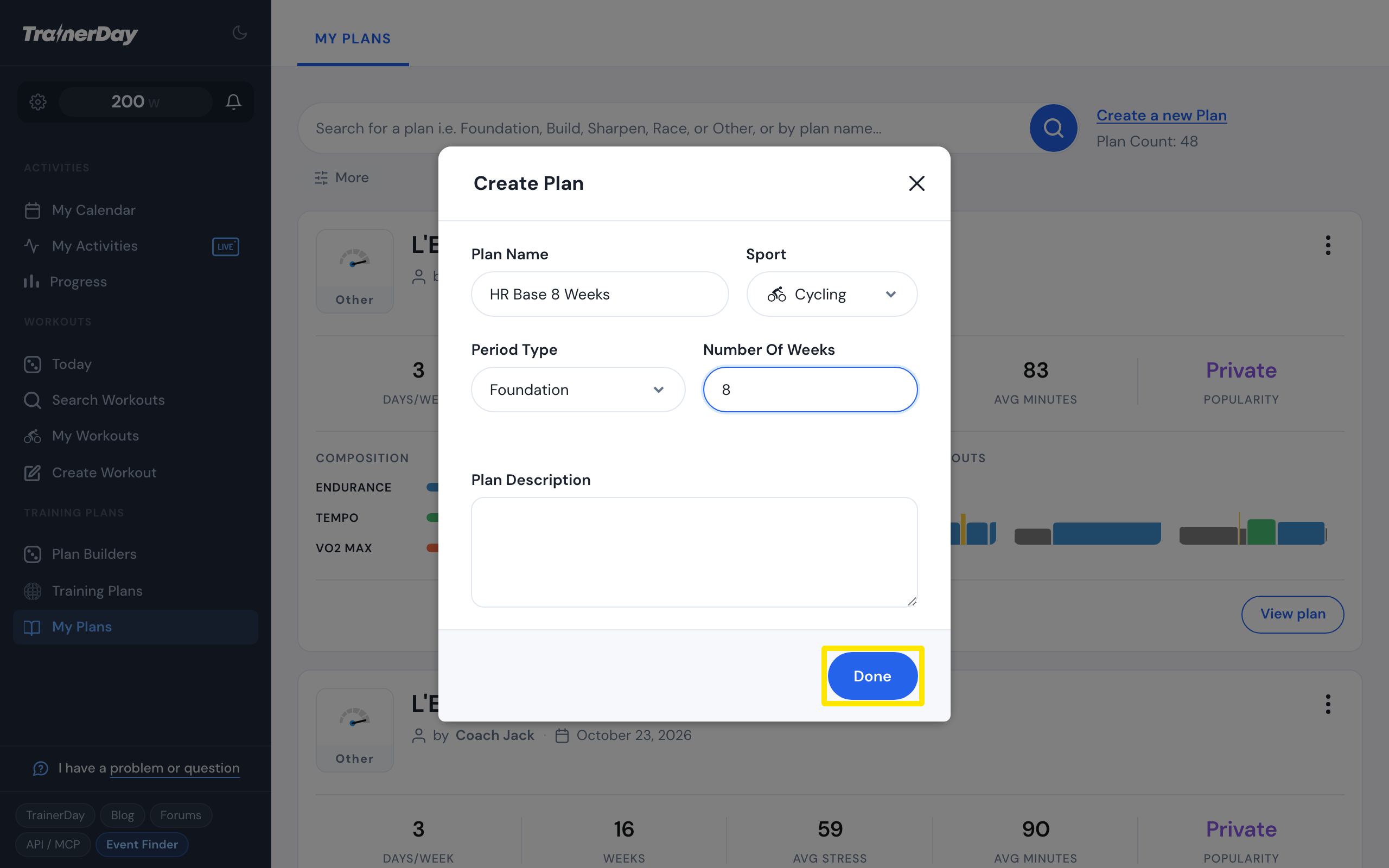 Where: Website · My Plans → Create a new Plan · open it
- Open the new plan and click Edit Plan. Your My workout library panel opens beside the plan's weeks. Drag your HR+ workouts onto the days, then click Save Changes.
- On the plan page, click Send or Download to send the plan to your calendar.
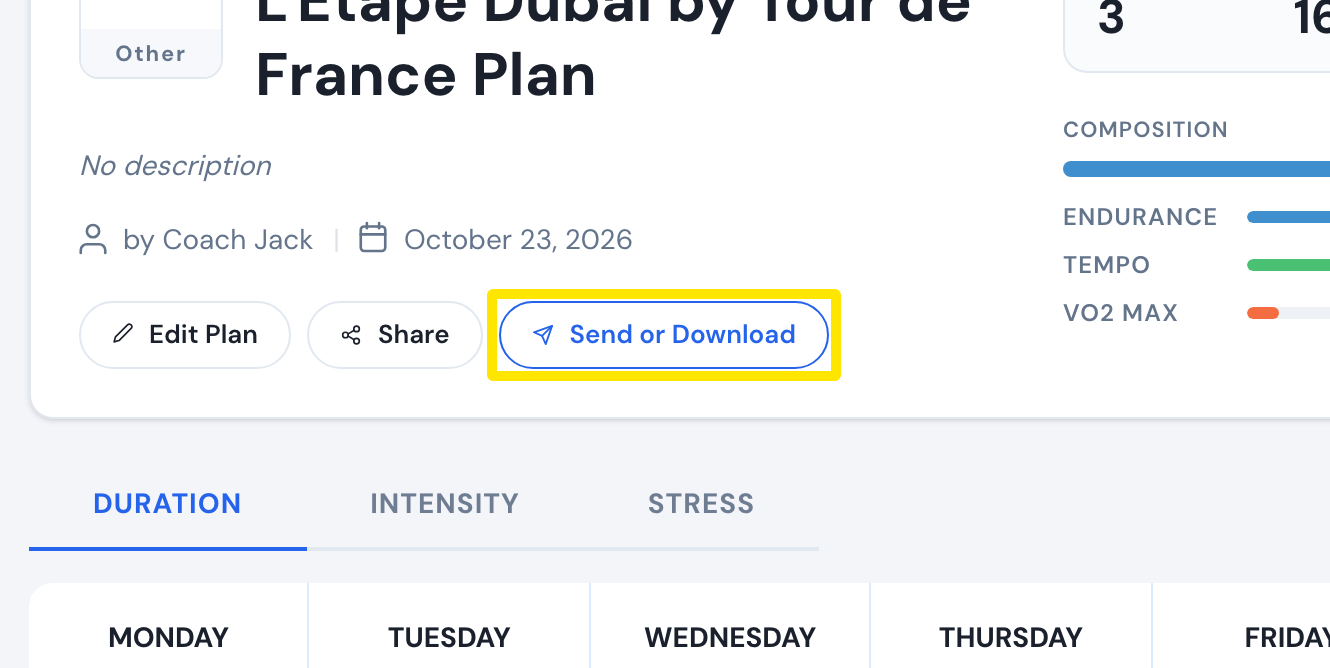 Where: Website · a plan's page (My Plans → View plan)
- Shortcut for a plan already on your calendar: on My Calendar, open a week's three-dots menu and click Convert to HR to switch that whole week to heart rate.
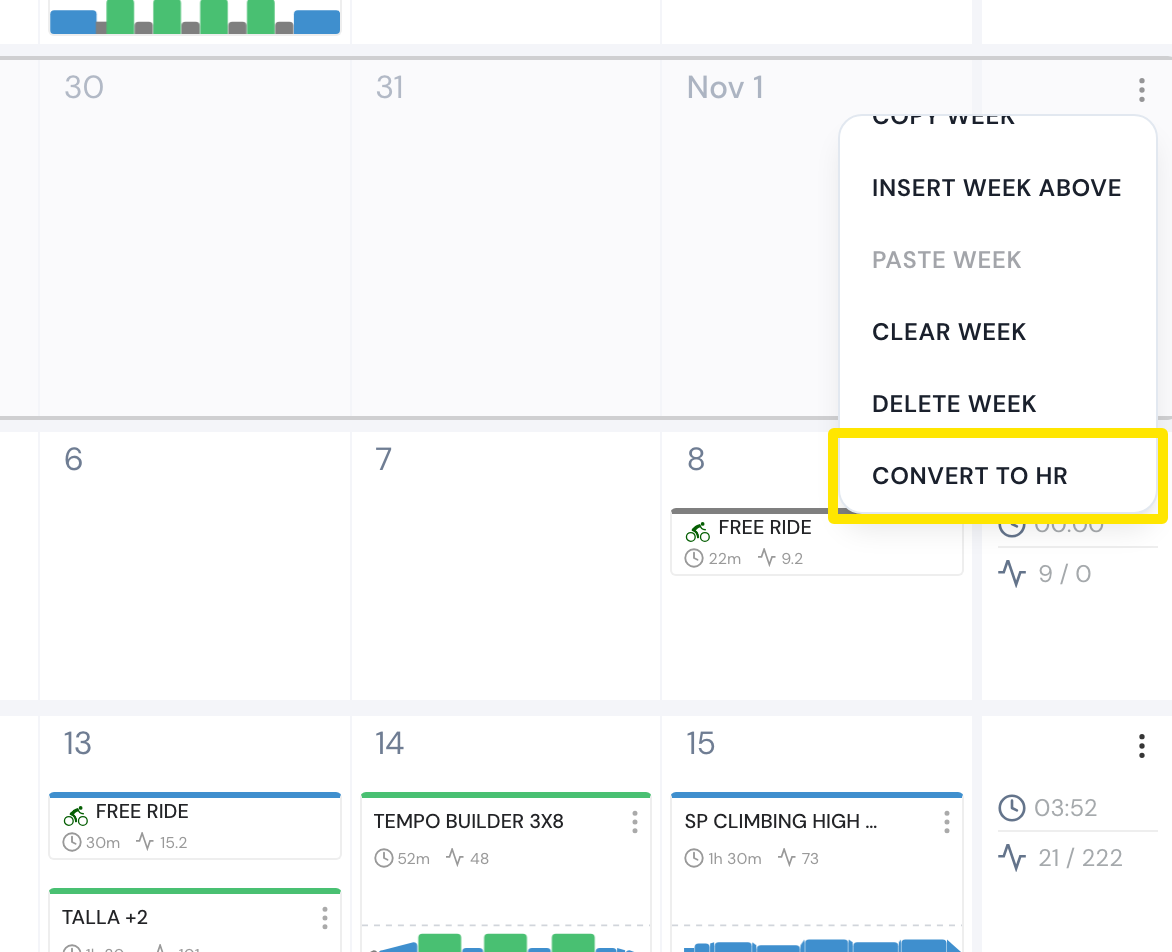 Where: Website · My Calendar · open it
Good to know: HR+ segments still carry a target power.
Works on: Plans are built on the website only. The mobile and desktop apps ride the calendar's HR+ workouts in HR mode.