

How do I set the start date for my training plan?
Set your training plan's start date on the website in the Coach Jack builder: click the date in the Week 1 row and pick the week your plan starts (it always starts on a Monday).
If you're adding a ready-made plan from the plans library, you pick its start date when you add it to your calendar: see How do I add a training plan to my calendar?
Already have a plan? See how to change its start date. The steps below are for setting the date on a new plan.
- On the website, in the left sidebar under Training Plans, click Plan Builders (app.trainerday.com/coach-jack).
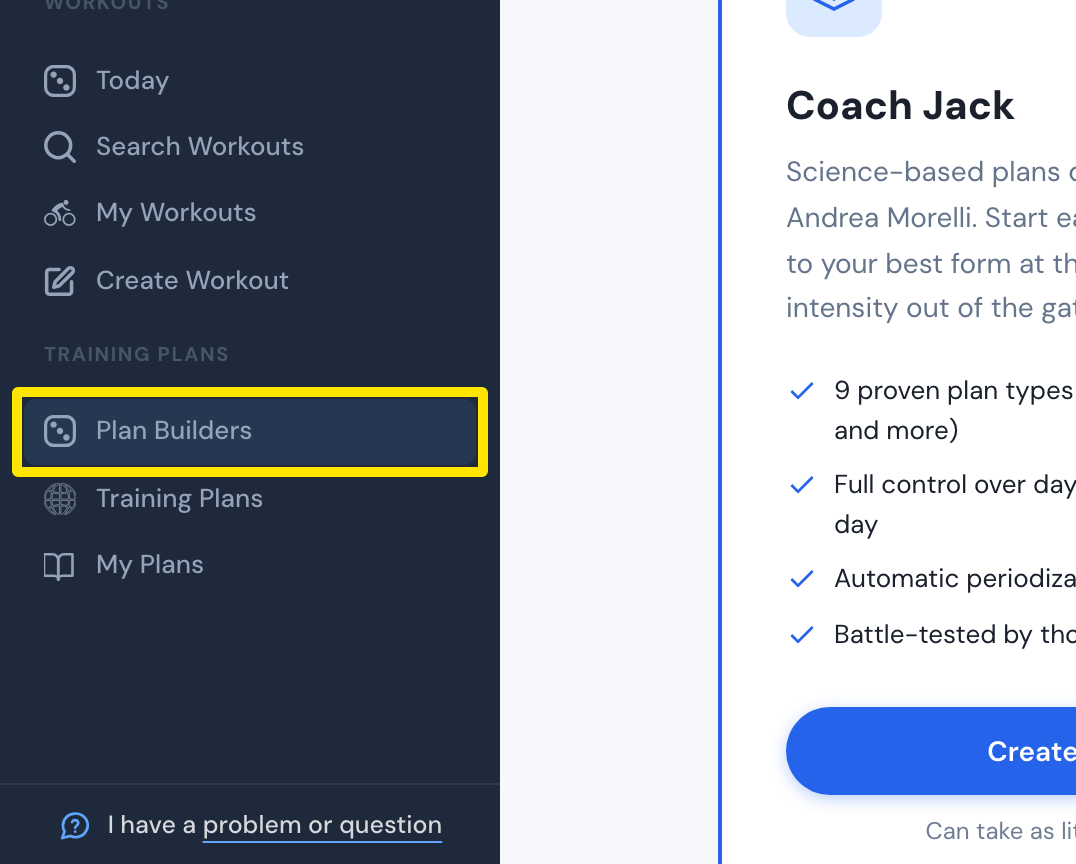 Where: Website · Plan Builders · open it
- On the Coach Jack card, click Start with Coach Jack →. If you have built a plan before, this button reads Create New Plan →.
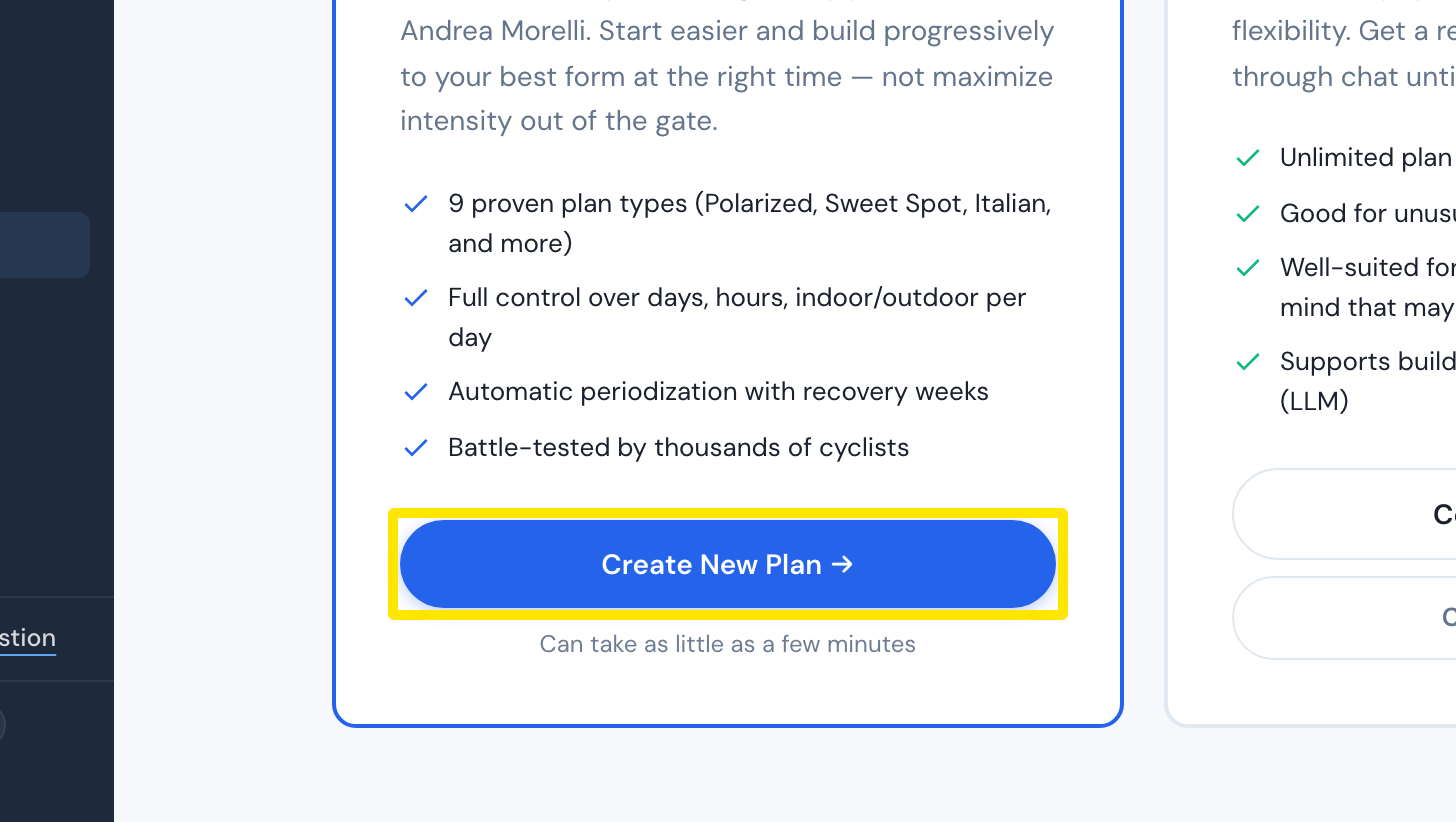 Where: Website · Plan Builders · open it
- Answer the questions, then click Build My Plan →.
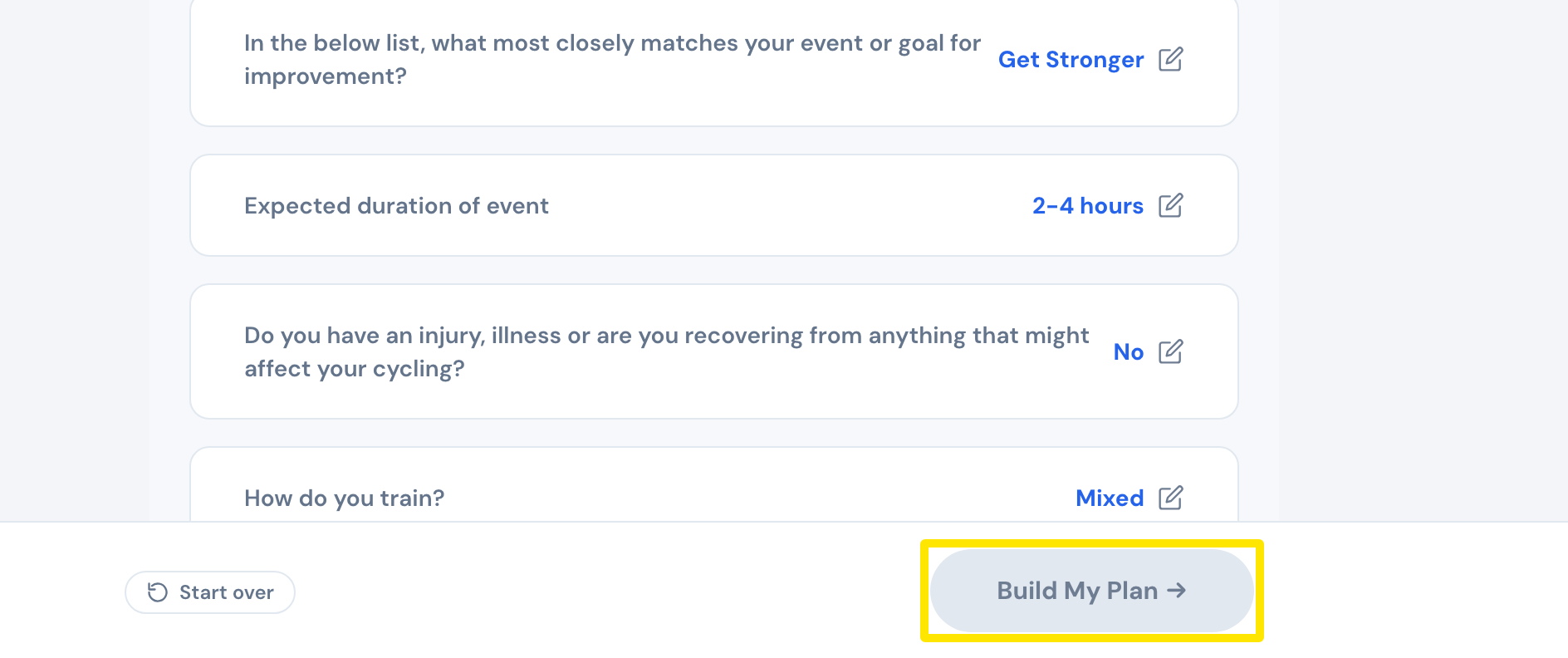 Where: Website · Coach Jack plan builder, questions
- Your plan's calendar opens. In the Week 1 row, click the date.
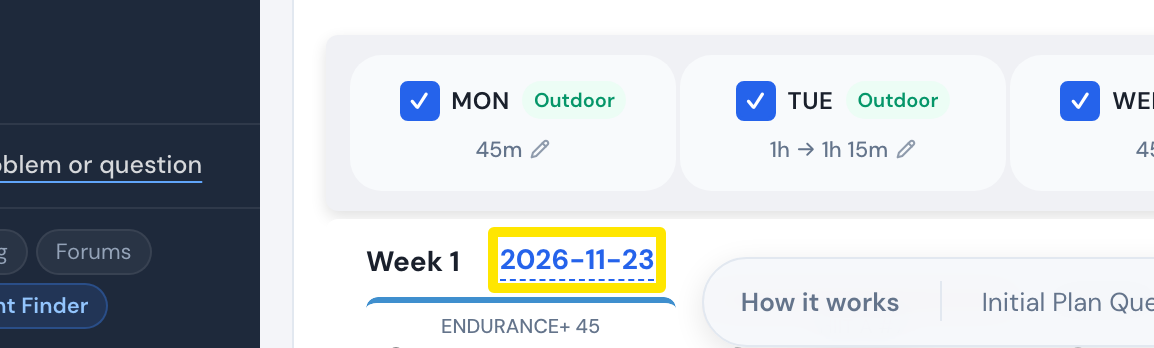 Where: Website · Coach Jack plan builder, plan calendar
- In the date picker, click any day in the week you want. The plan starts on that week's Monday.
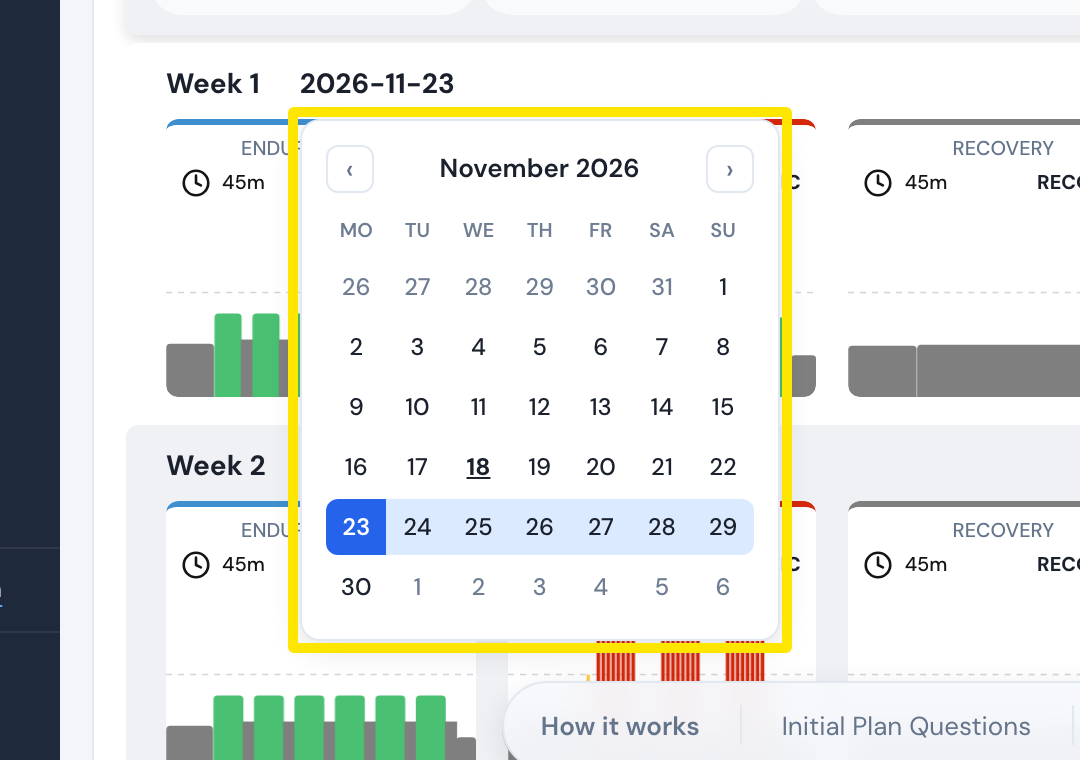 Where: Website · Coach Jack plan builder, date picker opened from the Week 1 row
- Back in the plan calendar, click Save & Next, then Send to My Calendar.
Good to know: A Coach Jack plan always starts on a Monday.
Works on: Website only.