

How do I choose which days to ride in my training plan?
In the Coach Jack builder on the website, tick the day boxes above your plan's weeks or set My days to Main, Extra or Off, then send the plan to My Calendar.
Already have a Coach Jack plan and want to move its days? See How do I change my training days in a Coach Jack plan?
- On the website, in the left sidebar under Training Plans, click Plan Builders (app.trainerday.com/coach-jack).
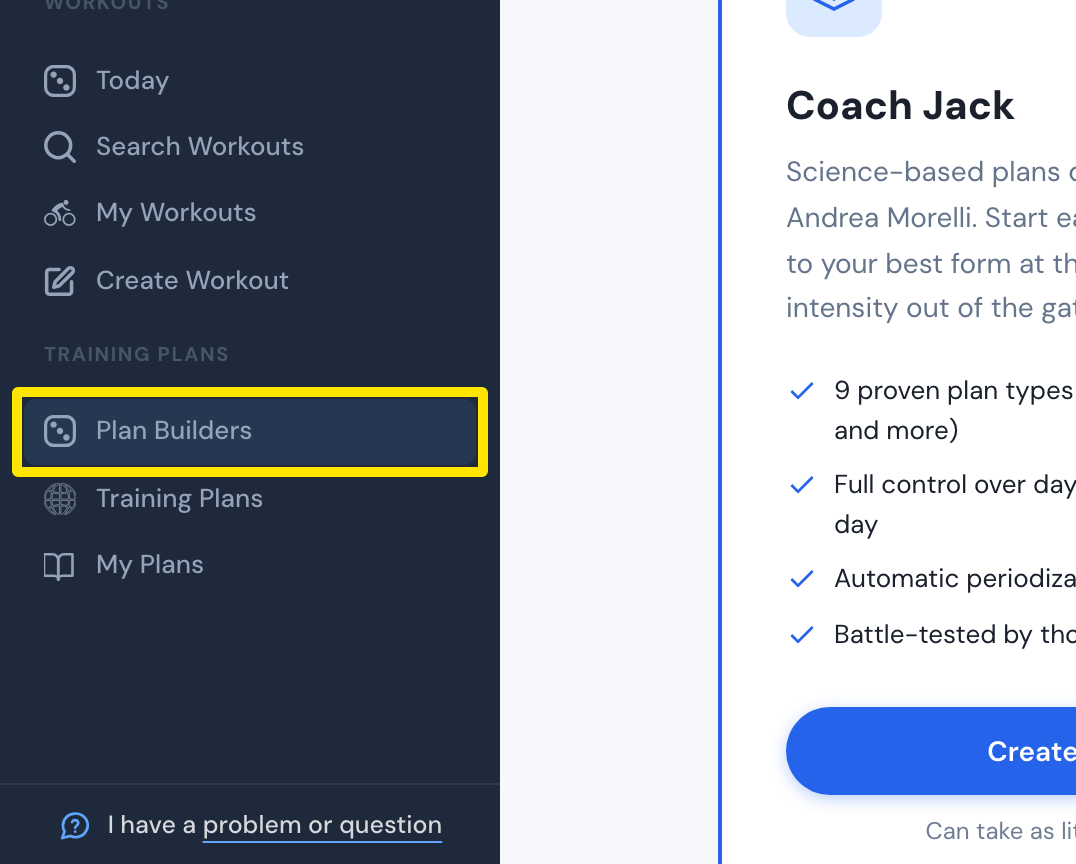 Where: Website · Plan Builders · open it
- On the Coach Jack card, click Start with Coach Jack → (or Create New Plan →).
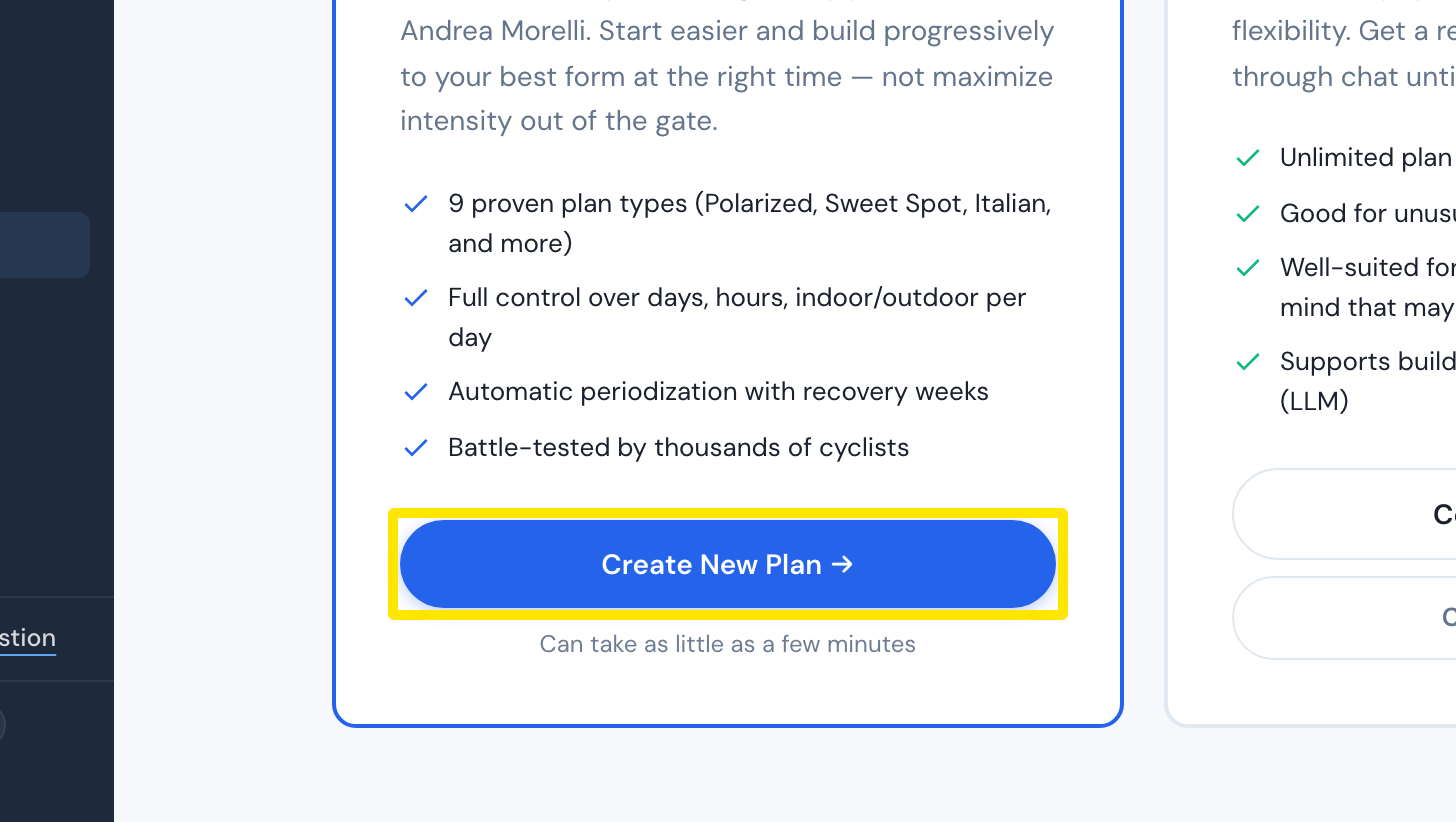 Where: Website · Plan Builders · open it
- Answer the questions and click Build My Plan →.
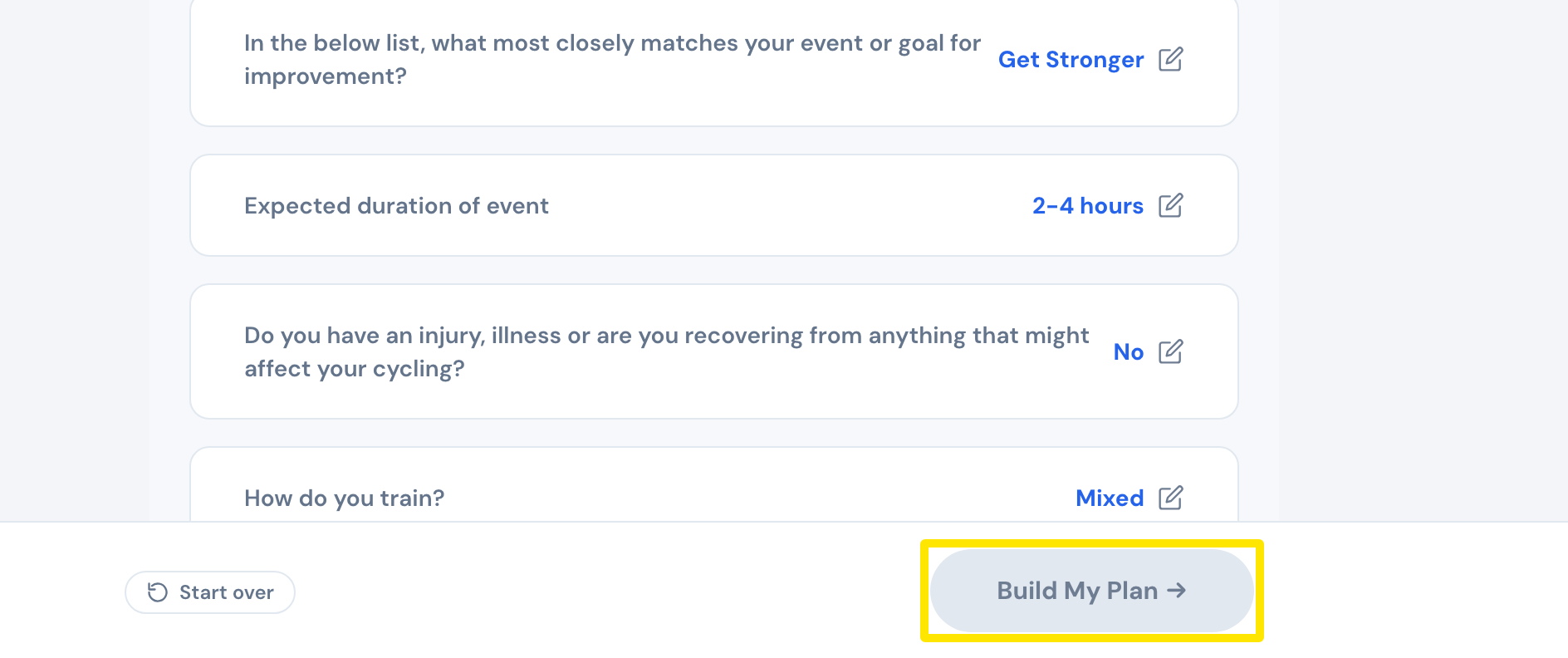 Where: Website · Coach Jack questionnaire
- In the plan's calendar, click the date in the Week 1 row and pick the Monday your plan starts.
- Tick or untick the day boxes (MON to SUN) above the weeks. Pick Only this phase or All phases.
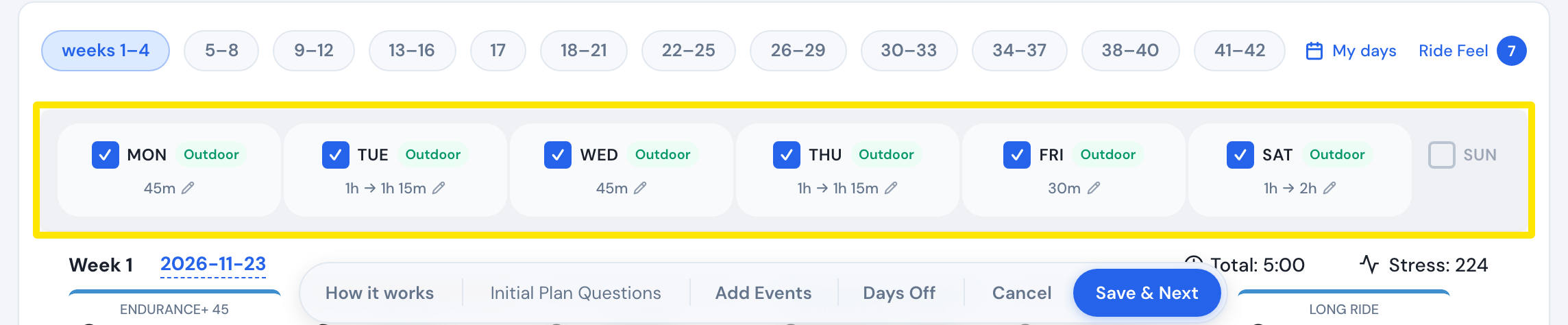 Where: Website · Coach Jack plan builder
- Or click My days and tap each day to switch it between Main, Extra and Off, then click Save and apply to all phases (Save in a one-phase plan).
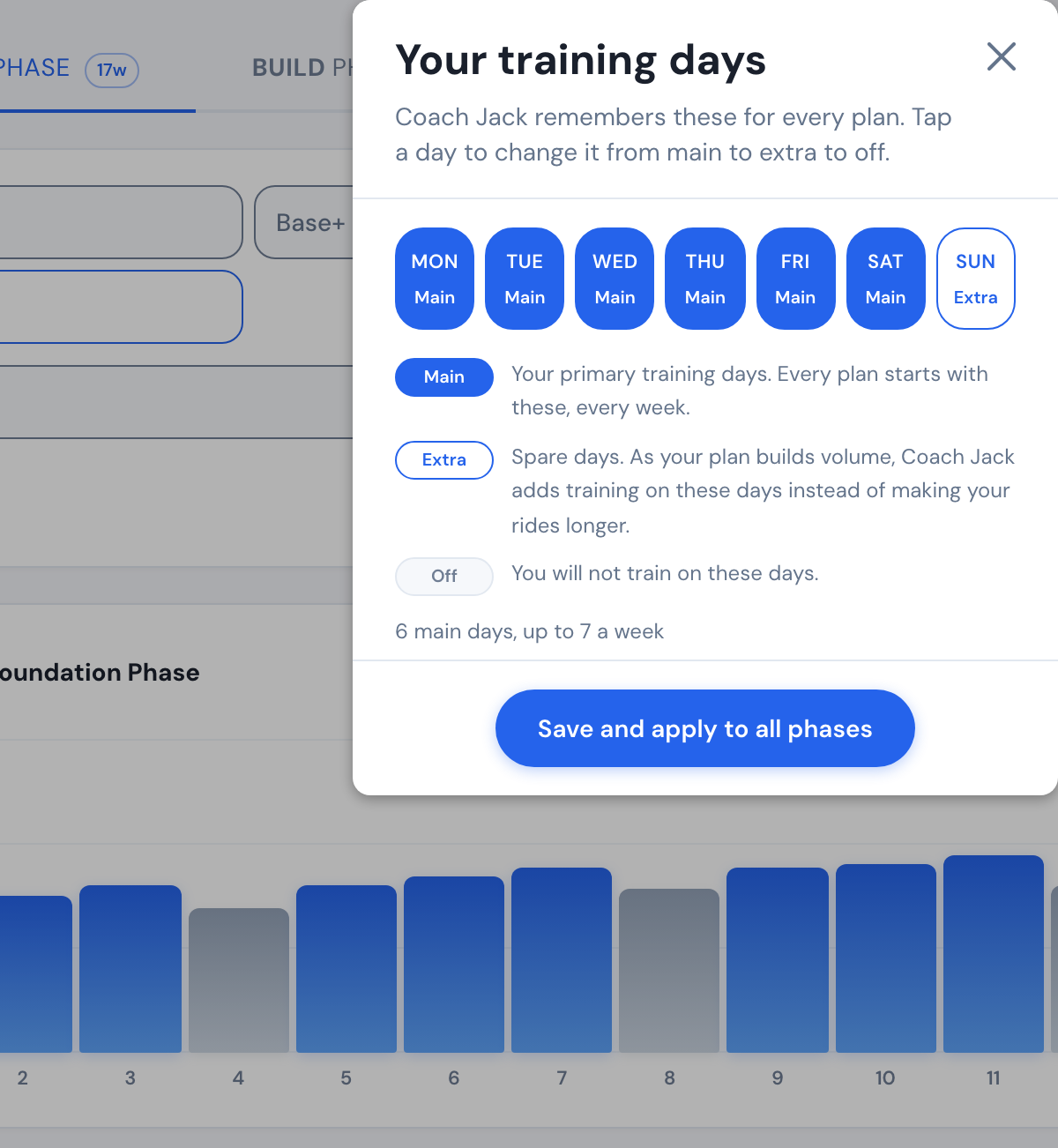 Where: Website · Coach Jack plan builder → My days window
- Click Save & Next.
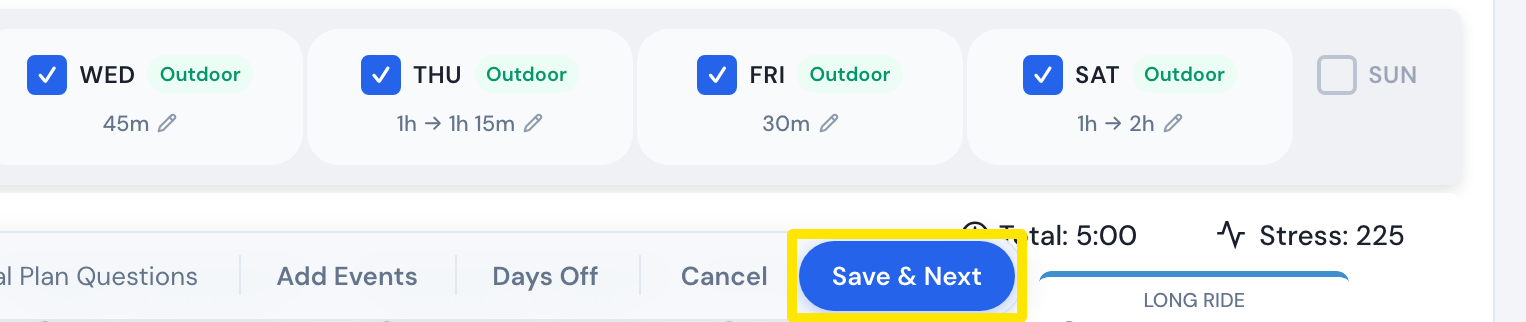 Where: Website · Coach Jack plan builder
- In the send window, click Send to My Calendar.
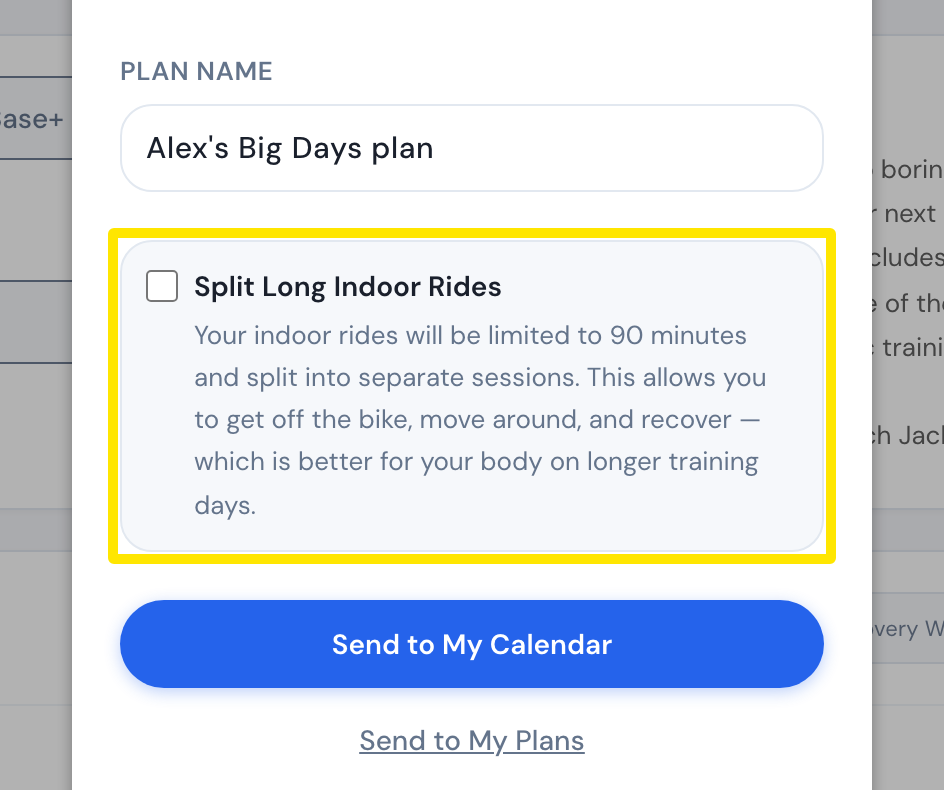 Where: Website · Coach Jack plan send window
Good to know: Coach Jack remembers My days for every plan. Without chosen days, it trains Tuesday, Thursday and Saturday.
Works on: website only.